
Sloth Search Chrome Extension
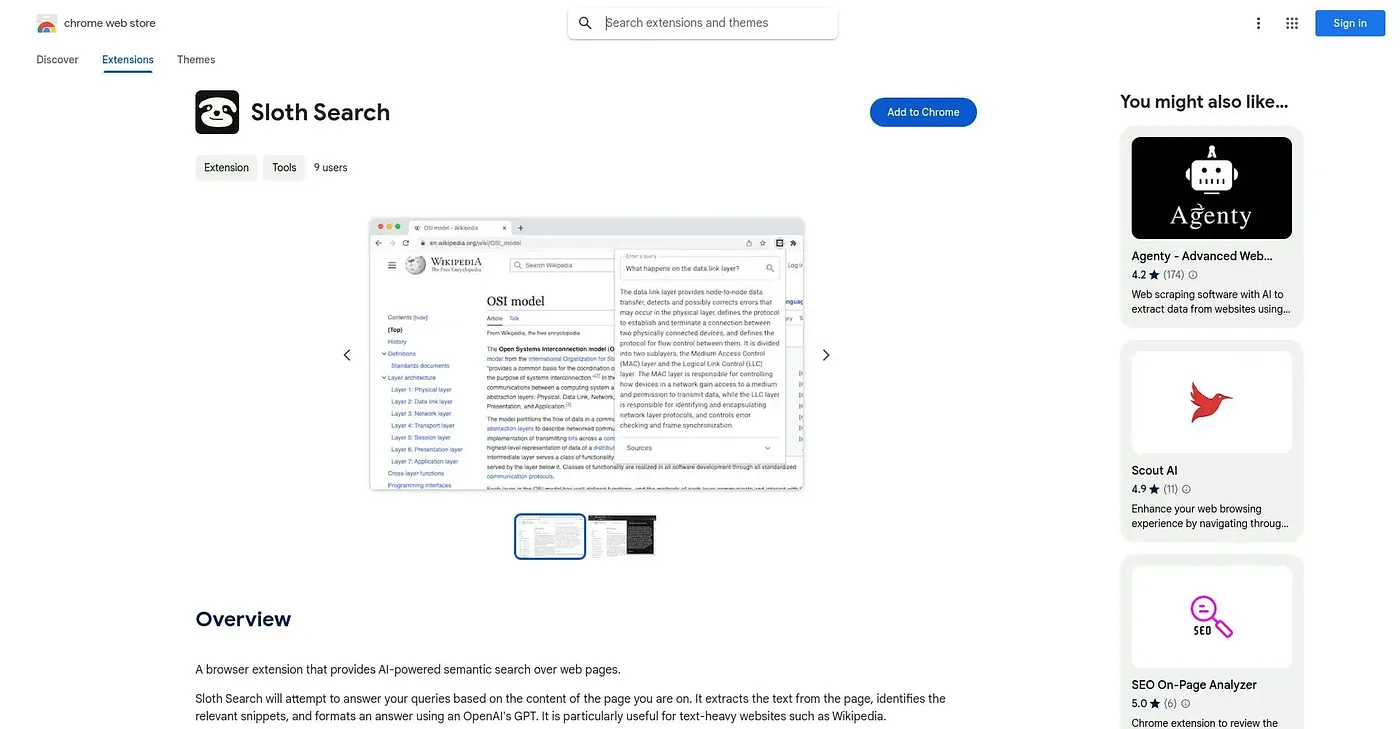
Answers questions about the page you're on by feeding its text through your own OpenAI key.
At a glance
Starts at
Free
No paid plan found on the Chrome Web Store, September 2026.
Free tier
Yes
Platforms
Chrome, API
Best for
Readers who want quick answers from long web pages
Not for
Anyone without an OpenAI API key to plug in
3.9 out of 5
Scored by Alex after real useOur verdict
Sloth Search reads whatever page you're on, pulls the relevant snippets and has GPT compose an answer to your question, which makes it handy on text-heavy pages like Wikipedia articles. Being open source, anyone can inspect or modify how it works rather than trusting a closed black box. It only functions once you supply your own OpenAI API key, so there is no working demo without one.
✓What it does well
Page-aware answersAnswers are generated from the actual content of the page you are viewing.
Good on text-heavy pagesWorks especially well on long, text-dense pages such as Wikipedia.
Open-source codeThe full source is published on GitHub for anyone to inspect.
✕Where it falls short
Bring your own keyIt only works once you provide your own OpenAI API key.
No reviews yetThere are no ratings on record, so real-world use is hard to gauge.
English interface onlyThe extension is offered only in English, with no localization.
Key features
Semantic page searchExtracts page text and searches it for relevant snippets.
GPT-generated answersFormats an answer to your query using OpenAI's GPT.
Bring-your-own API keyUses your personal OpenAI API key rather than a shared service.
Open-source codebaseShips as an open-source project hosted on GitHub.