
SmartSolve AI Homework So Chrome Extension
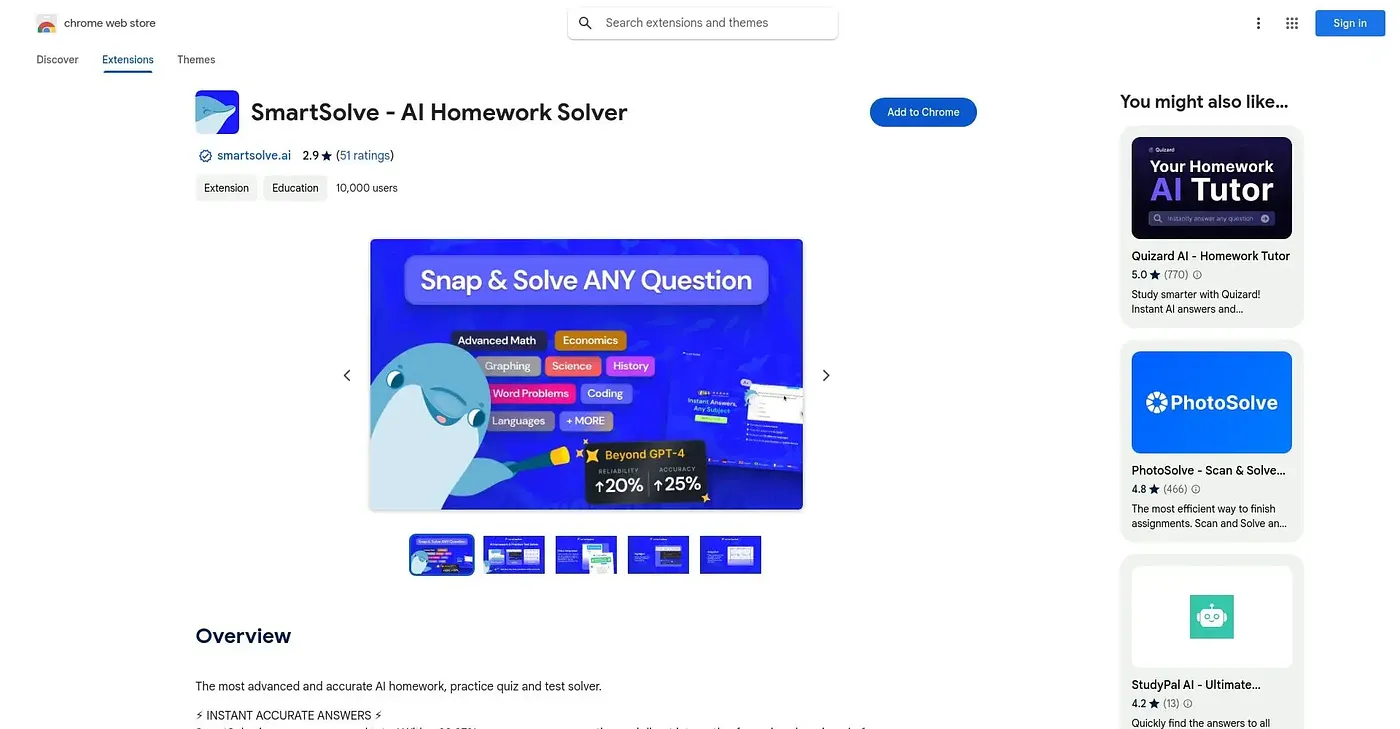
Solves homework questions from a screenshot, highlighted text or typed prompt, with mixed user reviews.
At a glance
Starts at
Free
No paid plan found on the Chrome Web Store, September 2026.
Free tier
Yes
Platforms
Chrome
Best for
Students wanting instant step-by-step homework answers
Not for
Anyone swayed by its mostly poor user ratings
1.2 out of 5
Scored by Alex after real useOur verdict
SmartSolve answers homework questions across subjects from a typed question, highlighted text or a photo of the problem, walking through step-by-step explanations rather than just a final number. It claims a 98.97% accuracy rate and positions itself as study support rather than a cheating shortcut. With 138 ratings averaging only 1.2 out of 5, the bulk of actual users report an experience well below that claimed accuracy.
✓What it does well
Multiple input methodsAccepts a typed question, highlighted text or a photo of the problem.
Step-by-step explanationsBreaks solutions down into clear steps rather than a bare answer.
Wide subject coverageCovers math, science, history and other subjects in one tool.
✕Where it falls short
Poor user ratingsIt averages only 1.2 out of 5 across 138 ratings, a warning sign for reliability.
Claimed accuracy unverifiedThe 98.97% accuracy figure is a stated claim, not something independently confirmed.
English onlyThe extension is offered only in English, with no other languages.
Key features
Photo-based solvingTakes a photo of a problem for a step-by-step explanation.
Text highlight lookupSolves a question by highlighting it directly on a page.
In-browser question entryLets you type a question directly for an instant answer.
Multi-subject supportCovers math, science, history and other school subjects.