
Udemy Summary with ChatGPT Chrome Extension
Summarizes Udemy lectures instantly with your choice of ChatGPT or Claude, then exports notes to Notion.
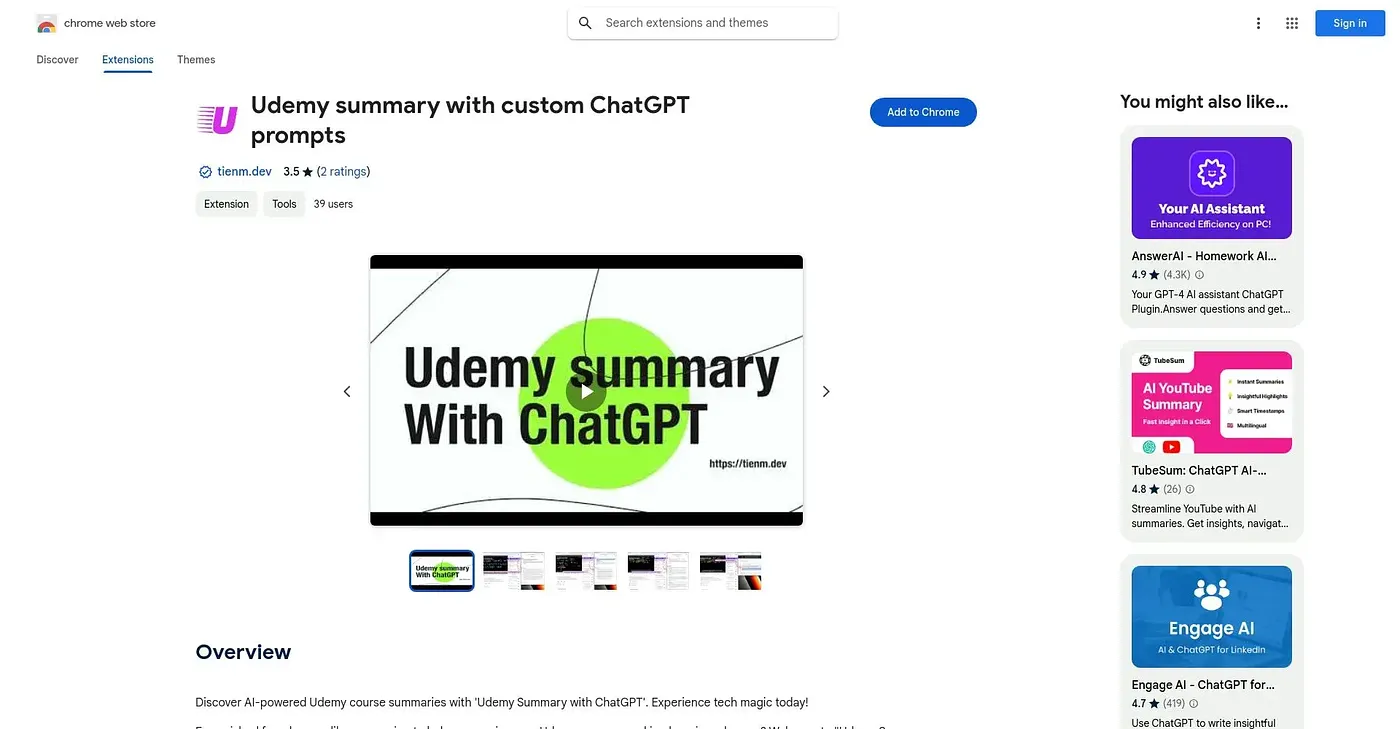
At a glance
Starts at
Free
Listed as free on the Chrome Web Store.
Free tier
Yes
Platforms
Chrome
Best for
Students powering through long, multi-hour Udemy courses
Not for
Casual viewers wanting free unlimited PDF exports
2.8 out of 5
Scored by Alex after real useOur verdict
This extension turns any Udemy lecture into a structured summary in seconds, letting you pick ChatGPT or Claude and choose a style like bullets, Q&A, or a plain-English explainer. It's built for people finishing long, multi-hour paid courses who want usable notes rather than just a watched checkbox, with a timestamped transcript and export to Notion, Obsidian, or PDF. Free use gets you started, but unlimited summaries, PDF export, and custom prompts require a one-time $4.9 purchase, and current ratings average just 2.8 out of 5.
✓What it does well
One-click summariesClick the extension on any Udemy lecture for an instant AI summary.
Choice of AI modelPick between ChatGPT or Claude to generate the summary.
Timestamped transcriptShows a transcript that auto-scrolls in sync with the video.
✕Where it falls short
Extras cost extraUnlimited summaries, PDF export, and custom prompts require a one-time $4.9 lifetime purchase, not included free.
Udemy onlyBuilt specifically for Udemy lectures, with no support for other course platforms.
Mixed reception so farCurrent ratings sit at just 2.8 out of 5, not a strong track record yet.
Key features
One-click summariesClick the extension on any Udemy lecture for an instant AI summary.
Choice of AI modelPick between ChatGPT or Claude to generate the summary.
Timestamped transcriptShows a transcript that auto-scrolls in sync with the video.
Export to Notion or PDFSends summaries to Notion, Obsidian, or PDF with one click.