
Unidub
UniDub lets you create or dub videos in multiple languages with AI.
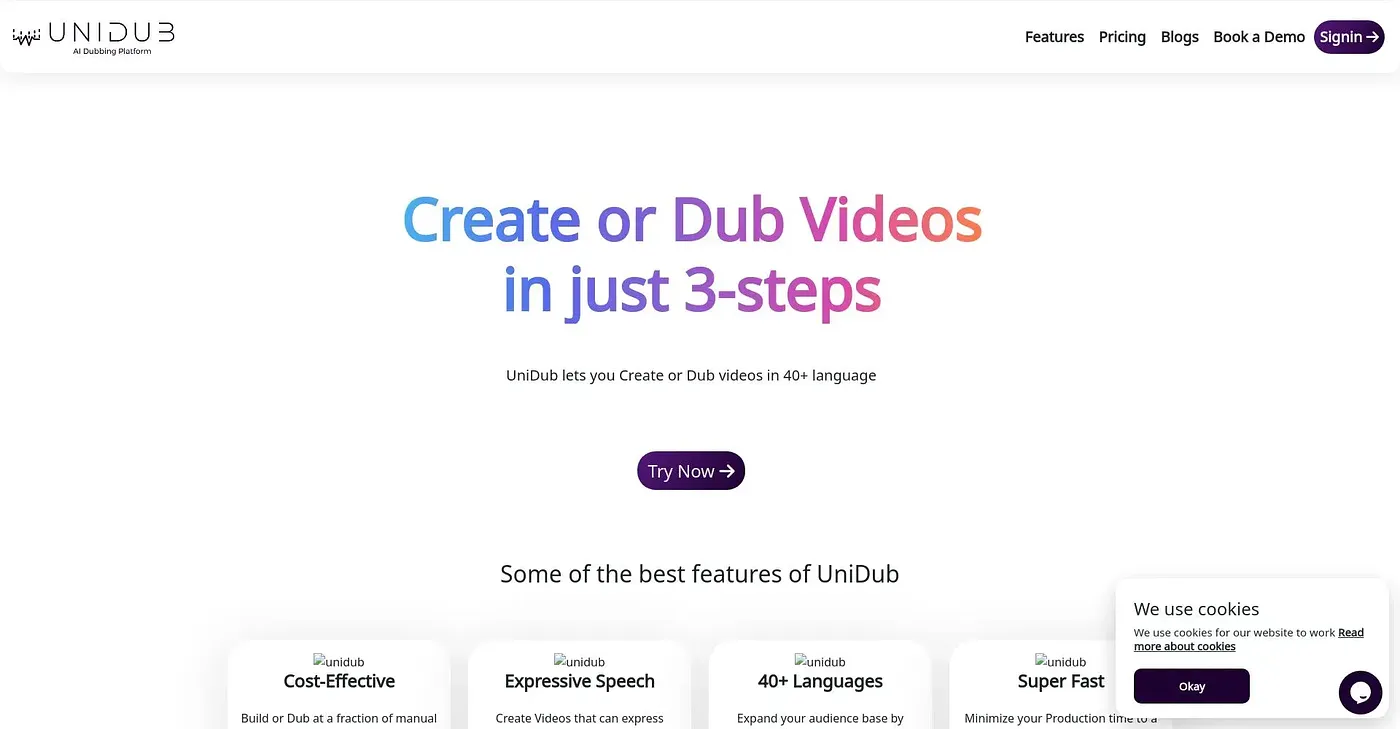
At a glance
4.0 out of 5
Scored by Alex after real useOur verdict
Creates multilingual video content quickly and cost-effectively. Ideal for expanding your audience but may lack some customization options compared to manual methods.
✓What it does well
✕Where it falls short
Key features
Questions about Unidub
What is Unidub used for?
Unidub lets users create or dub videos in multiple languages with AI. It offers dubbing in over 40 languages with regional accents, a range of human-like AI voices that can express various emotions, and support for adding background music to dubs.
How much does Unidub cost?
Unidub offers a free trial with no credit card required. Its Basic plan costs $0.25 per second, billed monthly, and includes 40+ languages and background music support. The reviewer notes that custom voice and avatar creation cost extra.
Who is Unidub best for?
Toolio lists Unidub as best for marketers and content creators looking to expand their audience with multilingual video. It is not for language specialists with niche needs, since its 40+ languages leave out some niche markets.
What are the downsides of Unidub?
The reviewer says Unidub may lack some customization options compared to manual methods. It supports only 40+ languages, which leaves out some niche markets, and it charges extra for custom voice and avatar creation. Alex scored it 4.0 out of 5 after real use.
Is Unidub faster than traditional dubbing?
The reviewer says Unidub minimizes production time compared to traditional dubbing methods and builds or dubs videos at a fraction of the cost of manual work. That speed and cost advantage sits at the core of the verdict, which describes it as creating multilingual video content quickly and cost-effectively.