Uxsniff
UXsniff detects UX changes automatically.
At a glance
4.0 out of 5
Scored by Alex after real useOur verdict
UXsniff explains what changed and its impact on user behavior, but it may be too basic for larger enterprises with more complex needs.
✓What it does well
✕Where it falls short
Key features
Questions about Uxsniff
What does Uxsniff do?
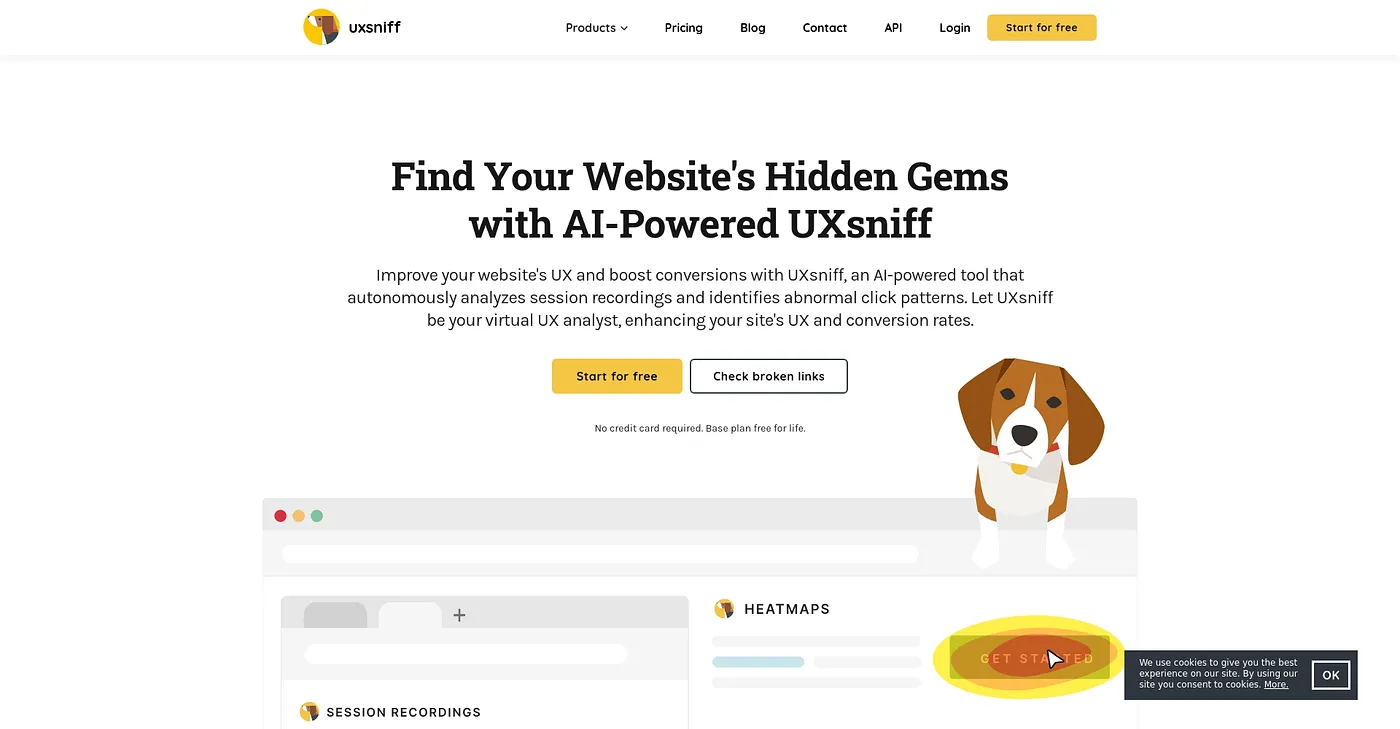
Uxsniff detects UX changes automatically and explains what changed and how it affected user behavior. It compares behavior before and after changes ship, using session recordings, page heatmaps, rage clicks and other user signals, and it presents the results in concise reports that highlight key issues.
How much does Uxsniff cost?
Uxsniff has a free plan, and paid plans start with Poodle at $19 per mo. Hound costs $49 per mo and adds features such as survey customization and a developer API, while K-9 costs $89 per mo and includes everything in the previous plans. There are no long-term commitments.
What does the Uxsniff free plan include?
The Uxsniff free plan includes up to 100 recordings/day and 1,000 pageviews/day for life, with no long-term commitments. The reviewer notes that it only stores one month of data, and credits the free start with making Uxsniff accessible for new users.
Is Uxsniff good for large companies?
The reviewer says Uxsniff may be too basic for larger enterprises with more complex needs, and Toolio lists it as best for small to mid-size teams. It offers only basic A/B testing without advanced experiment setup, and it has no native mobile application for on-the-go monitoring.
What are some alternatives to Uxsniff?
Toolio lists All Quiet, Jam, Anyscale and Averroes AI as alternatives to Uxsniff. Jam captures bugs, feedback and ideas along with their technical context for teammates or agents, and All Quiet handles on-call management and incident response for engineering teams.