
Visualizee AI
Turn any design into photoreal visuals in seconds.
At a glance
4.0 out of 5
Scored by Alex after real useOur verdict
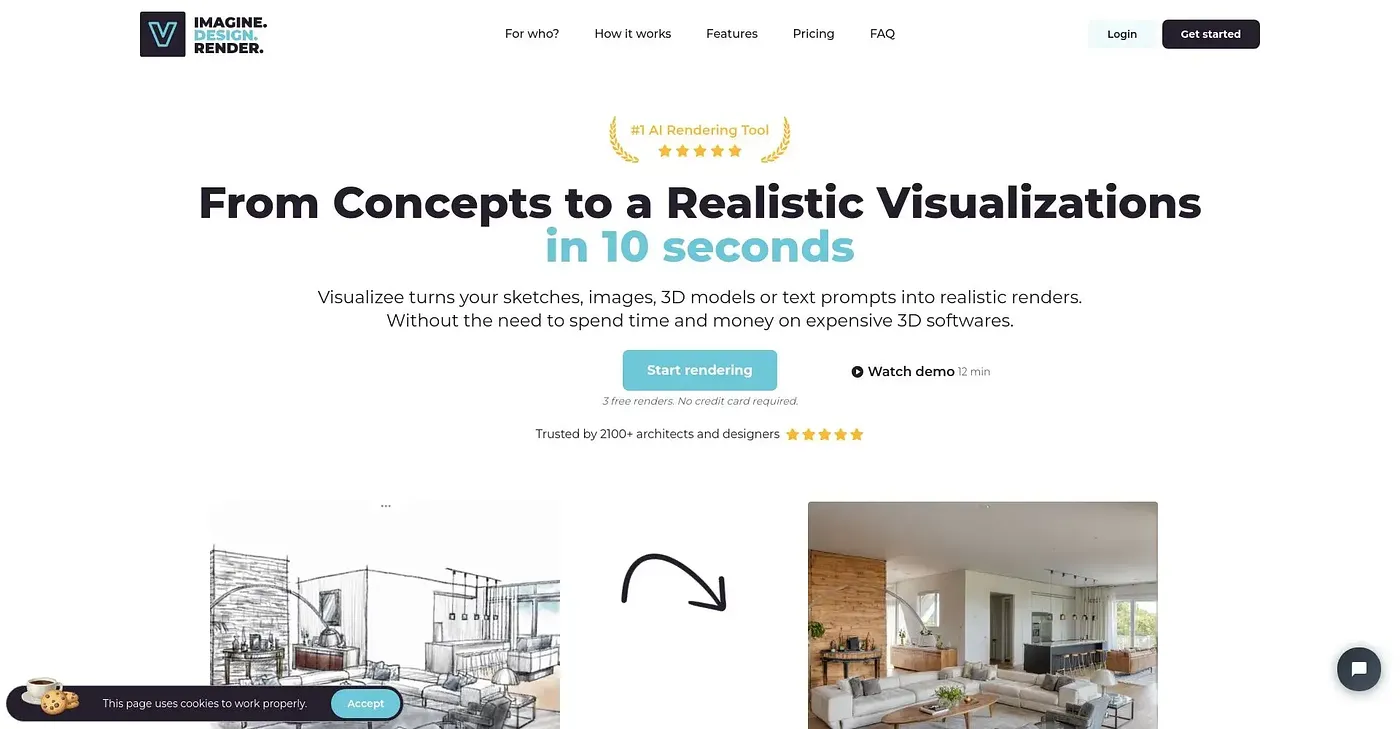
Visualizee turns sketches, photos, and models into stunning renders instantly. Architects and interior designers especially benefit. Skip the render farm but it's not ideal for complex scenes or animations.
✓What it does well
✕Where it falls short
Key features
Questions about Visualizee AI
What is Visualizee AI?
Visualizee AI turns sketches, photos and models into photoreal renders in seconds. Users describe what they want in plain language, and the reviewer says the renders preserve exact design elements such as car body lines and furniture proportions. Architects and interior designers benefit most, according to the reviewer.
Is Visualizee AI free?
Visualizee AI has a limited free tier at $0, but its output is watermarked until the user upgrades. The paid plan starts at $9 per month and covers one user. The tool runs in a web browser.
Who should use Visualizee AI?
Visualizee AI is best for designers and studios that want photoreal renders without a render farm. The reviewer says it is not ideal for complex scenes, and Toolio lists physical product photographers as a poor fit because it does not support physical product photography or studio setups.
Can Visualizee AI generate multiple variations at once?
Yes. Visualizee AI's batch rendering generates up to 16 variations from a single prompt, which helps keep a project consistent. Users can also explore multiple material choices instantly without re-rendering, and the tool supports over 140 languages.
What alternatives to Visualizee AI does Toolio list?
Toolio lists Vance AI, Datature and Let's Enhance as alternatives to Visualizee AI. Vance AI upscales and enhances photos, Datature suits enterprises and developers rather than individual users, and Let's Enhance offers professional image enhancement up to 512 MP resolution. Alex scored Visualizee AI 4.0 out of 5.