
Voice DIM Chrome Extension
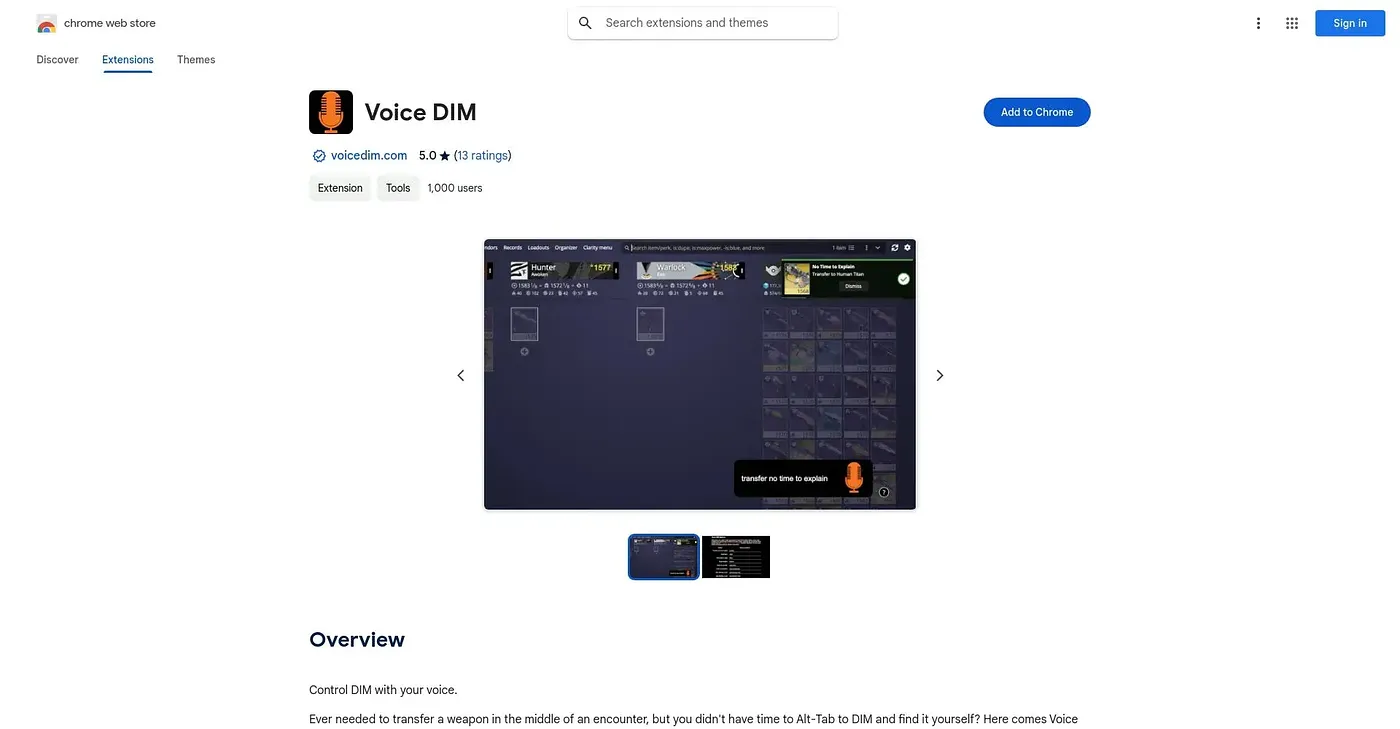
Lets Destiny players transfer and equip gear by voice command mid-match instead of alt-tabbing to DIM.
At a glance
5.0 out of 5
Scored by Alex after real useOur verdict
Voice DIM lets Destiny players transfer, equip, or store weapons by voice mid-match, using either a global shortcut or an always-listening activation phrase. It's built for players managing loadouts during live Crucible matches or raids who don't have time to alt-tab. It's scoped entirely to Destiny Item Manager, needs some setup to configure custom commands, and has documented recognition issues with numeric loadout names and at least one weapon name.
✓What it does well
✕Where it falls short
Key features
Questions about Voice DIM Chrome Extension
What is Voice DIM Chrome Extension used for?
Voice DIM Chrome Extension lets Destiny players transfer, equip or store weapons by voice in the middle of a match instead of alt-tabbing to Destiny Item Manager. Weapons can be picked by name, type, energy or perks, and farming mode can be started or stopped by voice to manage the postmaster.
Is Voice DIM Chrome Extension free?
Voice DIM Chrome Extension is free. Toolio found no paid plan on the Chrome Web Store in September 2026, and the tool is listed at $0 with a free tier. It runs as an extension in Chrome.
How do you activate voice commands in Voice DIM Chrome Extension?
Voice DIM Chrome Extension takes commands through either a global shortcut or an always-listening activation phrase, so commands can work without pressing a key first. Custom voice commands and the activation phrase are set up on the options page, and the reviewer notes this configuration is needed before it feels natural.
Does Voice DIM Chrome Extension recognize every weapon name?
Not reliably. The reviewer documents recognition issues with loadouts named with numbers and with at least one weapon name, which need workarounds such as spelling the name out. Players who need perfect recognition of tricky names are listed among those it does not suit.
What score does Voice DIM Chrome Extension get on Toolio?
Alex gave Voice DIM Chrome Extension 5.0 out of 5 after real use, scored on 5 Oct 2026. The reviewer recommends it for Destiny players managing loadouts during live Crucible matches or raids, while noting it is scoped entirely to Destiny Item Manager and has no use outside that game.