
WebWave
Create a website with AI suggestions, but pay for exports.
At a glance
Starts at
$9 per month (Starter)
Includes drag-and-drop editor, 100+ templates, and AI website builder. Additional costs apply for custom domains.
Free tier
Yes, limited
Platforms
Web
Best for
Small businesses and freelancers
Not for
Custom domain owners
4.0 out of 5
Scored by Alex after real useOur verdict
WebWave creates simple websites quickly using AI templates; best for those without technical skills. It's easy to use but requires additional payment for domain exports.
✓What it does well
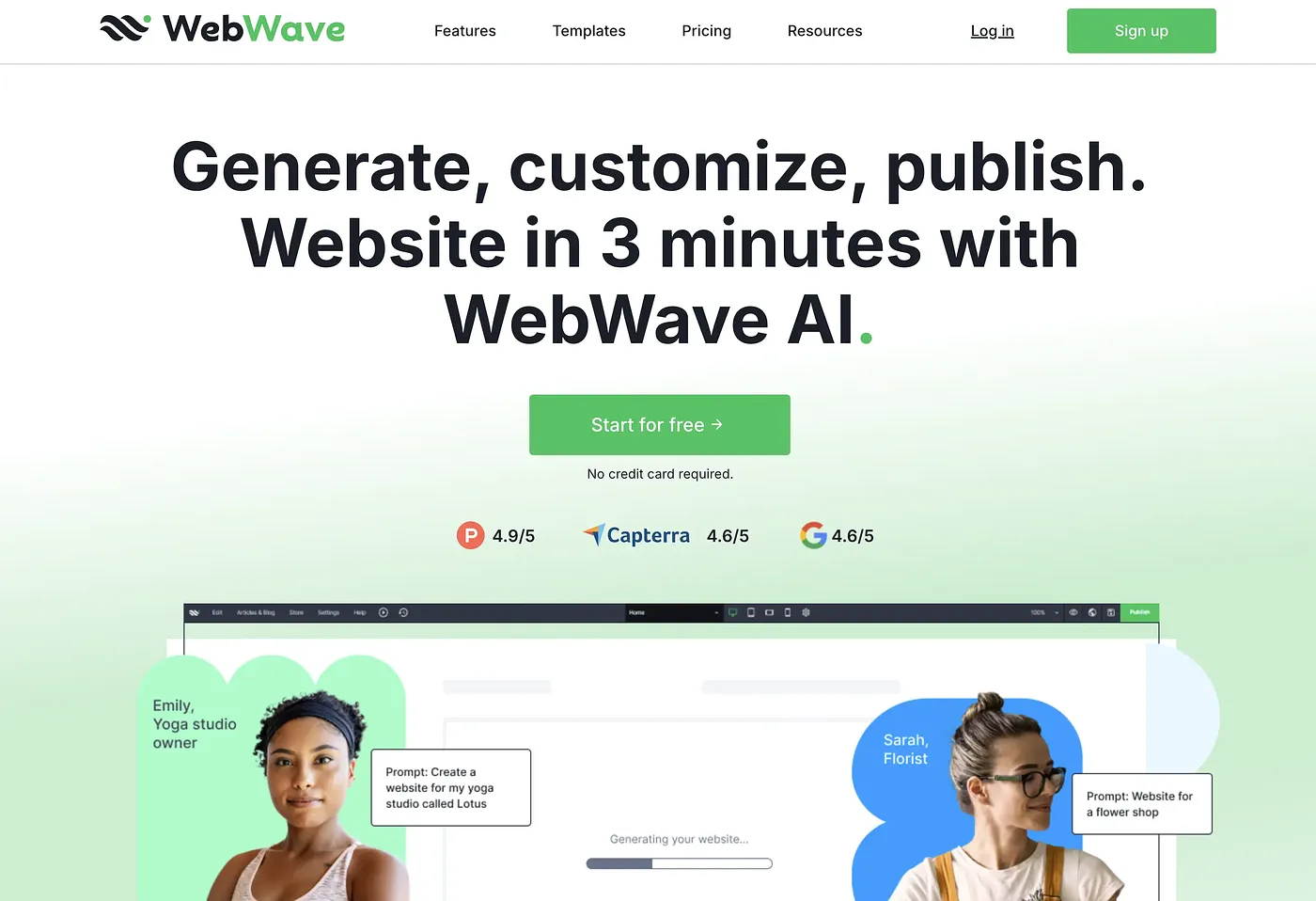
Quick setupGenerate a functional site in 3 minutes using the AI builder.
Customization optionsYou can change logos and add new sections to your site easily.
Drag-and-drop interfaceUse a simple drag-and-drop editor to build your website visually.
✕Where it falls short
Higher costs for custom domainsThe free trial excludes domain customization, requiring paid plans after the trial ends.
Limited control over exportsYou must pay extra to export your site with a custom domain and remove branding.
Dependent on templatesThe AI suggests predefined templates, limiting creative freedom for unique designs.
Key features
AI suggestionsTemplates, content, and structure are suggested by the WebWave AI.
Drag-and-drop editorEasily rearrange elements on your website using a simple interface.
Free trialAccess all features during a free 14-day period before committing to a plan.
Export optionsAllows you to export your site with custom domains and branding removed.