
Yapping Chrome Extension
Adds a button to Claude's interface so you can talk instead of typing out long prompts.
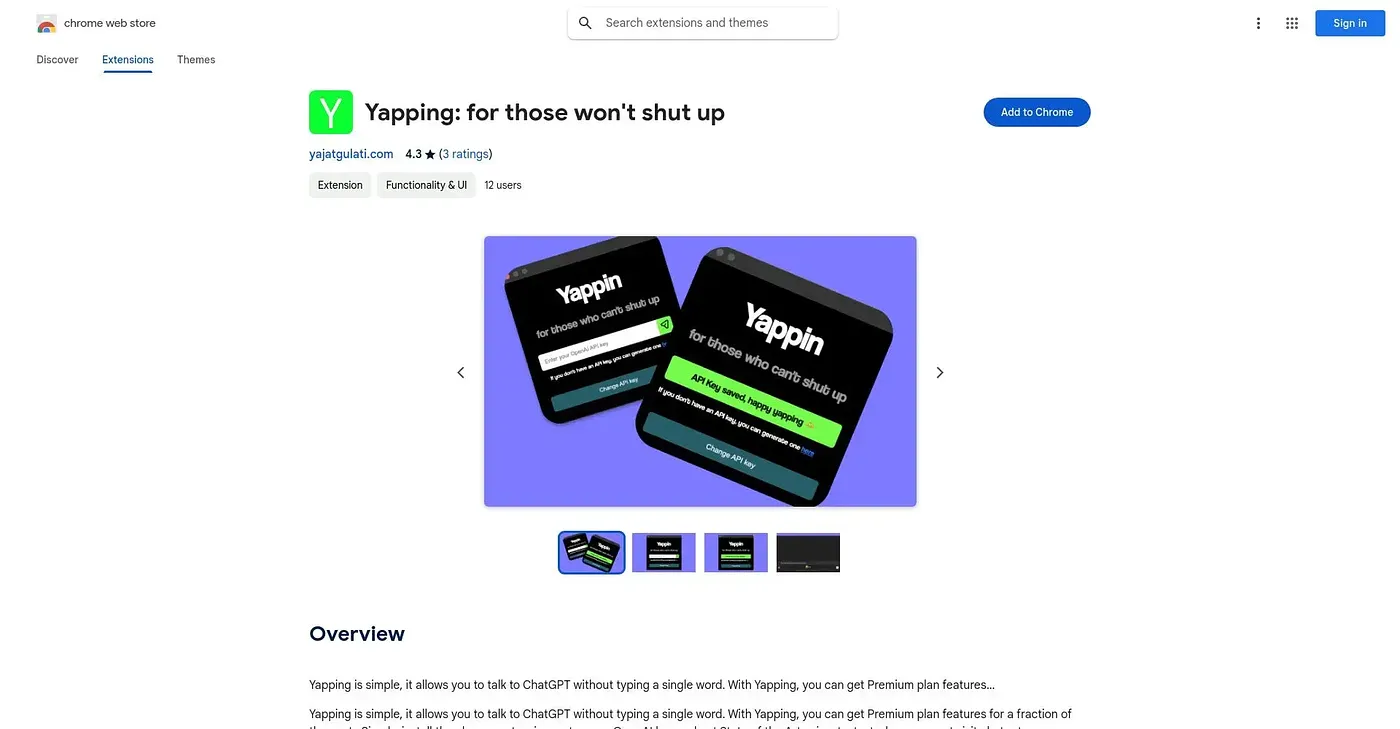
At a glance
Starts at
Free
No paid plan found on the Chrome Web Store, September 2026.
Free tier
Yes
Platforms
Chrome, API
Best for
Claude users who'd rather speak than type prompts
Not for
Users wanting AI without providing their own API key
4.3 out of 5
Scored by Alex after real useOur verdict
Yapping adds a talk button right onto Claude's interface, letting you speak detailed prompts instead of typing them out. It's built for Claude users who find that giving the AI enough context by typing takes too long. It works only with Claude, needs your own API key entered first, and has just three ratings so far.
✓What it does well
Voice input buttonAdds a button to Claude's interface to start talking instead of typing.
Simple installRequires just installing the extension and entering an API key to start.
Detailed prompt captureMakes it faster to give Claude the detailed context it works best with.
✕Where it falls short
Needs your own API keyRequires entering your own API key before it works, not a bundled subscription.
Claude onlyBuilt only for Claude's interface, with no support for other AI chatbots.
Small rating sampleOnly three ratings exist so far, a thin sample to judge reliability by.
Key features
Voice input buttonAdds a button to Claude's interface to start talking instead of typing.
API key setupConnects using your own API key rather than a shared account.
Simple installRequires just installing the extension and entering an API key to start.
Detailed prompt captureMakes it faster to give Claude the detailed context it works best with.