Acrolinx
Automate content governance, but requires complex setup.
At a glance
4.0 out of 5
Scored by Alex after real useOur verdict
Acrolinx ensures consistent content across your company, but can be resource-intensive and costly to set up for smaller teams.
✓What it does well
✕Where it falls short
Key features
Questions about Acrolinx
What does Acrolinx do?
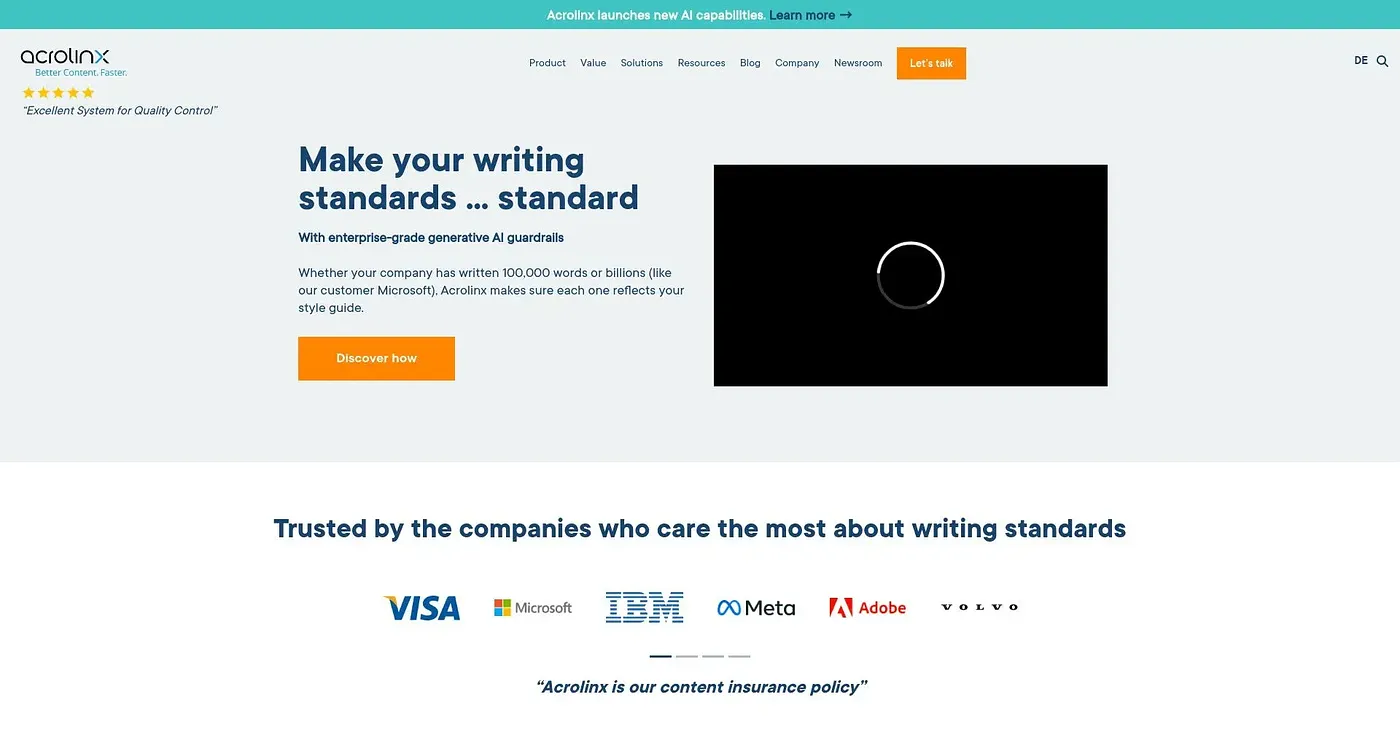
Acrolinx automates content governance by digitizing style guides and rules so content stays consistent across a company. Its AI agents scan, score and fix content, and it allows adjustments for different target audiences while keeping the brand consistent. Detailed changelogs track content updates.
How much does Acrolinx cost?
Acrolinx's pricing page lists a Business plan at $745 per user/month, which includes all features with priority support, and an Enterprise plan priced on contact. There is no free tier, and the reviewer notes it is expensive for smaller teams and often requires additional engineering resources.
Which tools does Acrolinx work with?
Acrolinx runs on the web and works with Github, AEM, VS Code, SalesForce and Oxygen XML. It provides suggestions across these authoring environments, which the reviewer counts among its main strengths.
Is Acrolinx hard to set up?
Yes. Acrolinx needs significant time to configure and integrate with existing systems, and the reviewer says it can be resource-intensive and costly to set up for smaller teams. Toolio lists it as best for large enterprises with strict standards and not for small teams with limited budgets.
What are some alternatives to Acrolinx?
Toolio lists AI Writing Assistant as an alternative to Acrolinx, a tool that turns AI text into human-sounding writing. Acrolinx itself holds a Toolio score of 4.0 out of 5, given by Alex after real use on 5 Oct 2026.