
Flot AI Chrome Extension
Puts ChatGPT-style AI behind a keyboard shortcut in any app, doc, website or email.
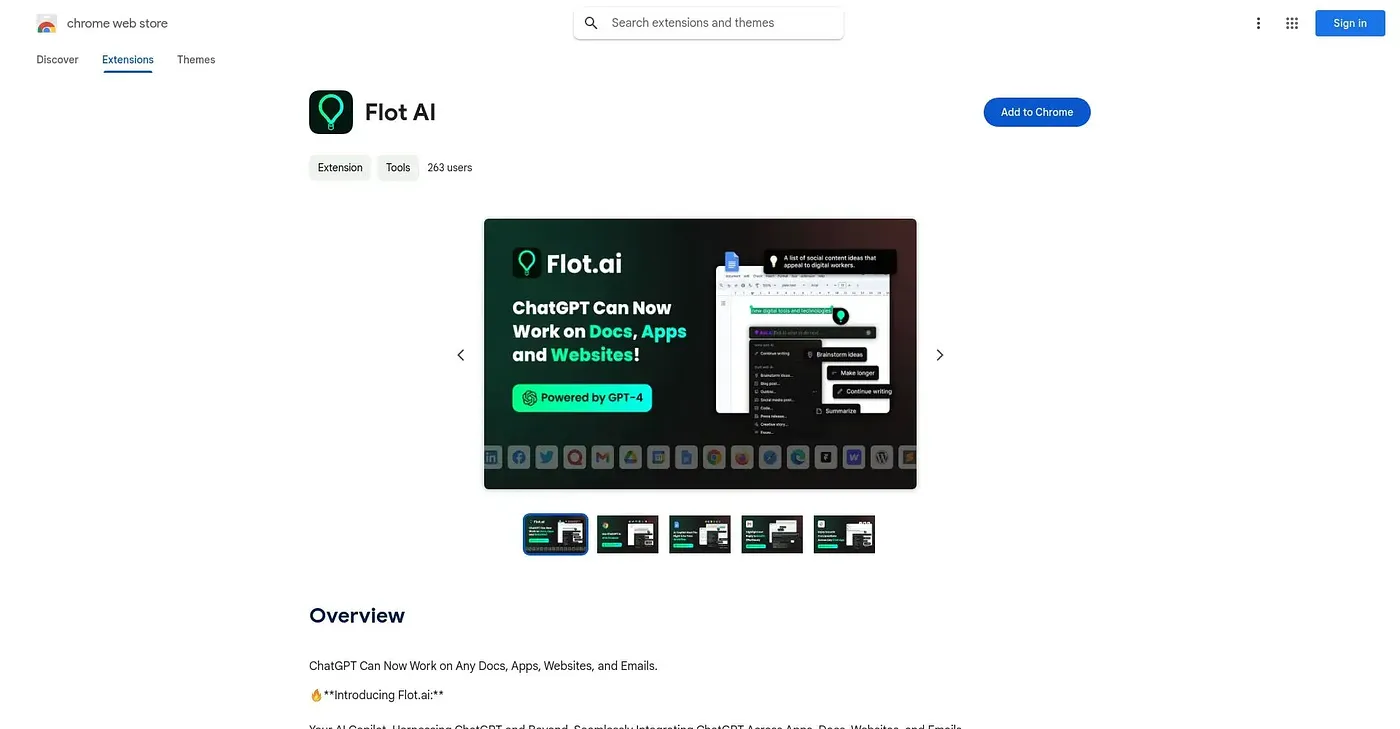
At a glance
Starts at
Free
Listed as free on the Chrome Web Store.
Free tier
Yes
Platforms
Chrome
Best for
People wanting AI writing help without switching apps
Not for
Heavy users unwilling to pay once the free limit hits
3.9 out of 5
Scored by Alex after real useOur verdict
Flot brings ChatGPT into any app, document, website or email: highlight text or use a shortcut, and preset prompts handle writing polish, tone changes, quick replies, translation, summarizing, grammar checks and outlines. No separate ChatGPT account is required, and it supports over 200 languages for both questions and answers. Free use comes with a limit, so anyone who leans on it constantly will eventually need the premium plan.
✓What it does well
Works across any appIt brings AI assistance into any document, app, website or email.
Preset prompt libraryPreset prompts cover writing, tone editing, replies, translation and summarizing.
No account requiredIt works without needing a separate ChatGPT or OpenAI account.
✕Where it falls short
Free tier is cappedFree use comes with a limit, and getting more requires the premium plan.
Premium needed for heavy useFrequent use runs into the free cap, so regular users end up paying extra for the premium plan.
Desktop app needed for full coverageWorking across all apps beyond the browser requires downloading a separate desktop app.
Key features
Universal text-selection AIHighlighting text or using a shortcut calls up AI help anywhere.
Preset writing promptsPreset prompts handle rewriting, tone changes, replies, translation and summaries.
Multi-language supportIt supports over 200 languages for questions and responses.
Desktop app optionA desktop app extends coverage to apps beyond the browser.