
AI Command Chrome Extension
AI Command Chrome extension transforms text with AI, but lacks deep customization.
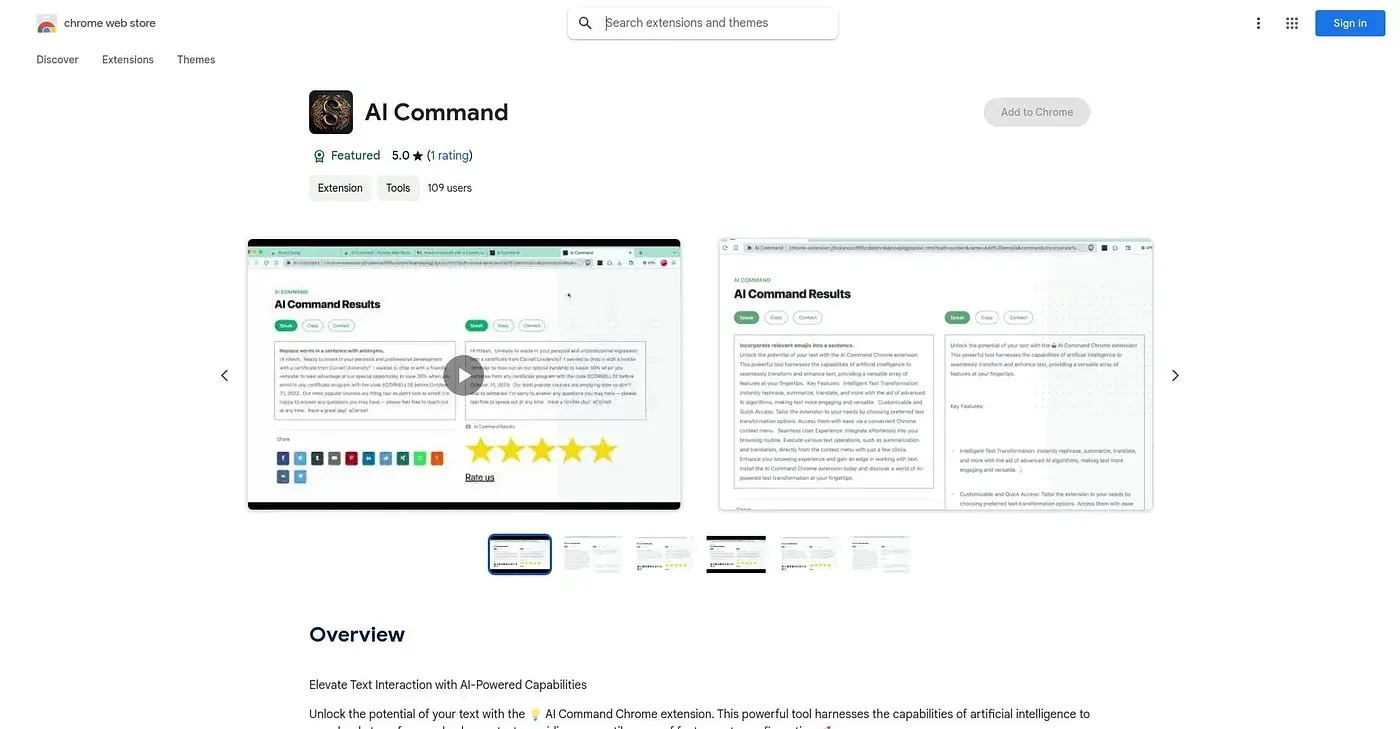
At a glance
3.8 out of 5
Scored by Alex after real useOur verdict
AI Command helps rephrase and translate texts quickly. It’s great for those who need basic transformations fast. However, it might not be suitable if you require more advanced or specific editing functions.
✓What it does well
✕Where it falls short
Key features
Questions about AI Command Chrome Extension
What does AI Command Chrome Extension do?
AI Command Chrome Extension transforms text with AI, helping users rephrase, summarize and translate it quickly. It works from the Chrome context menu, so it fits into a normal browsing routine with no setup required. The reviewer describes it as a good fit for people who need basic transformations done fast.
How many languages does AI Command Chrome Extension support?
AI Command Chrome Extension supports over 47 languages for translation and summarization. That range suits content writers and translators, the two groups Toolio lists it as best for. The extension is also updated regularly to include new AI capabilities.
How much does AI Command Chrome Extension cost?
AI Command Chrome Extension has no free tier, and a paid subscription is required to access all features. The Monthly Plan costs $5.99, while the Annual Plan costs $4.99 per month. Toolio lists the starting price as $5.99 per month, as published by the vendor in September 2026.
What are the limitations of AI Command Chrome Extension?
AI Command Chrome Extension offers limited customization, since users cannot adjust its AI parameters for more precise results. The reviewer also notes it might not suit anyone who needs more advanced or specific editing functions. With no free tier, trying it at all requires a paid subscription.
How does Toolio rate AI Command Chrome Extension?
Toolio gives AI Command Chrome Extension a score of 3.8 out of 5, set by Alex after real use on 5 Oct 2026. The reviewer credits its quick rephrasing and translation and its easy access through the Chrome context menu. It has been listed on Toolio since October 2024.