AI Shot
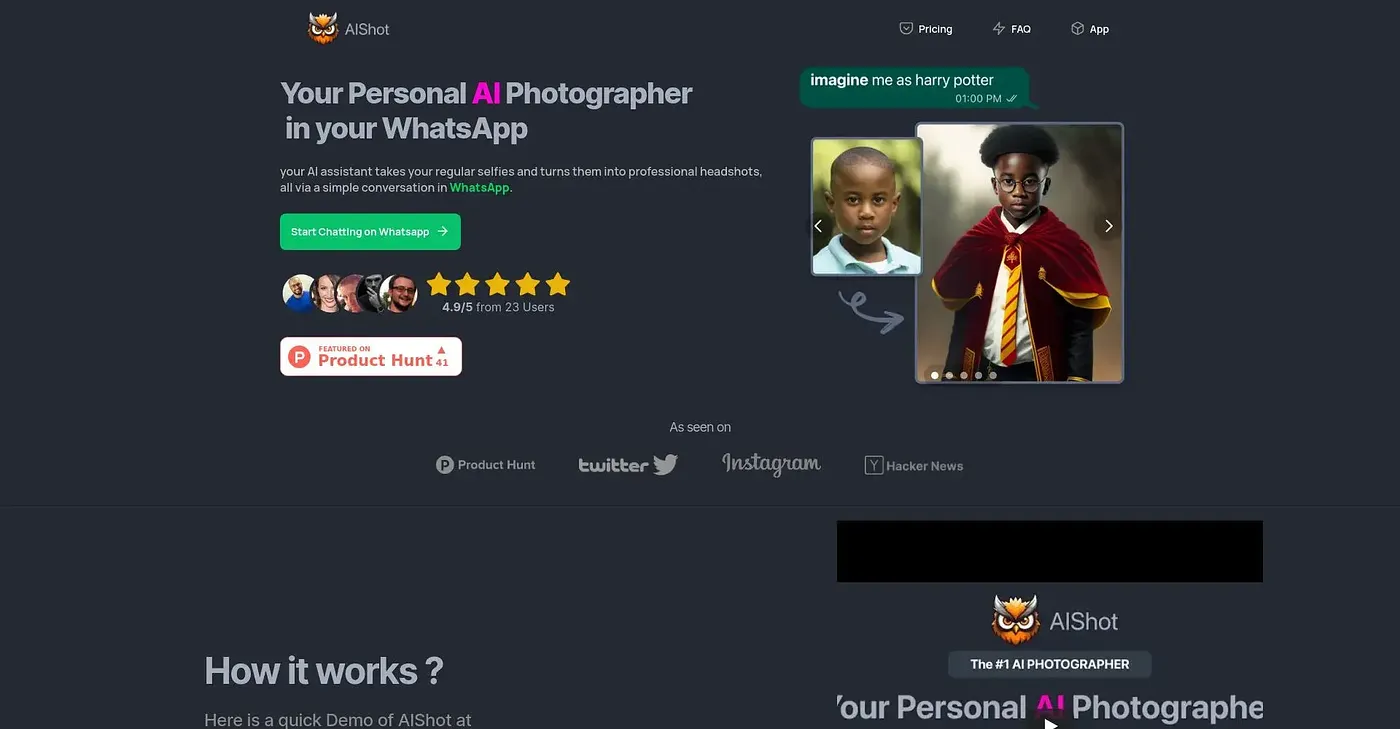
Create professional AI headshots in seconds.
At a glance
3.9 out of 5
Scored by Alex after real useOur verdict
AI Shot generates quick, natural-looking headshots but struggles with complex expressions. Not ideal for detailed retouching.
✓What it does well
✕Where it falls short
Key features
Questions about AI Shot
What does AI Shot do?
AI Shot creates professional AI headshots in three simple steps. Users can choose business, suit and tie or clean background styles, and switch to a white, gray, office or gradient background in one tap, with results suited to professional headshots, resumes and company directories.
How much does AI Shot cost?
AI Shot has no free tier, though a free trial is available before committing to a plan. The Monthly Plan costs $4.99 and includes basic features and background removal, while the Annual Plan costs $39.88, billed annually.
Does AI Shot have a mobile app?
Yes. AI Shot is available as a free download on iOS and Android, and it also runs on the web. Toolio lists it as best for professionals, couples and resumes, and the reviewer finds its headshots quick and natural-looking.
What are the limits of AI Shot?
AI Shot struggles with complex expressions and is not ideal for detailed retouching. Its retouching tools cover only minimal skin cleanup and teeth whitening, and some high-end retouching and unlimited downloads require a premium subscription.
What is an alternative to AI Shot?
Toolio lists AI Consistent Character as an alternative to AI Shot. It transforms one photo into multiple consistent characters across various poses and styles, but needs specific input for the best results. AI Shot itself scores 3.9 out of 5, rated by Alex after real use.