
AiBot
Connects your API keys to a chat widget you can drop into any site.
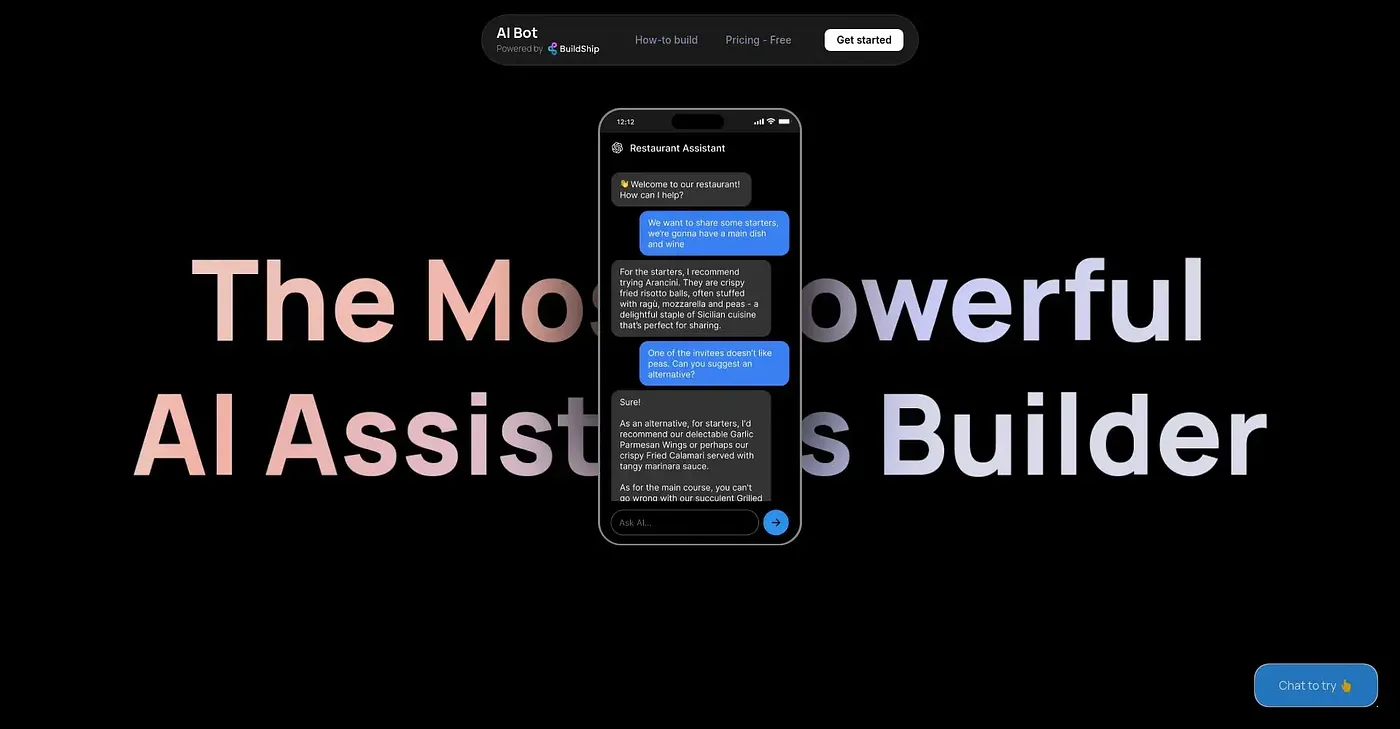
At a glance
3.9 out of 5
Scored by Alex after real useOur verdict
AiBot lets users plug in an API key to connect third-party tools with minimal coding, generates integrations on the fly so workflows can be customized instantly, and ships an open-source chat widget that drops into platforms like Webflow, Wix, Next.js or React. People building a simple assistant without much coding background get the clearest benefit. Advanced users can find its customization options too restrictive, and depending heavily on pre-made integrations can limit truly unique use cases.
✓What it does well
✕Where it falls short
Key features
Questions about AiBot
What does AiBot do?
AiBot connects API keys to a chat widget that can be dropped into any site. Users plug in an API key to connect third-party tools with minimal coding, AI-generated integrations customize workflows on the fly, and an open-source chat widget deploys on platforms like Webflow, Wix, Next.js or React.
Is AiBot free?
AiBot is listed with a free plan at $0, and no paid plan is listed. The vendor's site is offline, so no current price was found when Toolio checked the listing on 5 Oct 2026.
Who is AiBot best for?
Toolio lists AiBot as best for non-coders who want a chatbot on their website, and not for advanced developers wanting deep control over custom features. The reviewer says people building a simple assistant without much coding background get the clearest benefit.
What are the limitations of AiBot?
Advanced users can find AiBot's customization options too restrictive, and its heavy reliance on pre-made integrations can limit truly unique use cases. It is also only available as a web tool, with no dedicated app. Toolio scores it 3.9 out of 5.
What are some alternatives to AiBot?
Toolio lists Aspen as an alternative to AiBot. Aspen is described as a free API-testing app for macOS with an AI assistant, ideal for REST APIs, while AiBot focuses on connecting APIs to an embeddable chat widget.