Grafychat
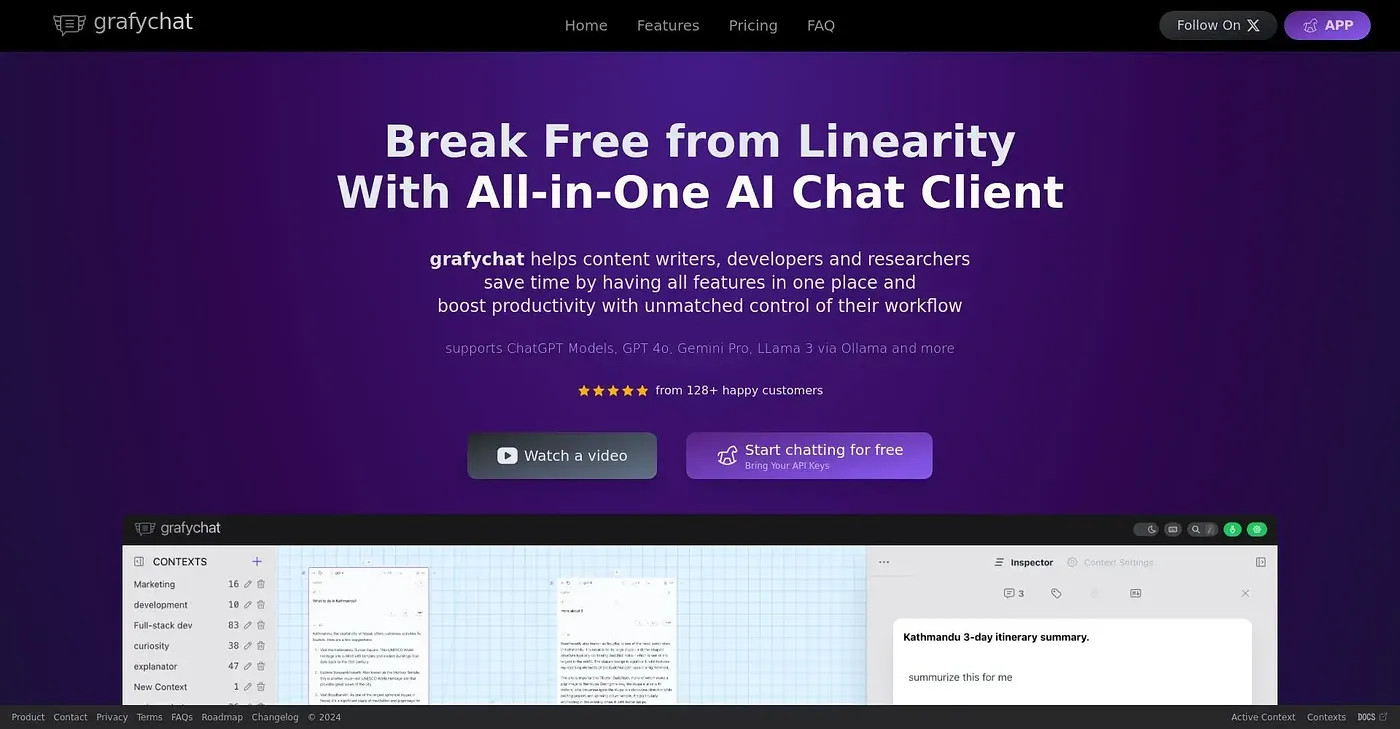
A visual, non-linear chat canvas that connects ChatGPT, Google AI and other models with your own keys.
At a glance
Starts at
Free
The vendor's site is offline, so no current price was found.
Free tier
Yes
Platforms
Web
Best for
Power users comfortable managing their own AI API keys
Not for
Beginners wanting a simple, ready-to-go chat app
3.9 out of 5
Scored by Alex after real useOur verdict
Grafychat replaces a straight-line chat log with a visual canvas where ideas can branch and expand, and it connects to multiple AI models, including ChatGPT, Google AI and Local Llama 3, through a user's own API keys. People who want to compare answers from several models side by side in one workspace will get the most out of it. Bringing personal API keys and juggling multiple models adds setup complexity that can overwhelm someone new to the tool.
✓What it does well
Non-linear canvas chatIdeas can branch and expand visually on a canvas instead of a single chat thread.
Bring-your-own API keysUsers connect their own API keys to models like ChatGPT and Google AI.
Multi-model accessSeveral AI models, including Local Llama 3, can be used side by side in one place.
✕Where it falls short
Requires your own API keysThere is no built-in AI access, so a personal API key is required for each model.
Steep setup for beginnersConnecting multiple models and keys can be confusing without prior experience managing APIs.
Web onlyIt only runs as a web platform, with no desktop or mobile app mentioned.
Key features
Visual chat canvasConversations can be expanded and organized visually rather than as a linear thread.
Custom API integrationPersonal API keys connect the platform to models such as ChatGPT and Google AI.
Multi-AI conversationsMultiple AI models can respond within the same conversation for comparison.
Local model supportThe platform can connect to locally run models such as Llama 3.