
Userdoc
Userdoc creates clear software specs from code and team knowledge, saving time for teams.
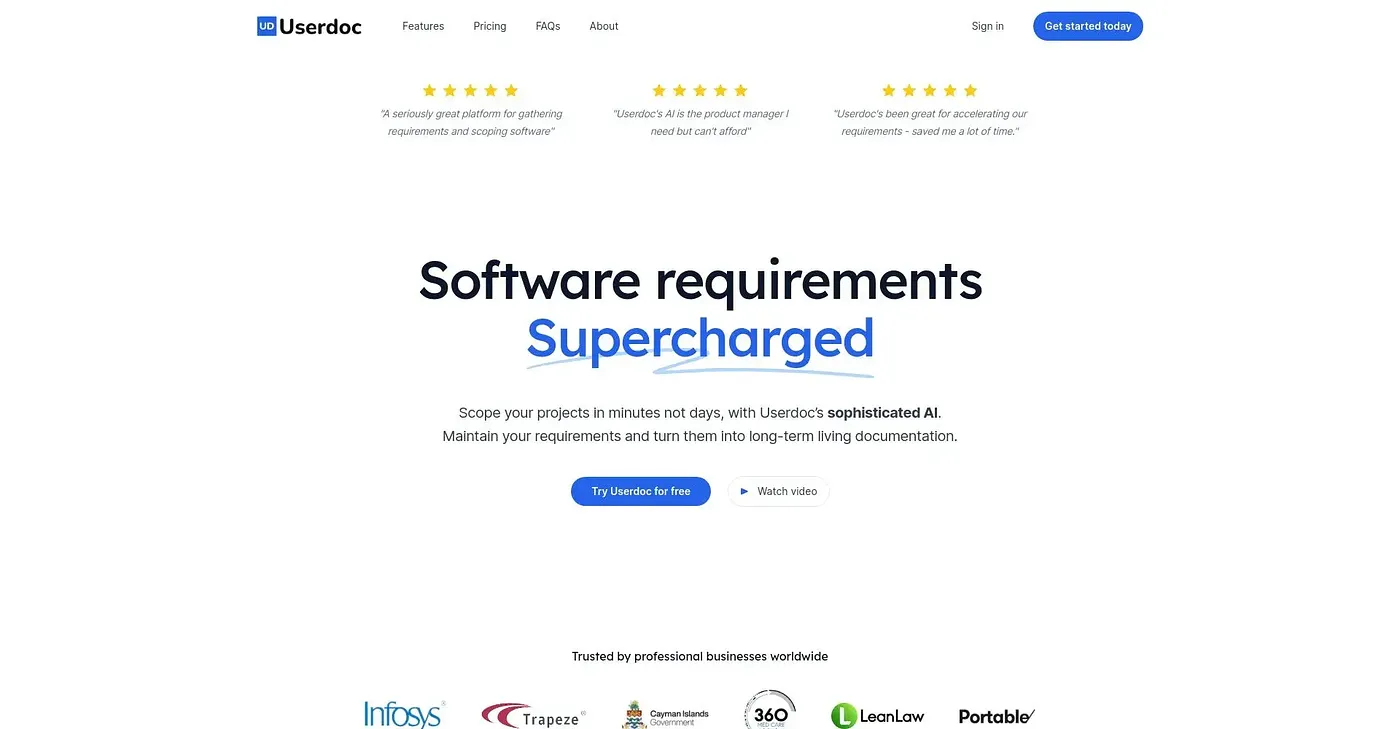
At a glance
4.0 out of 5
Scored by Alex after real useOur verdict
Great for engaging stakeholders in requirements. AI helps with user stories but is not perfect. Aids teamwork on specs, especially when integrating new features or fixing bugs.
✓What it does well
✕Where it falls short
Key features
Questions about Userdoc
What does Userdoc do?
Userdoc creates clear software specs from code and team knowledge. Its AI converts existing code into detailed functional specs, and it tracks requirements, user stories, epics and non-functional needs in one place. The reviewer says it aids teamwork on specs, especially when integrating new features or fixing bugs.
How much does Userdoc cost?
Userdoc has a limited free tier at $0. Paid use starts at $19 per seat/month, which includes up to 3 seats and unlimited requirements and projects, while additional features require the Pro or Enterprise plans.
Is Userdoc secure?
Userdoc runs a secure workspace that is SOC 2 Type II compliant, with enterprise-grade security measures implemented. That matters for a tool that reads existing code to produce documentation, and Toolio lists it as best for developers and project managers.
How accurate is Userdoc's AI?
The reviewer finds Userdoc's AI helpful for user stories but not perfect. It may not always understand complex systems or edge cases correctly, and some manual input is still needed to create comprehensive user stories and acceptance criteria. Toolio lists it as not for complex legacy system maintenance.
What are some alternatives to Userdoc?
Toolio lists Wrike, HandpickedTools, Copper and Standuply as alternatives to Userdoc. Copper organizes contacts and tracks deals for service-based businesses, Standuply automates standups and retrospectives with Slack or Teams, and HandpickedTools helps people get a domain and website.