
Canva
Canva is a free-to-use online graphic design tool.
At a glance
4.8 out of 5
Scored by Alex after real useOur verdict
Great for basic designs, templates, and presentations. Not ideal for advanced features or large enterprise needs.
✓What it does well
✕Where it falls short
Key features
Questions about Canva
Is Canva free?
Yes. Toolio lists Canva as free on the vendor's site, with a free tier for basic designs and templates and no paid plan listed. The reviewer notes that the free plan comes with ads and watermarks in designs.
What is Canva used for?
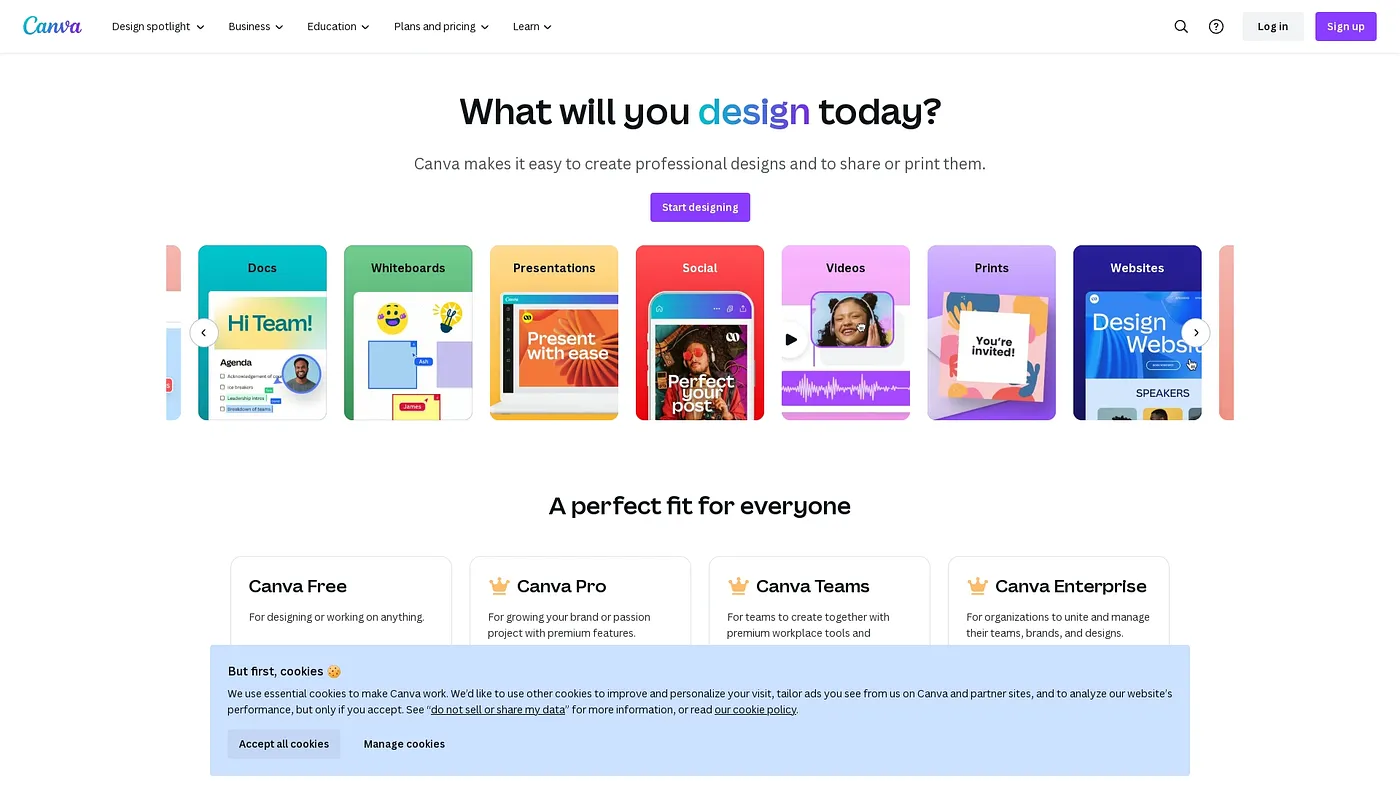
Canva is a free-to-use online graphic design tool. The reviewer calls it great for basic designs, templates and presentations, with drag-and-drop editing, a wide selection of ready-to-use templates, AI-powered design assistants for quick edits and a background remover for images and videos.
Does Canva have a mobile app?
Yes. Canva runs on the web and has mobile apps for iOS and Android, so designs can be made across various devices. Toolio lists it as best for design beginners and small teams.
Is Canva good for large businesses?
Not especially. The reviewer says Canva is not ideal for advanced features or large enterprise needs, as it does not support the advanced features larger organizations require. Its customization is also restricted by template limitations, and it may lack advanced editing tools.
How does Toolio rate Canva?
Alex scored Canva 4.8 out of 5 on 4 Oct 2026 after real use. The reviewer credits its user-friendly drag-and-drop design, its free plan and its wide range of templates. Canva has been listed on Toolio since April 2024.