
Ideatum
Generates a color palette, font pairing and style guide from a single prompt.
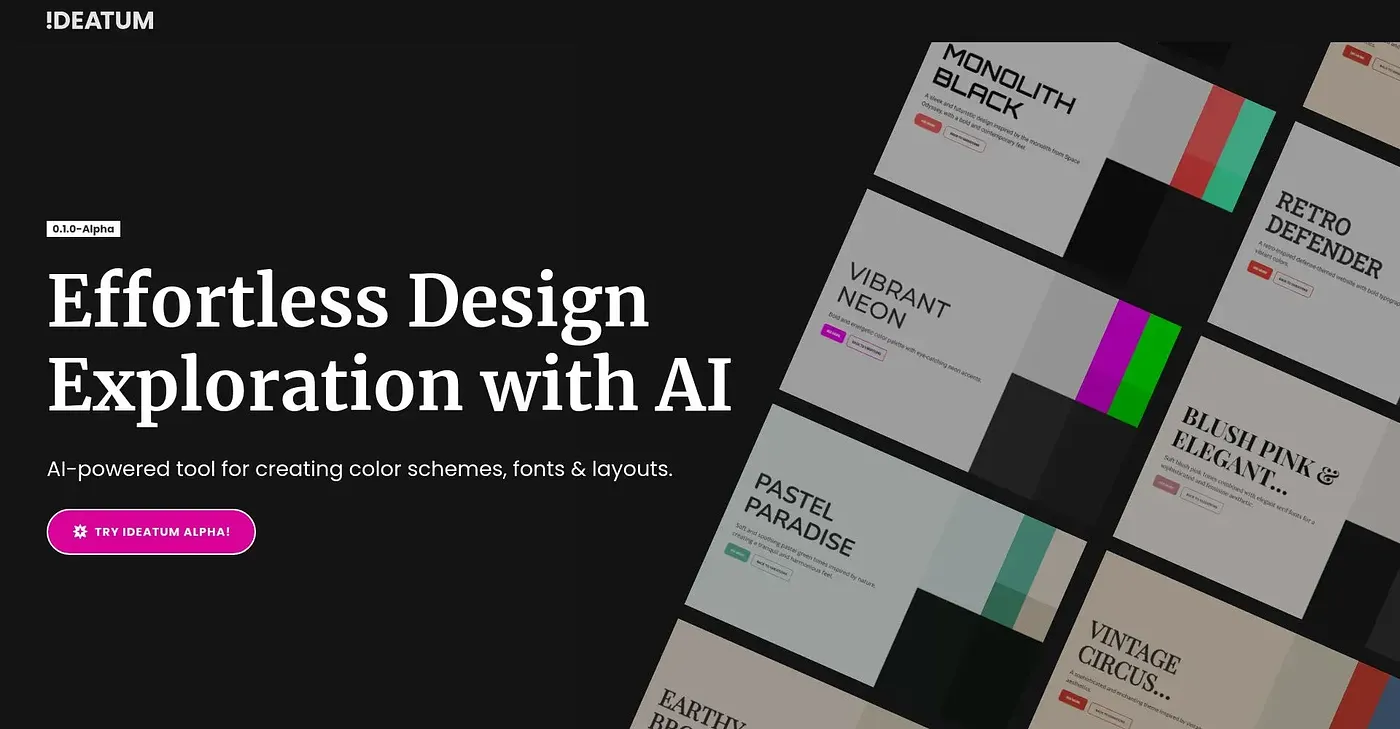
At a glance
3.9 out of 5
Scored by Alex after real useOur verdict
Ideatum takes a short text description of your project and generates a color palette, font pairing and basic style guide from it, with mood boards that adapt across desktop, tablet and mobile. Results export to HTML, HTML plus CSS, Figma or Webflow. It's labeled version 0.1.0-Alpha, so it's an early, unfinished product rather than a mature design tool, and it's free to try in that state.
✓What it does well
✕Where it falls short
Key features
Questions about Ideatum
What does Ideatum generate from a prompt?
Ideatum takes a short text description of a project and generates a color palette, a font pairing and a basic style guide from it. It also builds mood boards that adapt automatically across desktop, tablet and mobile sizes, giving designers a quick starting point.
Is Ideatum free?
Yes. Ideatum is free, and no paid plan was found on the vendor's site in September 2026. It is labeled version 0.1.0-Alpha, so the reviewer describes it as an early, unfinished product that is free to try in that state.
Can Ideatum export designs to Figma or Webflow?
Yes. Ideatum exports finished designs to HTML, HTML plus CSS, Figma or Webflow. The reviewer counts these multiple export formats among the tool's main strengths, alongside one-prompt design generation and responsive mood boards.
What are the limitations of Ideatum?
Ideatum is still in an early alpha stage at version 0.1.0-Alpha, so it is not yet a finished, stable product. Beyond the initial prompt, few options are shown for fine-tuning individual elements, and as alpha software it has no established track record of reviews.
Who should use Ideatum?
Ideatum suits designers who want a quick starting palette and font pairing for a project. It is not for anyone who needs a stable, finished product today, given its alpha status. Toolio's reviewer Alex scored it 3.9 out of 5 after real use.