
ChatGPT Batch Tasks Excel
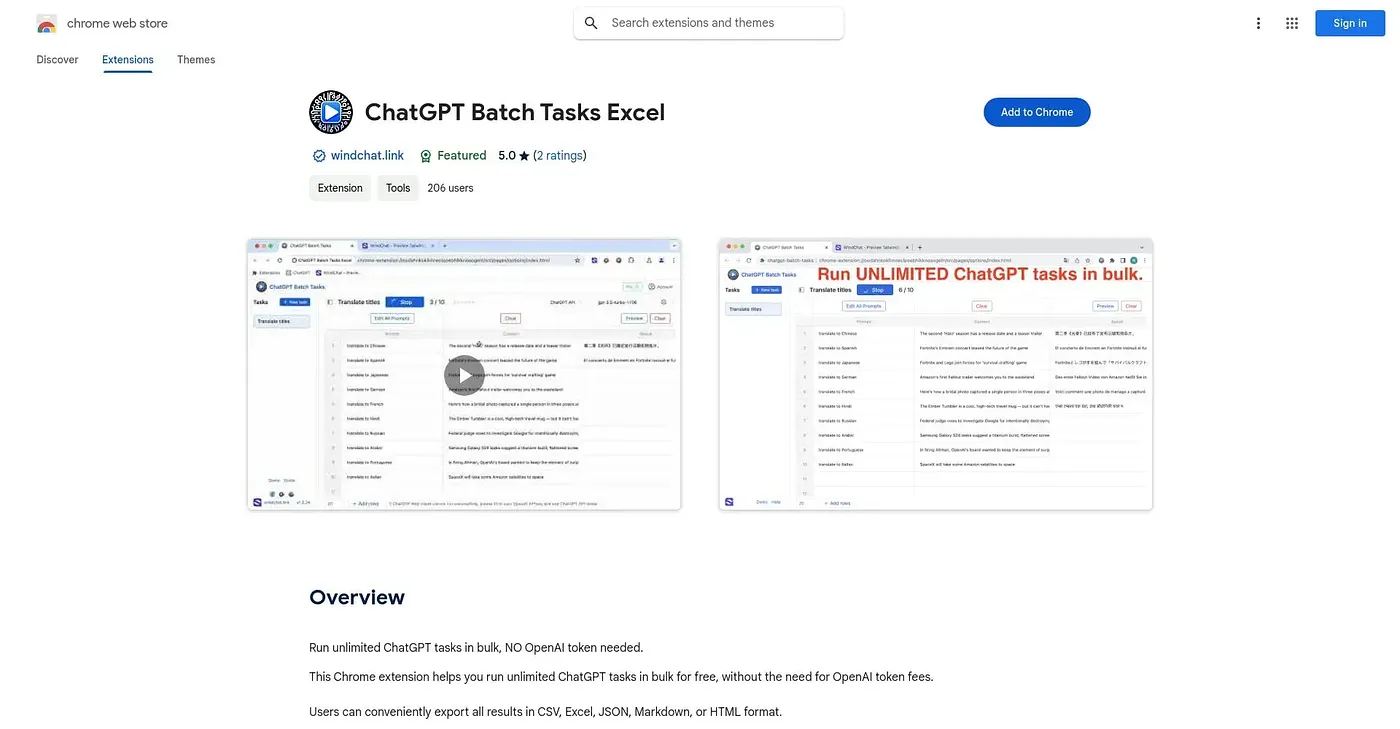
Runs unlimited ChatGPT tasks in bulk from Excel-style data, skipping individual API tokens.
At a glance
3.9 out of 5
Scored by Alex after real useOur verdict
ChatGPT Batch Tasks Excel runs an unlimited number of ChatGPT tasks at once without requiring individual OpenAI tokens, lets users customize how tasks are structured and executed, and reports analytics on how effective each batch of interactions was. Businesses and educators running large volumes of similar queries benefit most. Processing many tasks at once can slow performance, without a stated cap on load, and not needing tokens can limit access to more advanced functionality.
✓What it does well
✕Where it falls short
Key features
Questions about ChatGPT Batch Tasks Excel
What does ChatGPT Batch Tasks Excel do?
ChatGPT Batch Tasks Excel runs ChatGPT tasks in bulk from Excel-style data, with no limit on the number of tasks in a batch. It works without individual OpenAI API tokens, lets users customize how tasks are structured and executed, and reports analytics on how effective each batch was.
Does ChatGPT Batch Tasks Excel cost money?
No. Toolio lists ChatGPT Batch Tasks Excel as free, with a $0 plan and no paid plan listed. The vendor's site is offline, so no current price was found, and the pricing has not been confirmed against the vendor's own page.
Does ChatGPT Batch Tasks Excel need an OpenAI API key?
No. Tasks run without individual OpenAI API tokens. The reviewer points out a trade-off, though: not needing tokens can limit access to more advanced functionality, so Toolio lists users needing advanced functionality tied to OpenAI tokens under who it is not for.
Does ChatGPT Batch Tasks Excel slow down with large batches?
It can. The reviewer notes that processing many tasks at once can slow performance, and there is no stated cap on load. The extension also works only in Chrome, with no support for other browsers.
Who is ChatGPT Batch Tasks Excel for?
The reviewer says businesses and educators running large volumes of similar queries benefit most, and Toolio recommends it for teams batch-processing many ChatGPT queries at once. It scores 3.9 out of 5 on Toolio, based on Alex's real use.