Commabot
Not ideal for large datasets, lacks advanced analytics.
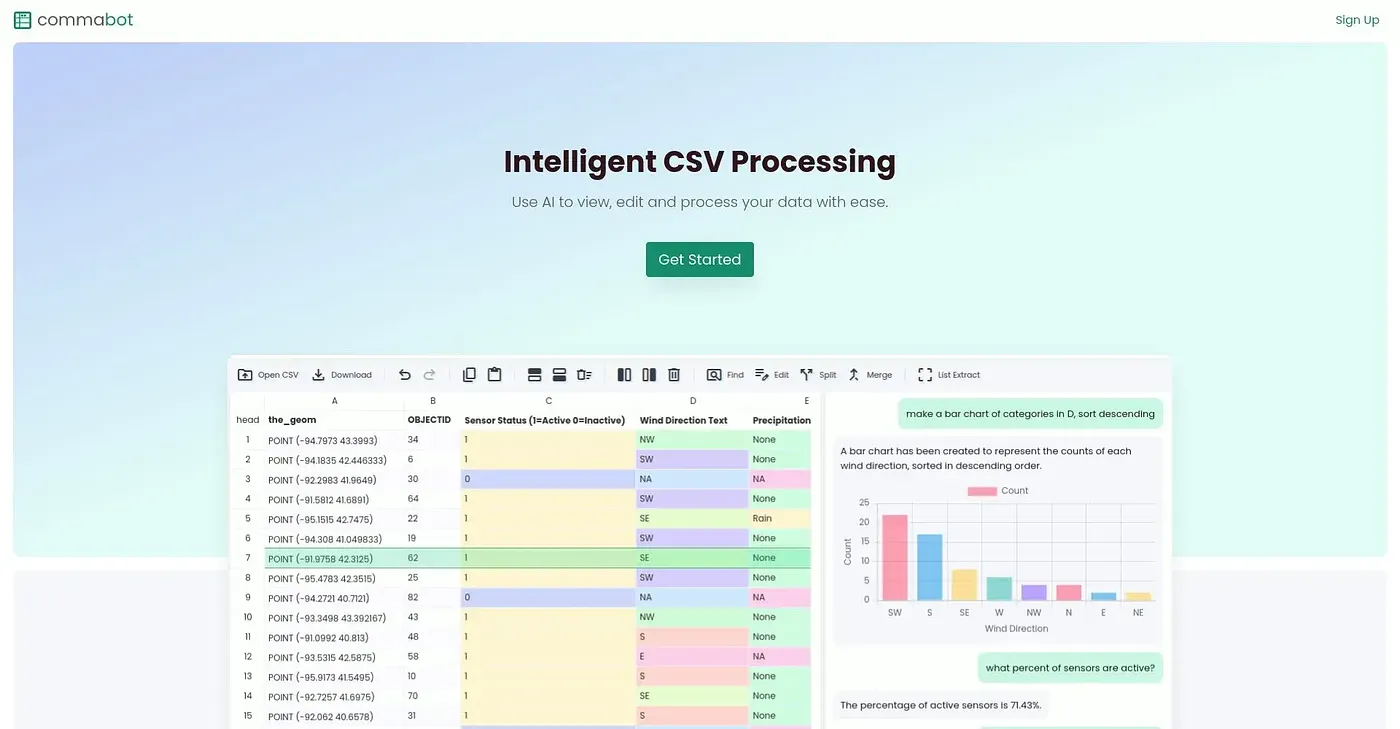
At a glance
4.0 out of 5
Scored by Alex after real useOur verdict
Commabot is a simple CSV editor that works well for small projects but struggles with larger datasets. If you need basic editing and conversational flow, it's perfect; otherwise, it falls short on analytical features.
✓What it does well
✕Where it falls short
Key features
Questions about Commabot
What is Commabot?
Commabot is a simple CSV editor that uses natural language processing, so users can edit data with natural commands and conversational prompts. The reviewer says it works well for small projects and basic editing, but struggles with larger datasets and falls short on analytical features.
How much does Commabot cost?
Commabot has a free tier with limited, basic functionality. The Pro plan starts from $29 per month. The reviewer notes that more expensive tiers are needed for advanced features not available in the free plan.
Can Commabot handle large datasets?
Not well. The reviewer notes that Commabot falls short on handling large datasets efficiently and slows down with bigger files, so Toolio lists it as not for data analysts with large datasets. It also lacks advanced analytics and complex data manipulation tools.
Who is Commabot best for?
Toolio lists Commabot as best for small teams and light users. The reviewer says it suits anyone who needs basic CSV editing and conversational flow, and its conversational prompts help team members collaborate. Alex scores it 4.0 out of 5 after real use.
What are some alternatives to Commabot?
Toolio lists GPTurer, Waldo – Search Like A Pro Extension and Pipeless AI as alternatives to Commabot. Pipeless AI converts any video feed into an actionable data stream, and the Waldo extension speeds up data research.