
Content Assistant
Great for quick writing fixes, not big projects.
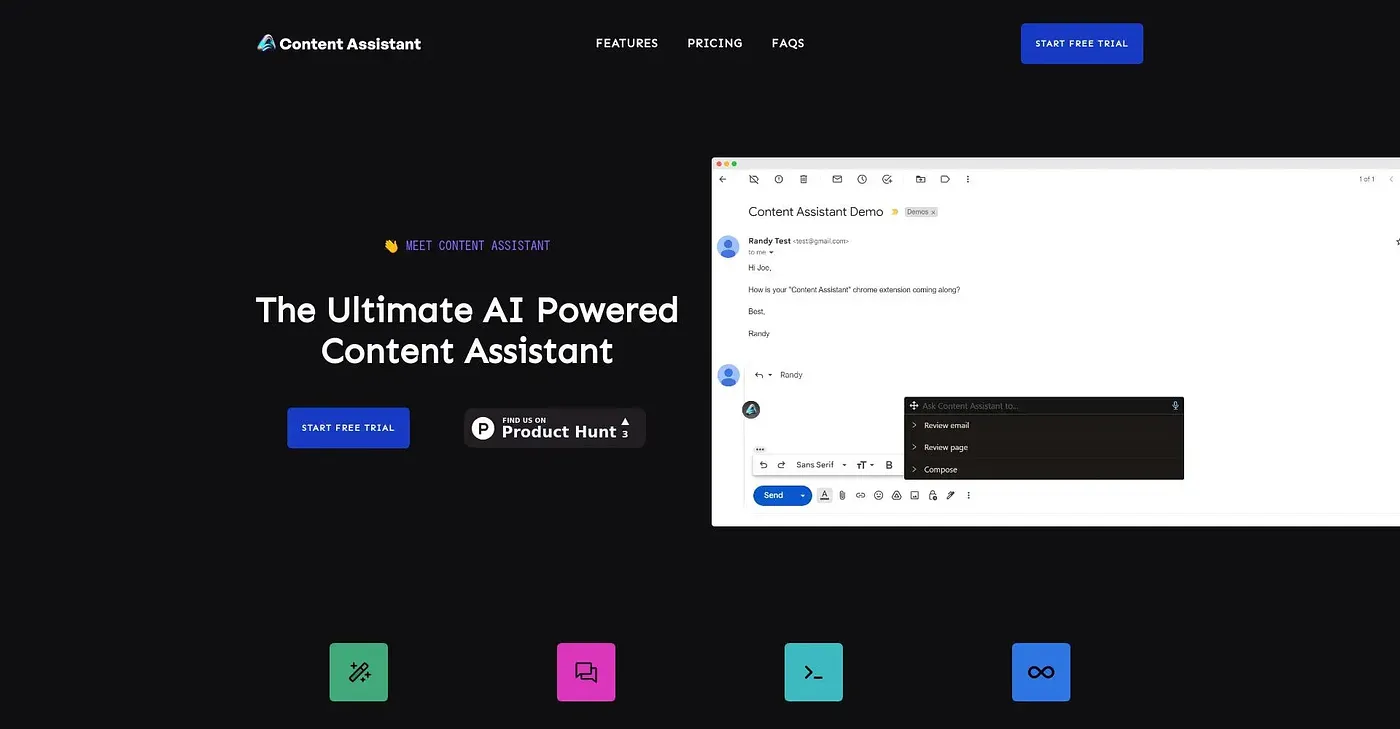
At a glance
3.9 out of 5
Scored by Alex after real useOur verdict
Content Assistant is handy for polishing and improving short pieces of text but falls short on extensive revisions or complex tasks.
✓What it does well
✕Where it falls short
Key features
Questions about Content Assistant
Is Content Assistant free?
Content Assistant is free, with no paid plan found on the vendor's site in September 2026. It can be used instantly without creating an account. Rather than offering a trial on its website, it is tried by pasting text directly into the tool.
What can Content Assistant do?
Content Assistant polishes and tightens short pieces of text. It offers six different writing actions, such as summarize and change tone. The reviewer finds it handy for quick fixes and email drafts but notes that it falls short on extensive revisions or complex tasks.
How many languages does Content Assistant support?
Content Assistant supports 13 languages, which makes it useful for non-English content as well as English text. It runs on the web and needs no sign-up. Alex scored it 3.9 out of 5 after real use on 3 Oct 2026.
What are the downsides of Content Assistant?
Content Assistant struggles with extensive or detailed rewrites that require deep analysis. It can only perform one task per paste, such as improve or summarize, rather than several in sequence. Toolio lists it as not for detailed writers needing extensive revisions.
What are some alternatives to Content Assistant?
Toolio lists Gemini, Ethertext, Flot AI Chrome Extension and WebHelper.AI Chrome Extension as alternatives to Content Assistant. Flot AI Chrome Extension puts ChatGPT-style AI behind a keyboard shortcut in any app, and Ethertext transforms text with a single click but charges extra for local AI support.