
DeepL
Limited to text and files, not ideal for complex projects.
At a glance
4.7 out of 5
Scored by Alex after real useOur verdict
DeepL excels in translating documents quickly but lacks in-depth customization. Ideal for small teams or individual users; skip if needing advanced features like voice integration or enterprise-level security.
✓What it does well
✕Where it falls short
Key features
Questions about DeepL
What does DeepL do?
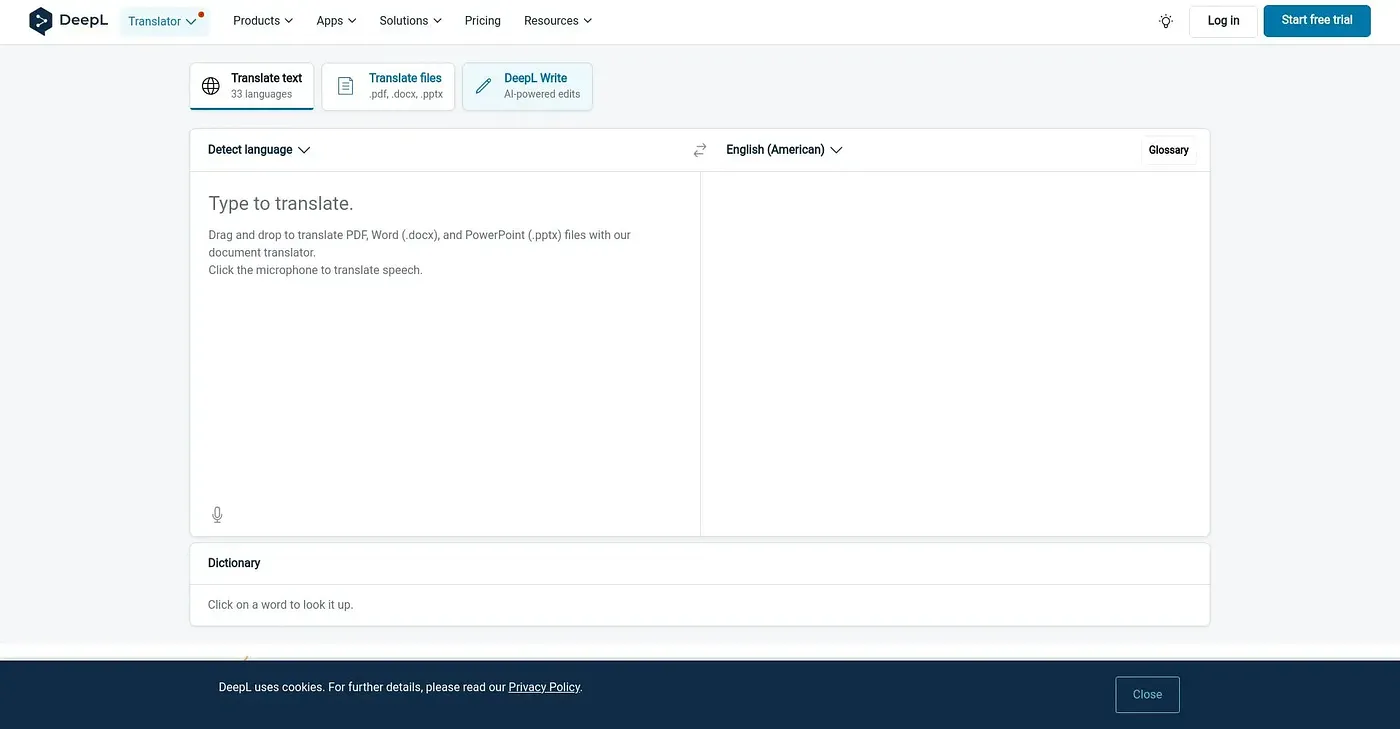
DeepL translates text and files, and the vendor says it offers accurate text translation into over 100 languages. It handles PDFs, Word documents, PPT files and Excel sheets, preserving layout and visual context. The reviewer finds it excellent for translating documents quickly but limited in in-depth customization.
How much does DeepL cost?
DeepL has no free tier, and its paid plan starts from $89 per month, as published by the vendor in September 2026. The reviewer considers it ideal for small teams and individual users rather than large enterprises with stringent security requirements.
Does DeepL support glossaries?
Yes. DeepL allows users to create and manage personal or shared glossaries, so translations stay consistent. The tool runs on the web, macOS and Windows. The reviewer still notes that its customization options are limited overall, which makes it unsuitable for in-depth project requirements.
Can DeepL translate voice?
No. DeepL does not offer real-time voice translation, which the reviewer lists as a shortcoming. The reviewer also notes limited customization tools and a lack of advanced security measures suited to large enterprises, so organizations with stringent security requirements are listed as a poor fit.
How does Toolio rate DeepL?
Toolio scores DeepL 4.7 out of 5, a rating given by Alex on 4 Oct 2026 after real use. Alex praises its fast document translations and wide file format support, and recommends it for small teams and individuals rather than users who need voice integration or enterprise-level security.