
Sankofa Chrome Extension
Turns your browsing history into a searchable, question-answering archive powered by Vectara.
At a glance
3.9 out of 5
Scored by Alex after real useOur verdict
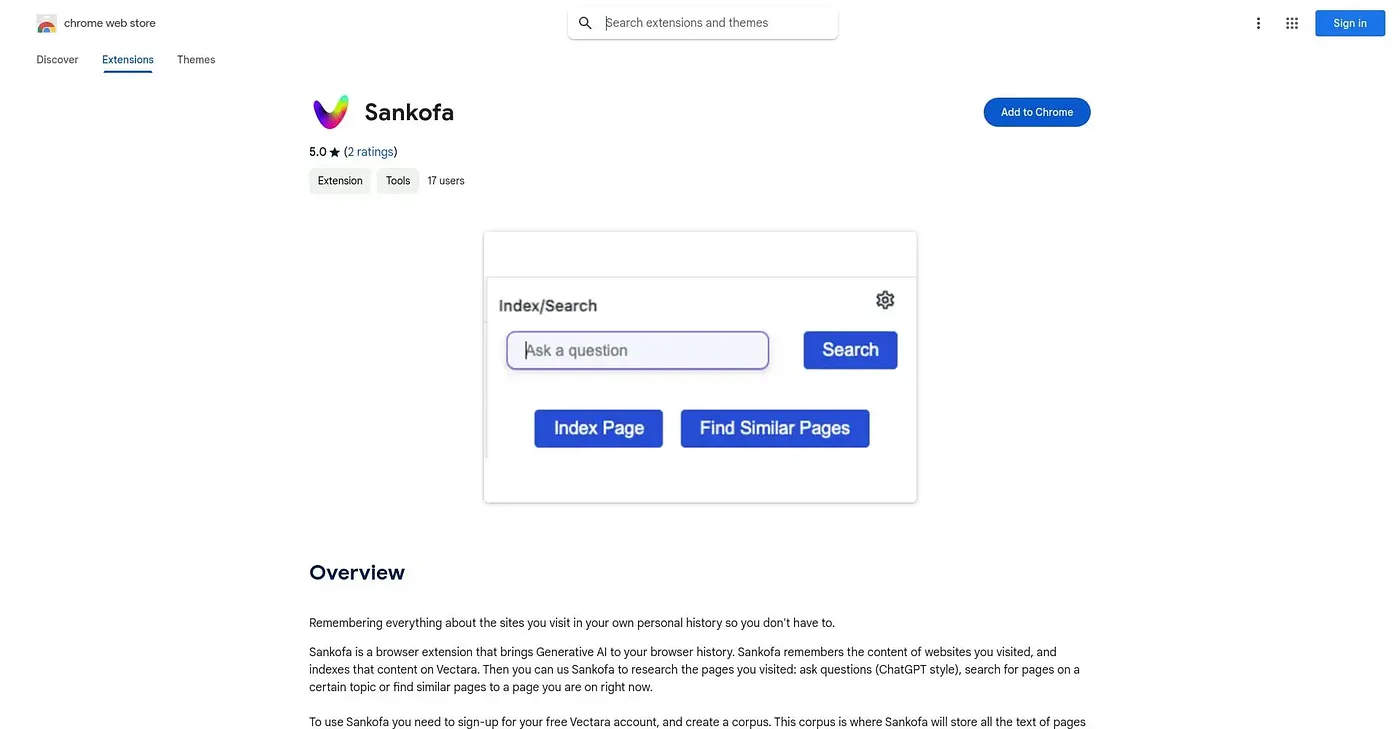
Sankofa indexes the content of sites you visit into your own Vectara corpus, then lets you ask questions, search by topic, or find similar pages, ChatGPT-style, based on your own browsing. Getting started requires signing up for a free Vectara account and setting up a corpus before anything gets indexed. It's a small, early extension with just two ratings, so expect some setup friction rather than a polished, plug-and-play tool.
✓What it does well
✕Where it falls short
Key features
Questions about Sankofa Chrome Extension
What does Sankofa Chrome Extension do?
Sankofa Chrome Extension turns browsing history into a searchable, question-answering archive powered by Vectara. It indexes the content of visited sites into the user's own Vectara corpus, then lets them ask questions, search by topic or find similar pages, ChatGPT-style, based on their own browsing.
Is Sankofa Chrome Extension free?
Yes. Sankofa Chrome Extension has a free tier and is listed as free on the Chrome Web Store at $0, with no paid plan listed. It runs in Chrome as a browser extension.
What is needed to set up Sankofa Chrome Extension?
Sankofa Chrome Extension needs a free Vectara account and a corpus set up before indexing and search will work. The reviewer warns to expect some setup friction, and Toolio lists it as not for anyone unwilling to set up a separate Vectara account.
Can Sankofa Chrome Extension index pages automatically?
Yes. Sankofa Chrome Extension can index every page visited automatically after a set delay, which the reviewer lists among its strengths. Indexed pages can then be searched by topic rather than exact keywords.
Who is Sankofa Chrome Extension best for?
Toolio lists Sankofa Chrome Extension as best for researchers who want to query pages they have already visited. The reviewer calls it a small, early extension with just two ratings, and Alex scored it 3.9 out of 5 after real use.