
Docky AI
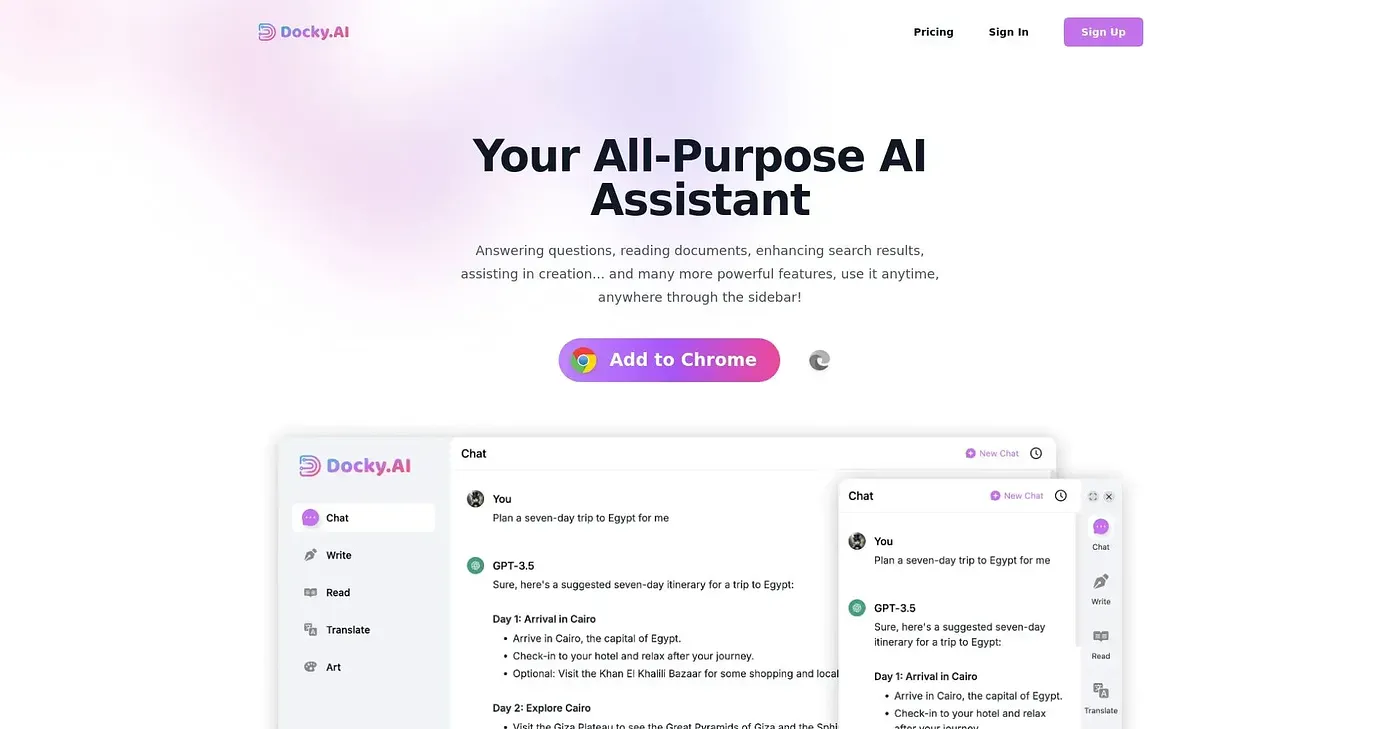
Limited to one sidebar per user, Docky.AI lets you chat with multiple models but requires a Chrome extension. It's great for web content creation but can be cumbersome when switching between different AI tools.
At a glance
3.9 out of 5
Scored by Alex after real useOur verdict
Docky.AI is ideal for those who need to compare outputs from various AI models in one place. However, if you're looking for a more integrated solution or prefer standalone applications, it might not be the best choice.
✓What it does well
✕Where it falls short
Key features
Questions about Docky AI
What is Docky AI?
Docky AI is a Chrome sidebar that lets users chat with multiple AI models, comparing GPT, Claude and Gemini side by side in one place. From the same sidebar it can summarize pages, write emails and generate images, and its text selection toolbar explains, translates or continues any highlighted text.
Is Docky AI free?
Yes. Docky AI is listed as free on the vendor's site, with a free forever plan that needs no credit card for the basic features, and no paid plan is listed. Alex scored it 3.9 out of 5 after real use on 3 Oct 2026.
Does Docky AI work outside Chrome?
No. Docky AI runs on the web in Chrome only and requires a Chrome extension. The reviewer also notes that it provides only one sidebar per account, which can make switching between different AI tools cumbersome.
Can you share outputs from Docky AI?
Not directly. Images and text generated in Docky AI cannot be shared or saved outside it without additional steps, and Toolio says it is not for users needing direct sharing of outputs. The verdict adds that people wanting a more integrated solution or standalone applications may prefer something else.
Does Docky AI work with Google search?
Yes. Docky AI enhances Google and Bing search results with AI-powered answers in the same browser tab. Toolio rates it best for content creators and researchers who want to compare outputs from various AI models in one place.