
GitBrain
It suits developers who want to simplify Git but may miss more granular control.
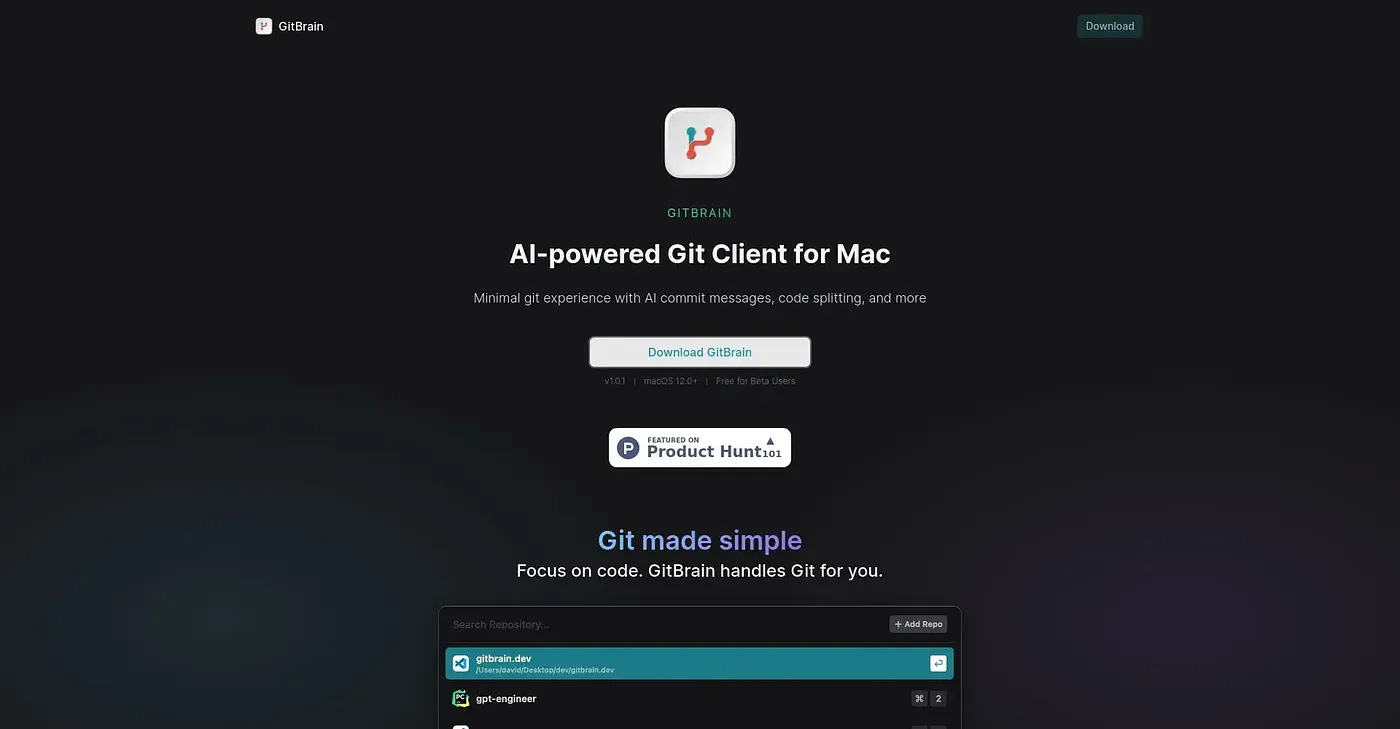
At a glance
Starts at
Free for Beta Users
Listed as free on the vendor's site.
Free tier
Yes
Platforms
macOS 12.0+
Best for
Developers seeking simplicity
Not for
Developers needing fine-grained commit control
3.9 out of 5
Scored by Alex after real useOur verdict
GitBrain simplifies commit management and review. However, it might lack for those needing precise control over commits.
✓What it does well
Smart Commit SplittingAI generates multiple commits from code changes.
Self-Code ReviewAutomatically summarizes code changes for easy review.
Auto-DetectionDetects current project from favorite IDEs.
✕Where it falls short
Lacks Detailed ControlDoesn't allow manual tweaking of individual commits after splitting.
Limited Commit CustomizationCustomizable commit messages but limited to AI-generated options only.
Requires Minimal Git ExperienceDesigned for users with basic or minimal Git knowledge.
Key features
AI-Generated CommitsSplits changes into multiple commits using AI technology.
Code SplittingIntelligently divides large code changes into smaller, manageable chunks.
Interactive EditingAllows reordering and merging of generated commit messages interactively.
Manual Commit TweaksAllows manual editing of individual commits post-splitting.