
GitLab Branch Name Generator Chrome Extension
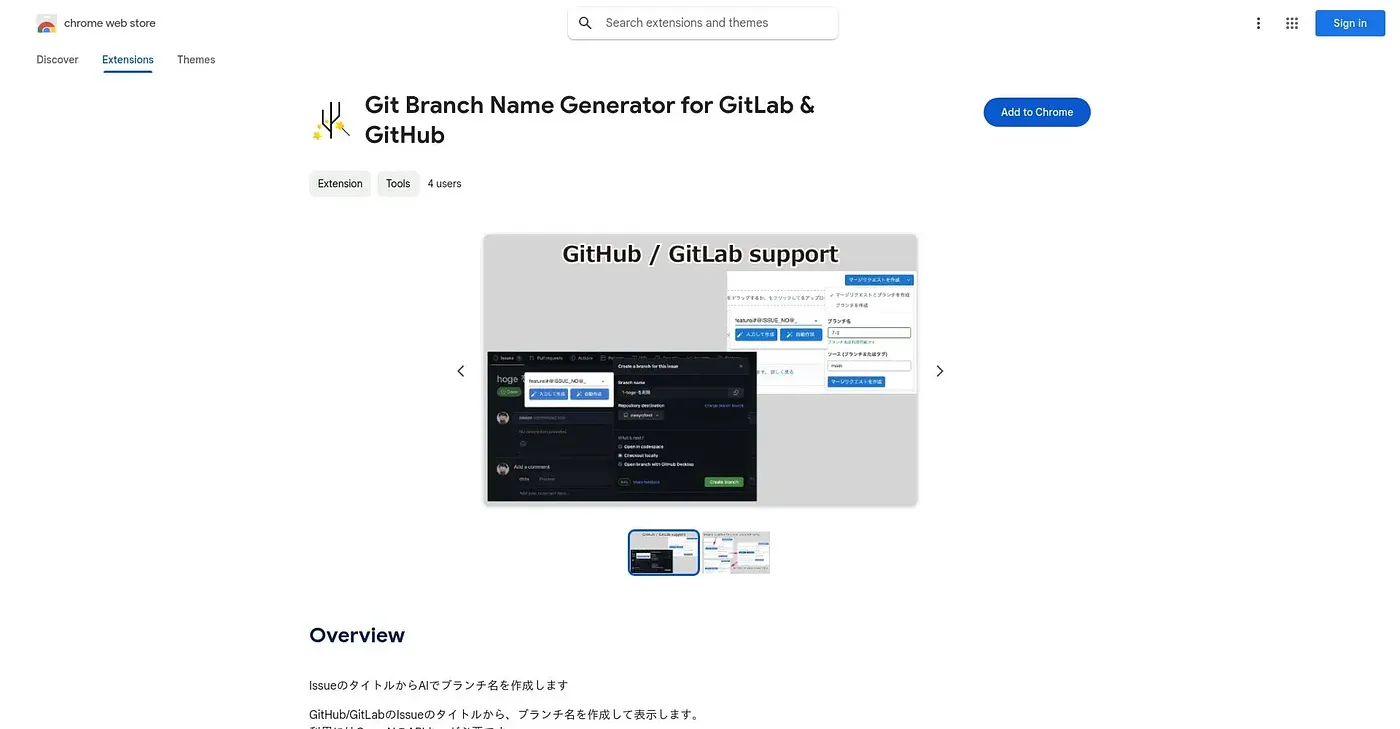
Turns a GitLab issue title into a branch name, using your own OpenAI key.
At a glance
Starts at
Free
No paid plan found on the Chrome Web Store, September 2026.
Free tier
Yes
Platforms
Chrome, API
Best for
GitLab users who want consistent AI-named branches
Not for
Anyone without their own OpenAI API key
3.9 out of 5
Scored by Alex after real useOur verdict
This extension reads a GitLab issue's title and generates a matching branch name using AI. It only works once you supply your own OpenAI API key through the options screen, so there's a setup step and a separate cost before it does anything. It has no ratings yet, but it's a narrowly focused tool that automates one small, repetitive task.
✓What it does well
Issue-to-branch namingBranch names are generated directly from a GitLab issue's title.
Bilingual interfaceThe extension interface is available in both English and Japanese.
Focused, single taskIt does one narrow job well rather than trying to do everything.
✕Where it falls short
Needs your own API keyIt only works if you provide your own OpenAI API key.
Extra cost involvedUsing your own API key means an extra cost beyond the free extension.
No ratings yetThere are no user ratings on record for it yet.
Key features
AI branch namingAn issue title is turned into a suggested branch name.
Configurable API keyYour OpenAI API key is set once from an options screen.
Bilingual supportThe extension supports both English and Japanese.
GitLab-focusedIt's built specifically around GitLab issue workflows.