
Granola
For teams with back-to-back meetings, Granola helps organize notes and actions without a meeting bot.
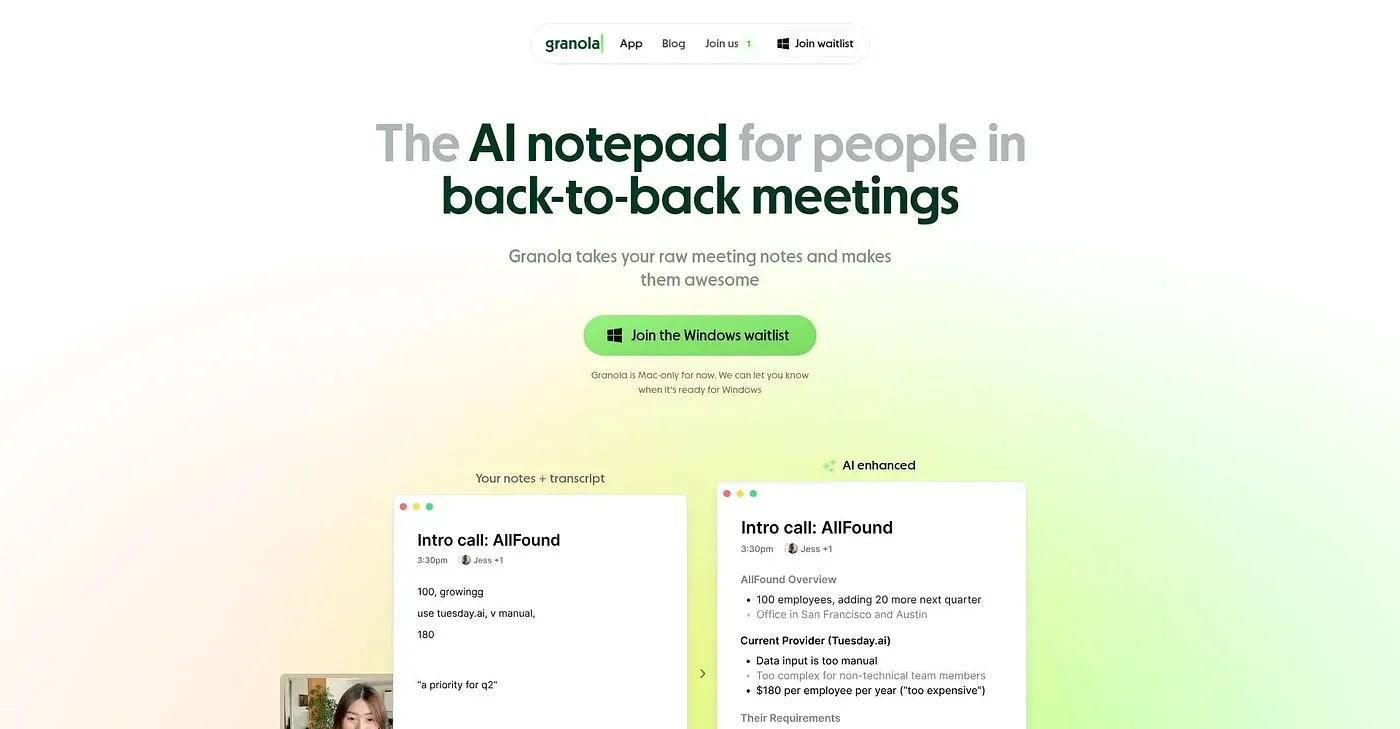
At a glance
4.5 out of 5
Scored by Alex after real useOur verdict
Granola excels for teams in frequent meetings by organizing notes. However, it's not ideal if you prefer a simple manual tool or need advanced integrations beyond basic ones.
✓What it does well
✕Where it falls short
Key features
Questions about Granola
Does Granola use a meeting bot?
No. Granola organizes meeting notes and action items without a meeting bot, using the computer's audio so nobody has to type every word. Notes are enhanced instantly once a meeting ends, with follow-ups and action items ready straight away.
How much does Granola cost?
Granola has a limited free tier at $0 per user per month, which includes AI summaries and note-taking but not advanced models or integrations. Paid plans start at $14 per month. The reviewer notes that the Basic plan offers limited access to more advanced thinking models.
What devices does Granola work on?
Granola works on the web, macOS, Windows, iOS and Android, and the reviewer lists its cross-platform reach among its strengths. It works with meeting tools such as Zoom and Google Meet, though advanced integrations beyond these basic ones are not offered.
Who is Granola best for?
Toolio lists Granola as best for teams with multiple meetings per day, where back-to-back calls make organized notes valuable. It is less suited to small teams with limited meeting volume, or to anyone who prefers a simple manual tool. Alex scored it 4.5 out of 5 after real use.
Can Granola prepare briefings before meetings?
Yes. Granola preps a brief before external meetings, showing who is attending and what was discussed previously. It also offers shared folders so team members can collaborate on notes, while usage analytics are kept to enterprise plans and not included for smaller teams.