
Gravitywrite
Suits bloggers and marketers, not those needing advanced design.
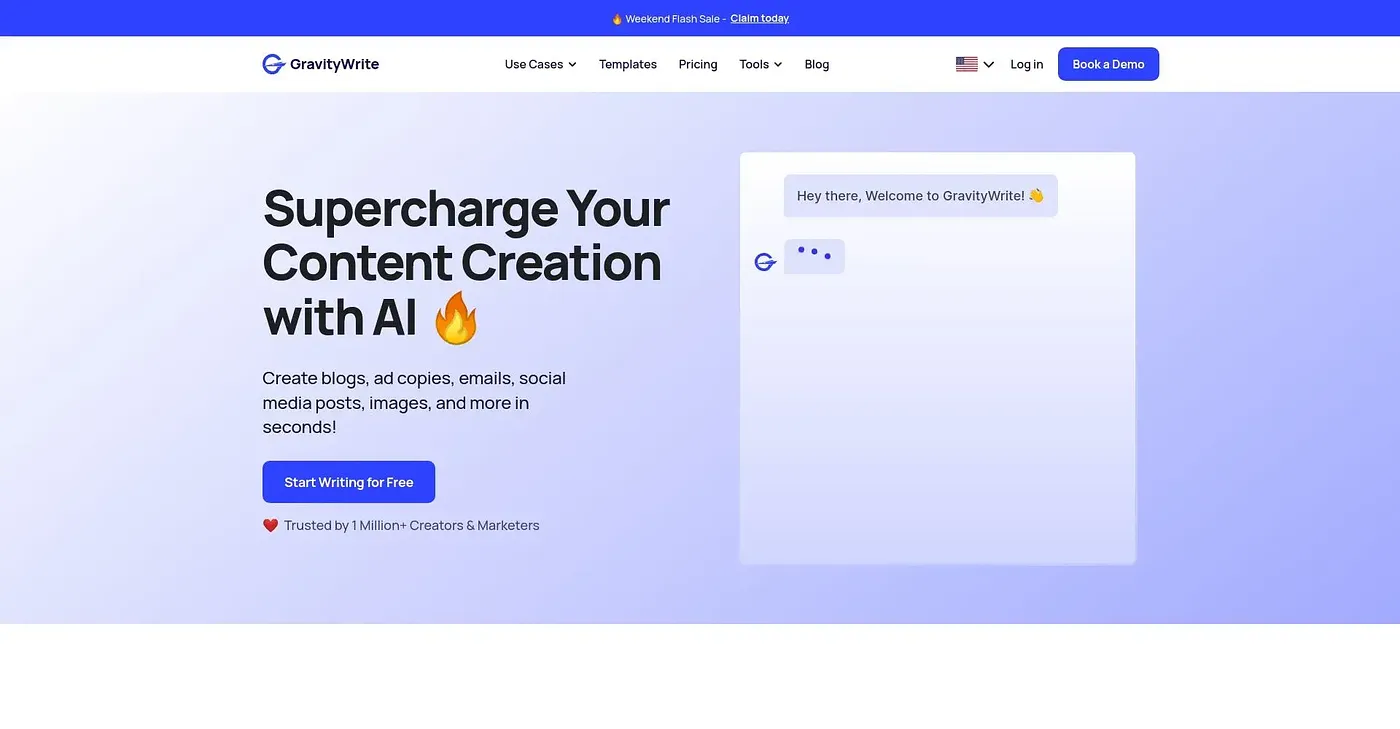
At a glance
3.9 out of 5
Scored by Alex after real useOur verdict
GravityWrite excels in generating content for blogs, social media, and websites. But it struggles with complex designs or detailed visual edits.
✓What it does well
✕Where it falls short
Key features
Questions about Gravitywrite
What can you do with Gravitywrite?
Gravitywrite generates content for blogs, social media and websites. It crafts SEO-optimized articles from given topics, creates click-worthy headlines to drive organic traffic, and includes an image generator that creates unique images from descriptions, all backed by built-in SEO intelligence.
Is Gravitywrite free?
No. Gravitywrite has no free tier and offers only paid plans, starting at $180 per year for the GravityWrite Plus Plan. WordPress Hosting on WebSpaceKit and n8n Cloud on WebSpaceKit are each listed at $60 per year.
What platforms does Gravitywrite run on?
Gravitywrite runs on the web, macOS and Windows. Alex scored it 3.9 out of 5 after real use, crediting its content generation for blogs, social media and websites while noting it struggles with complex designs.
What are the downsides of Gravitywrite?
The reviewer notes that Gravitywrite lacks advanced design tools and editing for images and videos, so it struggles with complex designs or detailed visual edits. Its e-commerce hosting option also costs more than regular WordPress hosting, which is why Toolio lists it as not for entrepreneurs needing e-commerce hosting.
Who is Gravitywrite best for?
Toolio lists Gravitywrite as best for blogs, SEO and marketing copywriting, and its description says it suits bloggers and marketers rather than people needing advanced design. Toolio lists Generated Photos, Image 2, Hairgen AI and Seedream AI as alternatives.