Hexowatch
Monitors web pages for changes, but limited to specific types.
At a glance
4.3 out of 5
Scored by Alex after real useOur verdict
Hexowatch is great for monitoring website changes at scale, but if you need more customization or advanced features, there are better options.
✓What it does well
✕Where it falls short
Key features
Questions about Hexowatch
What does Hexowatch do?
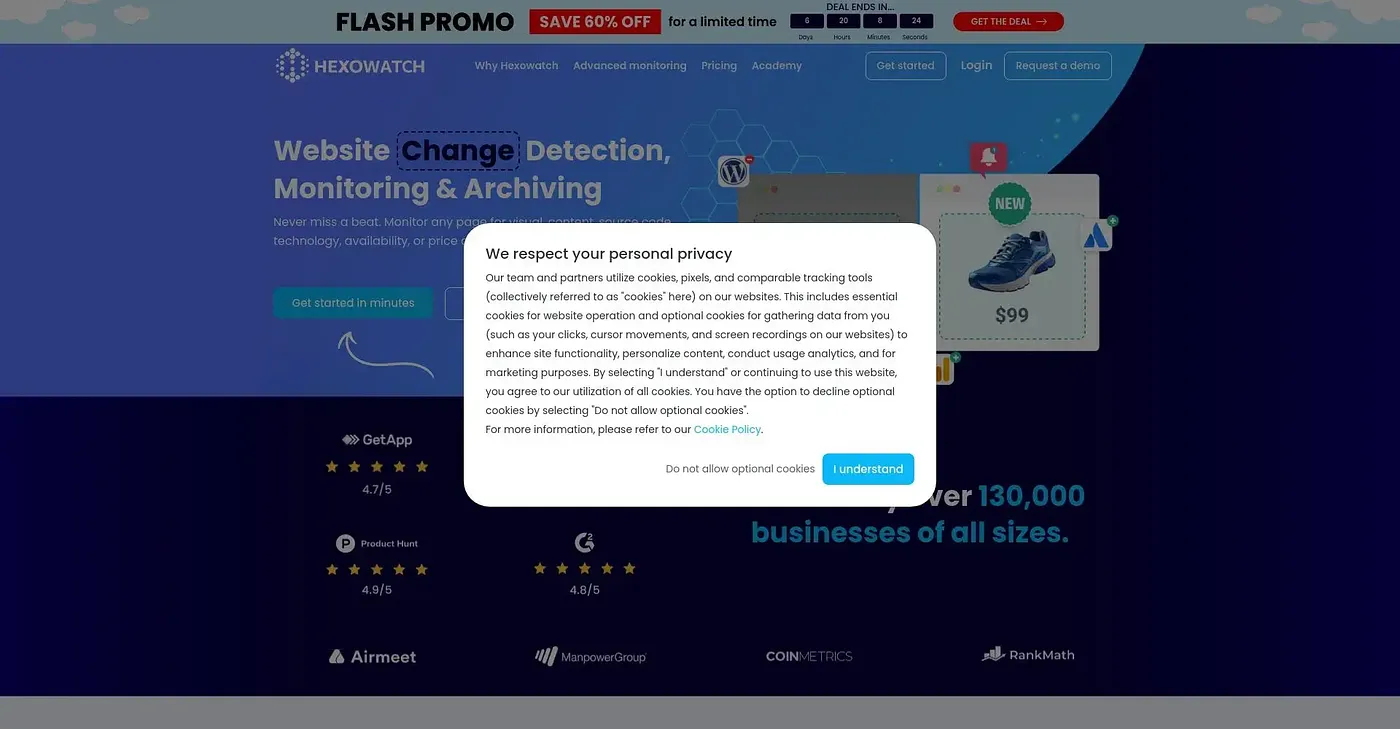
Hexowatch monitors web pages for changes. It can watch selected parts of a screen for visual changes, track content, technology stack and backlinks, and send email alerts when changes are detected. Every change is archived in the cloud, which aims to support legal and compliance documentation.
How much does Hexowatch cost?
Hexowatch starts from $9.99 per month on monthly billing, with an annual option at $89.99. There is no free tier. The reviewer notes that residential proxies are not included in the basic plan and require extra credits.
What platforms does Hexowatch support?
Hexowatch runs on the web, macOS and Windows. Its key features list support for Mac, Windows and browser extensions, so changes can be monitored from a desktop app or the browser. Alerts arrive by email when a change is detected.
What are the limitations of Hexowatch?
The reviewer notes that Hexowatch cannot easily create custom monitoring rules or triggers, which makes it a poor fit for users needing custom monitoring rules. It also does not offer no-code web scraping or work automation features, and residential proxies need extra credits on the basic plan.
How does Toolio rate Hexowatch?
Alex scored Hexowatch 4.3 out of 5 after real use, on 5 Oct 2026. The reviewer calls it great for monitoring website changes at scale and recommends it for website owners and marketers, but says there are better options for those needing more customization or advanced features.