
Cleanup.pictures
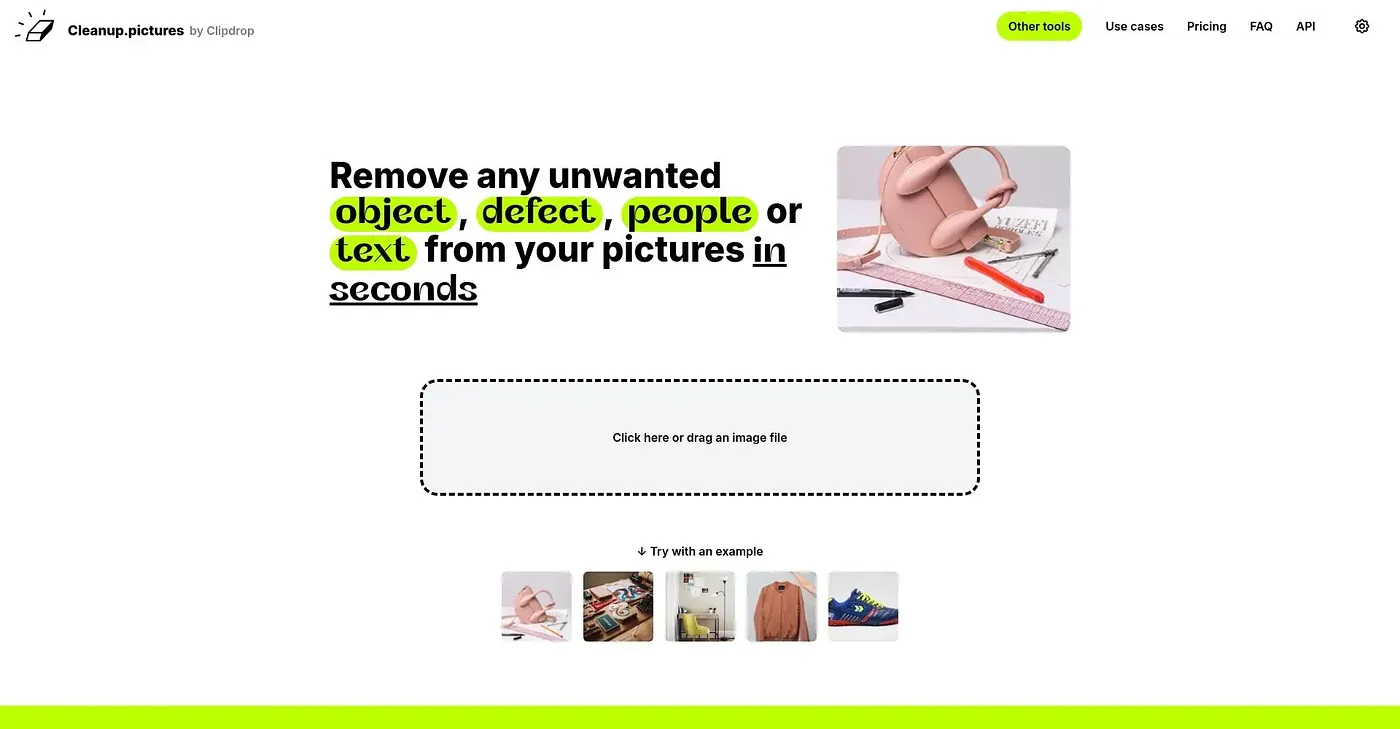
Remove objects, people, text and defects for free or pay for high quality.
At a glance
4.0 out of 5
Scored by Alex after real useOur verdict
Cleanup.pictures is great for beginners to remove simple elements like objects and text. However, it struggles with complex edits and higher resolution images without the Pro version.
✓What it does well
✕Where it falls short
Key features
Questions about Cleanup.pictures
What can you do with Cleanup.pictures?
Cleanup.pictures removes objects, people, text and defects from photos using AI, aiming for clean results without smears or lines. The reviewer finds it good for beginners who need to remove simple elements, and it handles that kind of removal in seconds.
Is Cleanup.pictures free?
Cleanup.pictures has a free version for basic editing, limited to images up to 720p. Higher-resolution images and complex edits need the paid Pro plan, which adds unlimited images and output up to unlimited resolution.
What are the limitations of Cleanup.pictures?
The free version only handles images up to 720p, and complex edits or high-resolution images require a paid subscription. The reviewer also notes it sticks to basic features and lacks extras such as relighting or upscaled image outputs.
Who is Cleanup.pictures best for?
Cleanup.pictures suits photographers, creatives and real estate agents who need to remove simple elements like objects and text from images. It is not meant for complex visual editing, where the reviewer says it struggles. Alex scored it 4.0 out of 5.
Does Cleanup.pictures require an account?
No. Cleanup.pictures lets people start working right away without registering or logging in, which the reviewer counts among its strengths. It runs in a web browser, and the free version covers basic editing needs.