
Highlight GPT Chrome Extension
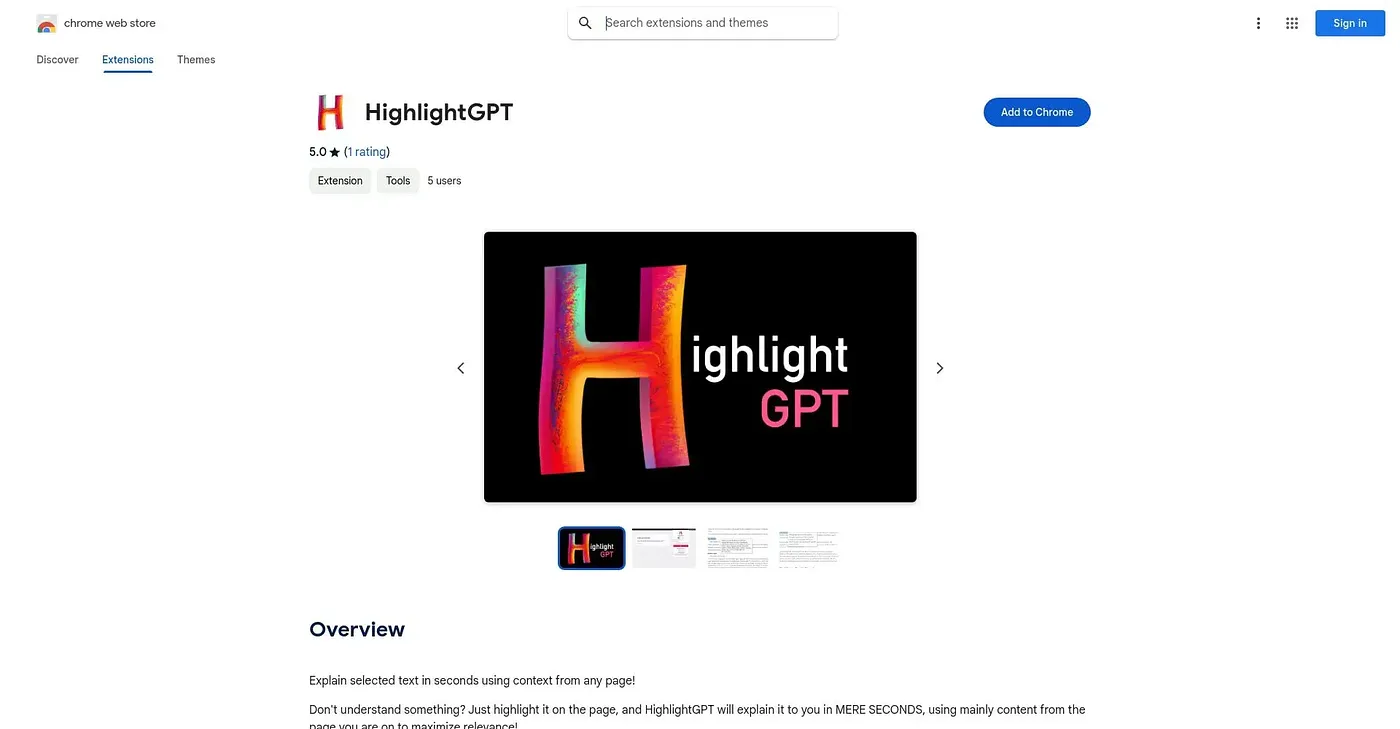
Explains any selected text in context, translating and adjusting detail for different learners.
At a glance
3.9 out of 5
Scored by Alex after real useOur verdict
Highlight GPT explains any selected passage using the surrounding context, translates across multiple languages for non-native speakers, and lets users choose between simple definitions and more detailed analysis. Students, researchers and professionals working through dense or foreign-language material get quick clarification without switching tools. It only explains text, not images, audio or other media on the page, and explanations sometimes lack the nuance needed to avoid occasional misunderstandings.
✓What it does well
✕Where it falls short
Key features
Questions about Highlight GPT Chrome Extension
What does Highlight GPT Chrome Extension do?
Highlight GPT Chrome Extension explains any selected passage on a web page using the surrounding context. Explanations appear as soon as text is selected, users can switch between simple definitions and more detailed analysis, and it can translate and explain text across multiple languages.
Is Highlight GPT Chrome Extension free?
Highlight GPT Chrome Extension is listed as free at $0, with a free tier and no paid plan. Toolio notes that the vendor's site is offline, so no current price could be confirmed beyond that free listing.
Can Highlight GPT Chrome Extension explain images or audio?
No. Highlight GPT Chrome Extension only explains selected text, not images, audio or other media on the page. Toolio marks it as not for anyone needing explanations beyond plain text passages, and the reviewer adds that explanations sometimes lack the nuance needed to avoid misunderstandings.
Does Highlight GPT Chrome Extension work in browsers other than Chrome?
No. It works only as a Chrome extension, and the reviewer lists the lack of support for any other browser as one of its shortcomings. Its contextual explanations, translation and adjustable level of detail are all delivered inside Chrome.
Who is Highlight GPT Chrome Extension best for?
Toolio names students and non-native speakers who want quick text explanations as the best fit. The reviewer adds that researchers and professionals working through dense or foreign-language material get quick clarification without switching tools. Alex scored it 3.9 out of 5 after real use.