
Highlighter for Trendscri Extension
Best for financial analysts, lawyers needing trend insights.
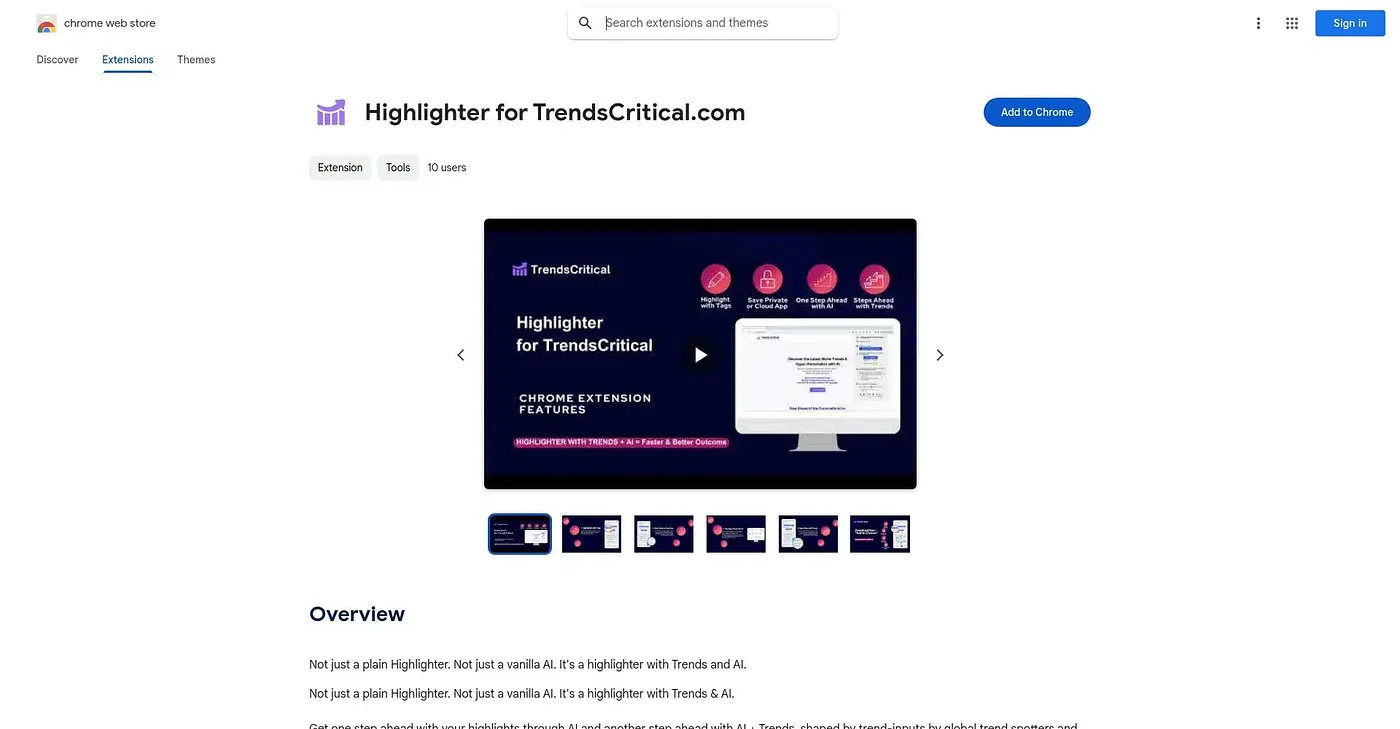
At a glance
3.7 out of 5
Scored by Alex after real useOur verdict
Highlights texts with AI and trends, but lacks device syncing. Not ideal for those requiring continuous collaboration.
✓What it does well
✕Where it falls short
Key features
Questions about Highlighter for Trendscri Extension
What does Highlighter for Trendscri Extension do?
Highlighter for Trendscri Extension highlights text on web pages with a keyboard shortcut or by selecting text and right-clicking. It can then fill in prompts to analyze those highlights with GPT-4 or other commercial language models, using more than 40 scenario-based AI templates.
Is Highlighter for Trendscri Extension free?
Highlighter for Trendscri Extension is listed as free on the Chrome Web Store. Its Free Tier costs $0 per month and comes with limited features and up to 1,000 credits for AI analysis.
Does Highlighter for Trendscri Extension sync highlights across devices?
No. Highlights are stored locally in the browser, and the reviewer lists the lack of device syncing as a shortcoming. It also cannot share highlights between users or support real-time collaboration, so the verdict says it is not ideal for people who need continuous collaboration.
Can you customize Highlighter for Trendscri Extension?
Yes. Users can change highlight colors, text color and keyboard shortcuts, and highlights can be saved with preloaded document templates to support a workflow. The reviewer notes one limit: highlights are restored only on some web pages, and dynamic or frequently updated pages may cause issues.
Who is Highlighter for Trendscri Extension for?
Toolio recommends it for financial analysts and lawyers who need trend insights from the text they read. Alex scored it 3.7 out of 5 after real use. Toolio lists RAIZER, One Click GPT for Business, AI Grant and Proddy as alternatives.