
Img Upscaler
ImgUpscaler enlarges images by 2x or 4x with AI, but lacks batch processing in its free tier.
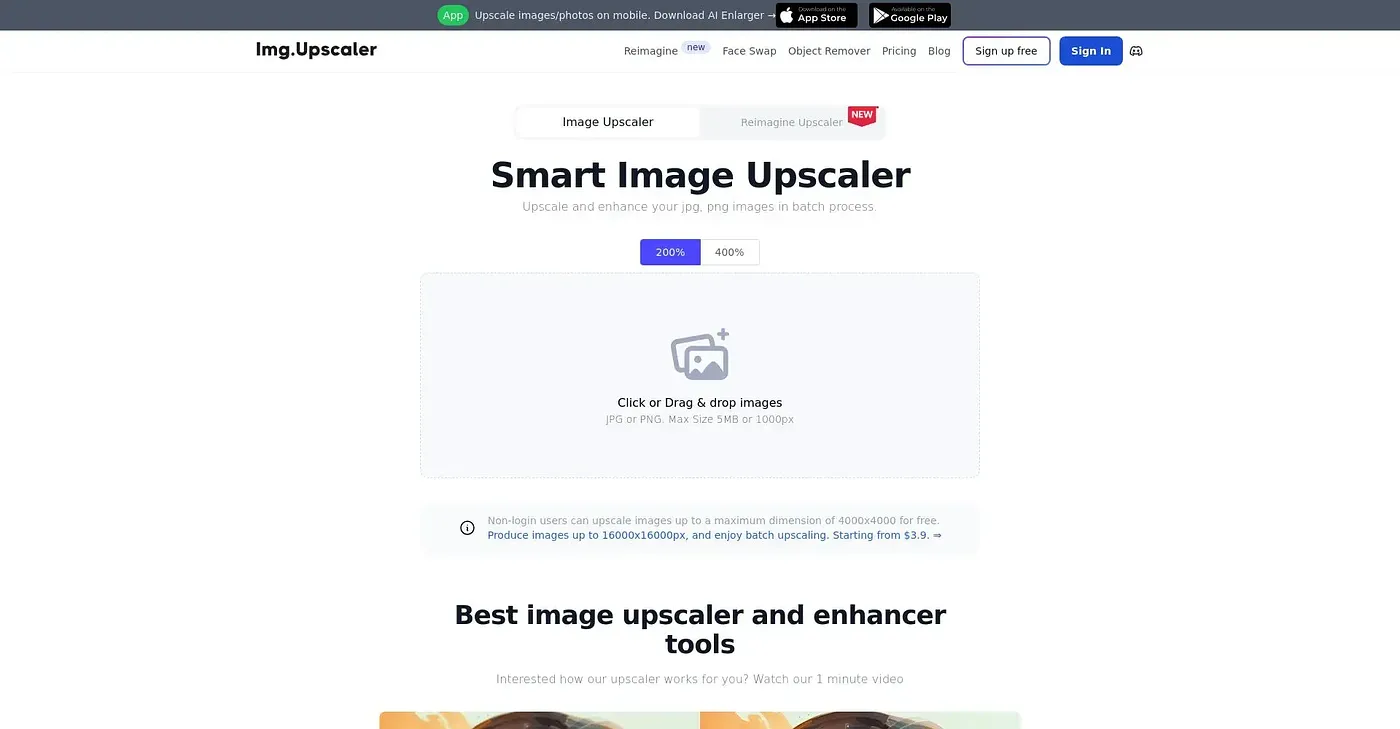
At a glance
Starts at
Free, with limited features
Price as published by the vendor, September 2026.
Free tier
Yes, limited
Platforms
Web
Best for
Creators and marketers who need image enhancement online.
Not for
Freelancers with limited image needs
4.0 out of 5
Scored by Alex after real useOur verdict
It uses AI to enhance images for web and print. Best for occasional use; paid plans offer more credits and batch processing.
✓What it does well
AI EnhancementIncreases image resolution while enhancing details naturally.
Multi-File SupportSupports JPG, PNG, WebP, and AVIF formats easily.
Privacy-FocusedAutomatically deletes files after processing to protect privacy.
✕Where it falls short
Limited Free CreditsFree plan only provides 50 credits per month, limiting usage.
No Batch Processing in Free TierFree users must do each upload and download manually.
Subscription Model for AppsPaid app versions are separate from web subscriptions, adding complexity.
Key features
Upload SupportSupports multiple image file types including JPG, PNG, and WebP.
Enhanced DetailsAI model generates cleaner textures and sharper edges during upscaling.
Privacy-First ProcessingUploaded images are automatically deleted after processing for user privacy.
Batch ProcessingProcess multiple images without manual uploads