
InfoCodex Document Summarizer Chrome Extension
Splits long documents into chapters and summarizes each one, linked back to the original text.
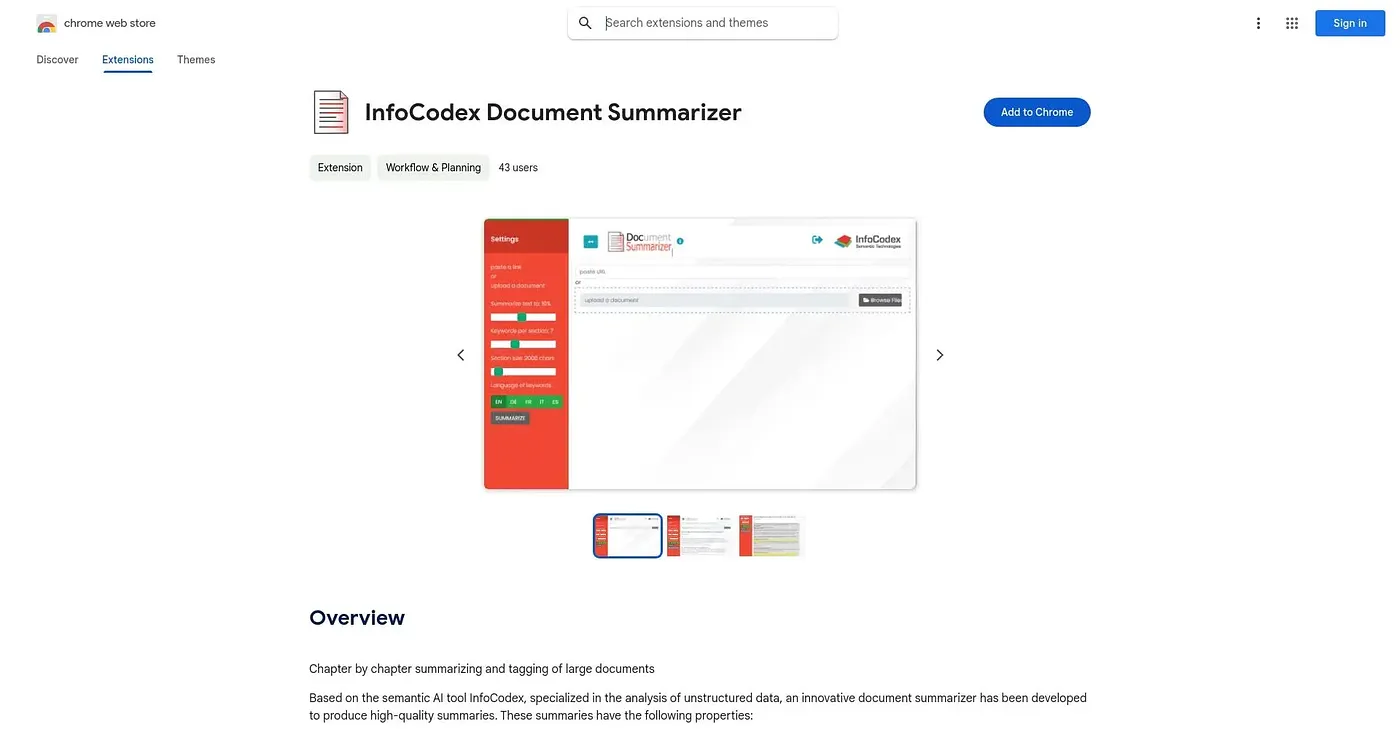
At a glance
Starts at
Free
No paid plan found on the Chrome Web Store, September 2026.
Free tier
Yes
Platforms
Chrome
Best for
Professionals summarizing long documents chapter by chapter
Not for
Anyone wanting more than a seven-reader time estimate
3.9 out of 5
Scored by Alex after real useOur verdict
InfoCodex automatically splits a large document into subsections with its own subheadings, then summarizes each part while keeping the original structure intact, with links back from each summary point to where it sits in the original document. It claims to work immediately on any topic without needing prior training on that subject matter. The time-savings figures, 5 to 15 minutes a day for typical users, come from just seven test readers, and some features require an in-app purchase.
✓What it does well
Chapter-level summarizingLong documents split into sections that each get their own summary.
Works without prior trainingIt processes new topics immediately rather than needing to be trained on them first.
Linked-back summariesEach summary point links directly to its location in the original document.
✕Where it falls short
Tiny test sampleTime-savings estimates come from only seven test readers.
In-app purchasesSome features require an in-app purchase beyond the free base version.
No ratings yetThere are no user ratings on record for it.
Key features
Automatic subsectioningDocuments split into subsections with AI-generated subheadings.
Chapter-by-chapter summariesEach subsection gets its own summary rather than one blended overview.
Source-linked summariesSummary points link directly back to their spot in the original text.
Structure-preserving outputSummaries follow the same structure the original author used.