
Instant Multilingual PDFh Chrome Extension
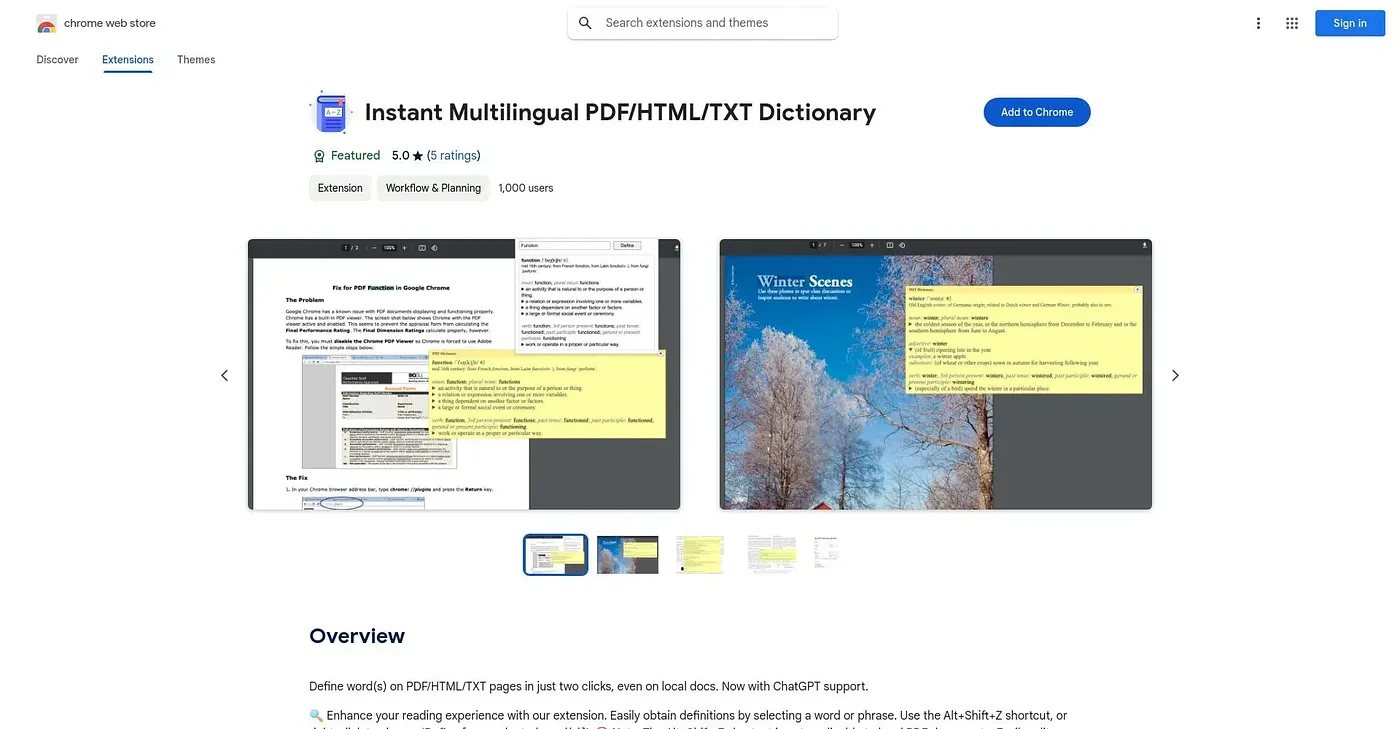
Defines any word on a PDF, webpage or local document in two clicks.
At a glance
Starts at
Free
No paid plan found on the Chrome Web Store, September 2026.
Free tier
Yes
Platforms
Chrome
Best for
Multilingual readers who look up words across many documents
Not for
Anyone needing definitions on protected or scanned documents
5.0 out of 5
Scored by Alex after real useOur verdict
This extension gives you a definition for any selected word or phrase on a webpage, PDF or local text file in two clicks, falling back to a popup window when a tooltip can't display, such as in Chrome's built-in PDF viewer. ChatGPT is available as a definition source across more than 30 languages, alongside customizable shortcuts and a web search link for more context. Protected or scanned documents aren't supported, and using it on local files requires manually enabling file-URL access in Chrome's extension settings.
✓What it does well
Two-click definitionsAny selected word or phrase gets a definition in just two clicks.
Works across formatsDefinitions work on webpages, PDFs and local text files alike.
Multilingual ChatGPT lookupsChatGPT can supply definitions across more than 30 supported languages.
✕Where it falls short
Scanned PDFs unsupportedProtected or scanned documents are not supported for definitions.
Local file setup neededUsing it on local files requires manually enabling file-URL access first.
ChatGPT backup needs its own accountThe ChatGPT definition source requires registering separately at chatgpt.com if you use it.
Key features
Two-click word definitionsSelect a word and get its definition in two clicks or a shortcut.
PDF popup fallbackA popup window shows definitions automatically when PDF tooltips can't display.
ChatGPT definition sourceChatGPT can be set as the definition provider across 30-plus languages.
Search historyPast word lookups are saved and can be revisited later.