Kodie
Kodie helps you create engaging videos with ease, but may lack advanced video editing tools.
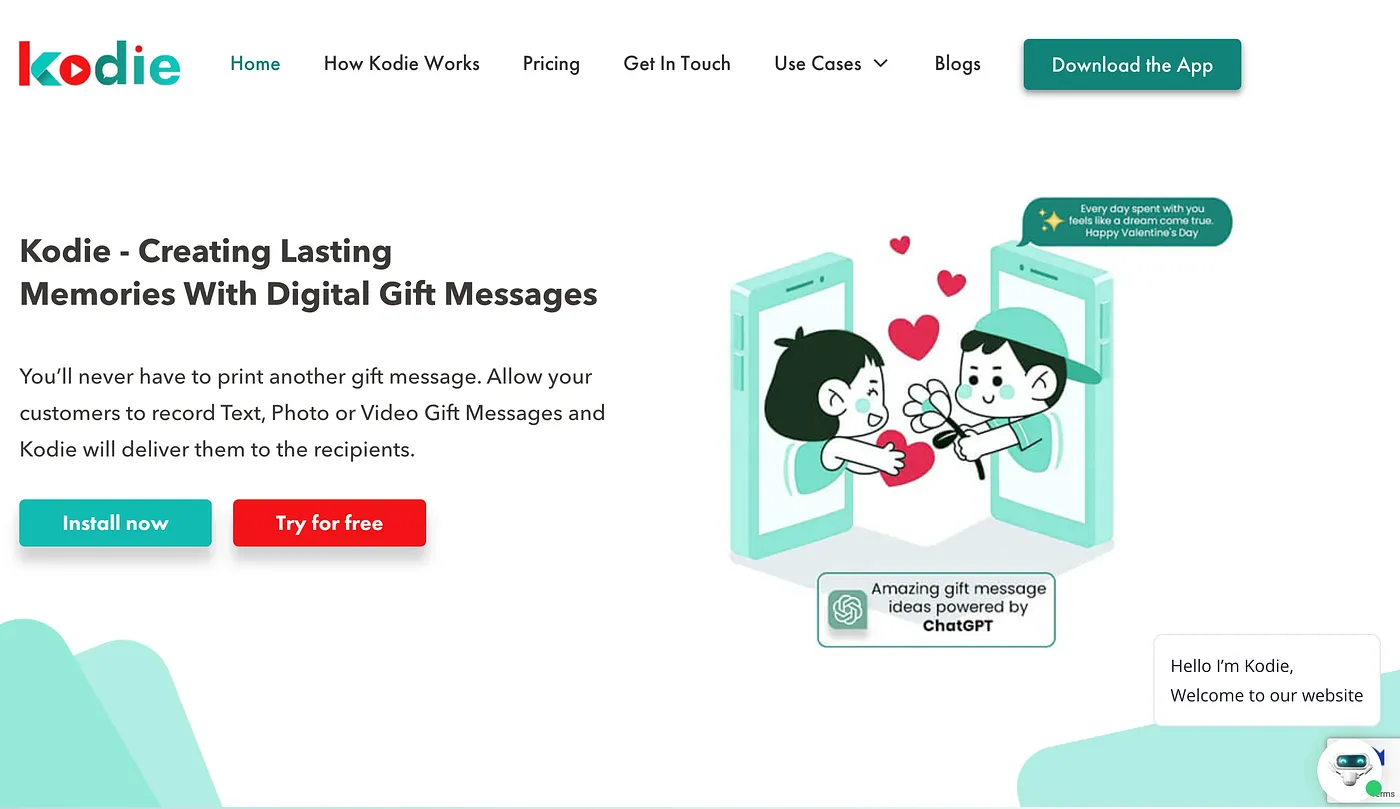
At a glance
3.8 out of 5
Scored by Alex after real useOur verdict
While Kodie simplifies video creation for beginners, it falls short in offering professional-level editing features. Suitable for basic projects; complex ones might need an upgrade or different tool.
✓What it does well
✕Where it falls short
Key features
Questions about Kodie
What is Kodie used for?
Kodie helps people create engaging videos with ease. Its drag-and-drop editor lets users build videos without advanced skills, and a variety of customizable, pre-designed templates speeds up the work. The reviewer sees it as a simple video tool for beginners and basic projects.
How much does Kodie cost?
Kodie has no free tier. The Basic plan costs $9.99 and includes limited editing features and basic templates, while Pro costs $14.99 and adds more advanced tools, higher resolution videos and extra templates. The reviewer counts the low starting price as one of its strengths for small businesses and individuals.
Does Kodie have advanced video editing tools?
No. The reviewer finds the editing tools in Kodie limited next to professional software, without complex effects and transitions. It has no built-in video stabilization for shaky footage and no tools to edit or enhance audio inside the platform, so complex projects may need a different tool.
Can Kodie export videos straight to Instagram?
Not directly. The reviewer notes that Kodie cannot export to popular social media platforms like Instagram without manual steps. It also lacks real-time collaboration for several users on one project and has no specific tools for optimizing videos for search engines.
How does Toolio rate Kodie?
Kodie has a Toolio score of 3.8 out of 5, given by Alex after real use on 3 Oct 2026. Toolio lists it as best for marketers and small businesses and not for advanced video editors, who will miss professional-level editing features.