
Ctrly
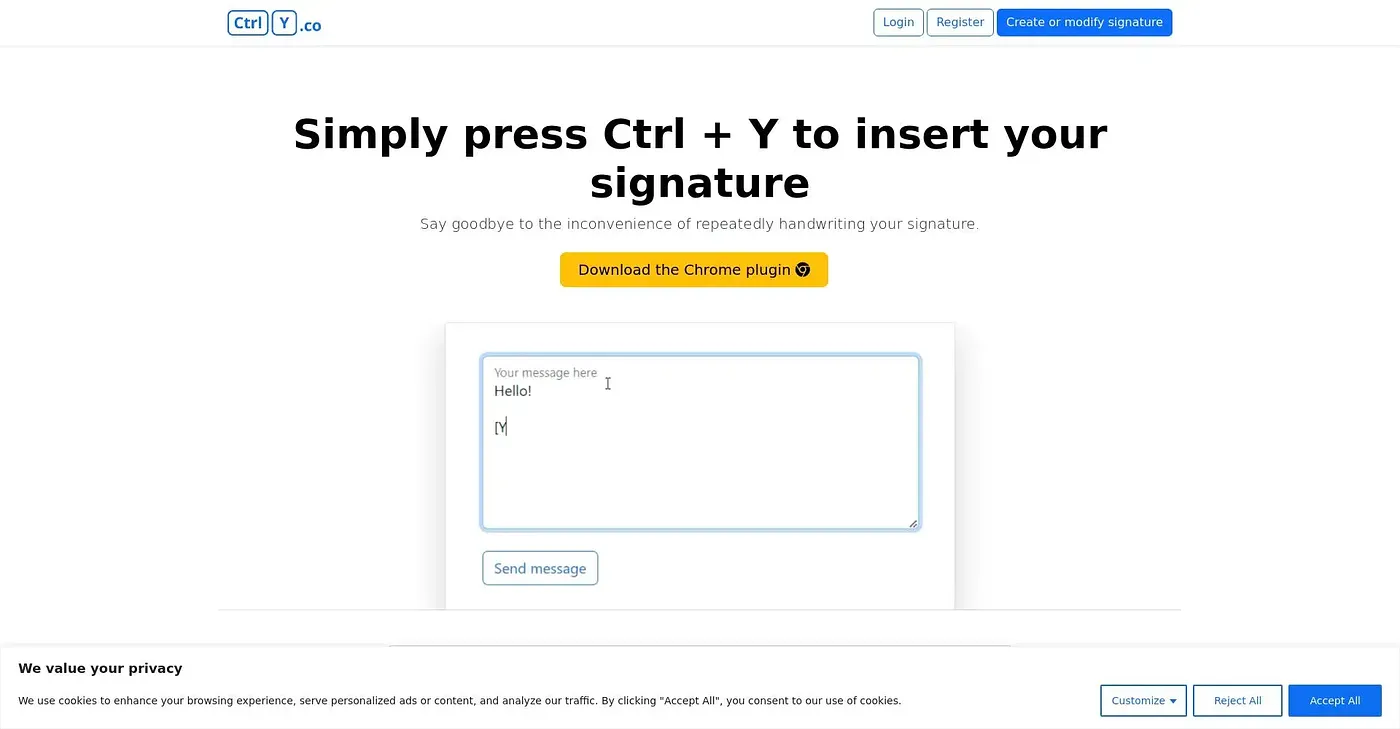
Automatically insert your signature with a simple key press. Say goodbye to manual signatures.
At a glance
3.8 out of 5
Scored by Alex after real useOur verdict
Inserts signatures automatically by pressing Ctrl + Y. Best for those who hate handwriting signatures manually but can't guarantee all features without an account.
✓What it does well
✕Where it falls short
Key features
Questions about Ctrly
What does Ctrly do?
Ctrly inserts a signature automatically when the user presses Ctrl + Y, so there is no need to add signatures manually. It works as a Chrome extension with quick setup, and the reviewer recommends it for those who hate handwriting signatures manually.
How much does Ctrly cost?
Ctrly starts from $19 per month, according to the price the vendor published in September 2026. There is no free plan, which the reviewer lists among its shortcomings, and the reviewer adds that not all features can be guaranteed without an account.
Does Ctrly work offline?
No. Ctrly requires internet access to function properly, which the reviewer lists as a shortcoming. It runs as a Chrome plugin on the web, with no separate installation needed, and inserts a saved signature with a Ctrl + Y key press.
Can you customize signatures in Ctrly?
Only to a degree. Ctrly does not offer extensive customization options for signatures, according to the reviewer, but it can create and manage multiple signatures and lets users create or modify a signature in seconds.
Who is Ctrly for?
Toolio lists busy professionals and entrepreneurs as the best fit for Ctrly. Alex scored it 3.8 out of 5 after real use, on 4 Oct 2026, crediting its quick setup and ease of use. It has been listed on Toolio since September 2024.