
Maestro Labs
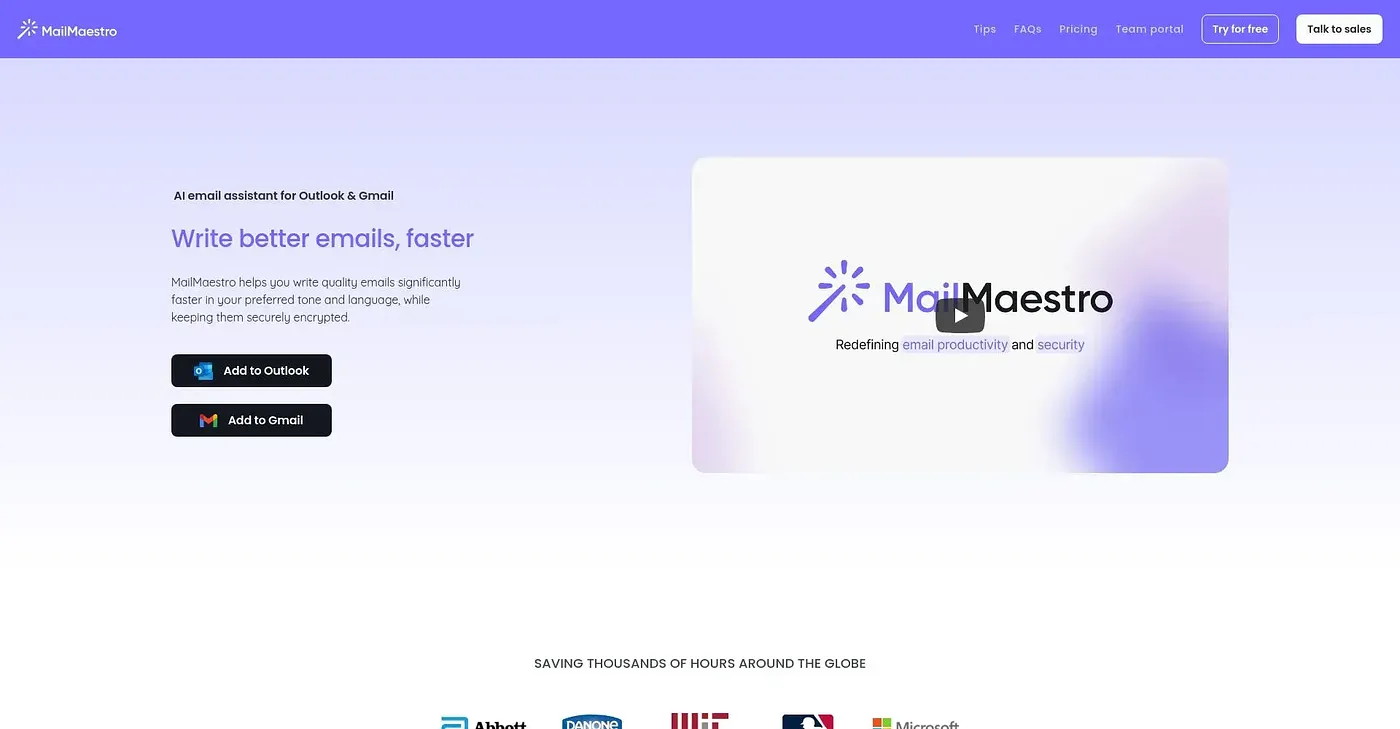
Save time and effort with AI that drafts, summarizes, and manages your emails.
At a glance
4.0 out of 5
Scored by Alex after real useOur verdict
Maestro Labs excels in saving time on drafting and summarizing. However, it may not be ideal for teams needing advanced customization beyond its limits.
✓What it does well
✕Where it falls short
Key features
Questions about Maestro Labs
What does Maestro Labs do?
Maestro Labs uses AI to draft, summarize and manage emails. It generates multiple draft options for an email in seconds, turns messy meeting conversations into clear action items, and works in over 20 languages. It runs on the web and in Outlook, Gmail and Teams.
How much does Maestro Labs cost?
Maestro Labs has no free tier. Magic Templates costs $15 per month per seat, and Popular Professional costs $30 per month per seat and adds email summaries with AI, based on prices the vendor published in September 2026.
Which apps does Maestro Labs work with?
Maestro Labs works on the web and inside Outlook, Gmail and Teams. The reviewer notes it has no integration with other platforms, so teams that rely on different email or chat tools may need to look elsewhere. Professionals who want to improve daily email workflows are its best fit.
What are the downsides of Maestro Labs?
The reviewer says Maestro Labs may not suit teams needing advanced customization, since personalization and custom templates can require extra tools or manual effort. The Magic Templates plan caps draft, reply and improve requests at three a week, and Toolio lists email volume processors among those who should look elsewhere.
How does Toolio rate Maestro Labs?
Alex scored Maestro Labs 4.0 out of 5 after real use, on 3 Oct 2026. The verdict says it excels at saving time on drafting and summarizing. Toolio lists Ecomail, Superhuman, Email Flow AI and Profynix as alternatives.