
Whisper
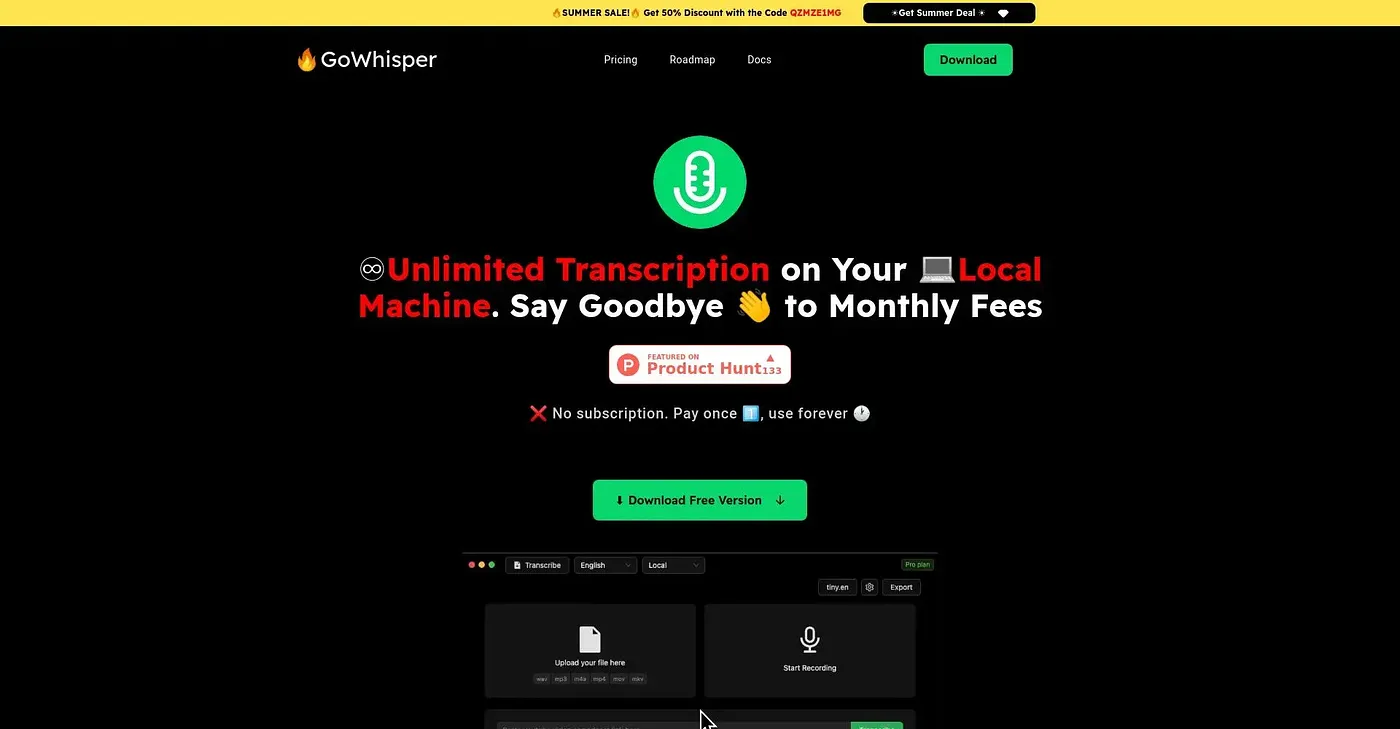
GoWhisper runs transcriptions entirely on your own machine — offline, private.
At a glance
3.9 out of 5
Scored by Alex after real useOur verdict
Perfect for those who need privacy and don't want to upload files. Not ideal if you require cloud features or multiple devices.
✓What it does well
✕Where it falls short
Key features
Questions about Whisper
What does Whisper do?
Whisper, from GoWhisper, runs transcriptions entirely on the user's own machine, offline and private. It supports over 99 languages through a choice of Tiny and Base AI transcription models, and runs on macOS and Windows. The reviewer calls it a strong fit for anyone who wants privacy and does not want to upload files.
How much does Whisper cost?
Whisper's Pro plan starts from a $25 one-time payment with no subscriptions. The vendor says the payment gives lifetime access, unlimited transcriptions and all AI models, without recurring costs. The reviewer counts this pricing among its strengths.
What formats can Whisper export transcripts to?
Whisper saves transcriptions as SRT, TXT, VTT or CSV files, which makes them easy to bring into different workflows. All transcription happens locally on the user's computer, so files never need to be uploaded anywhere before export.
Can Whisper be used on more than one computer?
No. Whisper only runs on the computer it was downloaded from, not on other devices. It also lacks cloud features, so transcriptions cannot be shared or worked on with others in real time, and Toolio lists it as not for collaborators needing real-time sharing.
How does Toolio score Whisper?
Alex scored Whisper 3.9 out of 5 after real use on 3 Oct 2026. The reviewer credits its offline transcription, one-time pricing and support for over 99 languages, while marking it down for lacking cloud features and being limited to one machine.