
Rask
It's good for businesses needing to translate large volumes of audio and video content, but not if you're a small team.
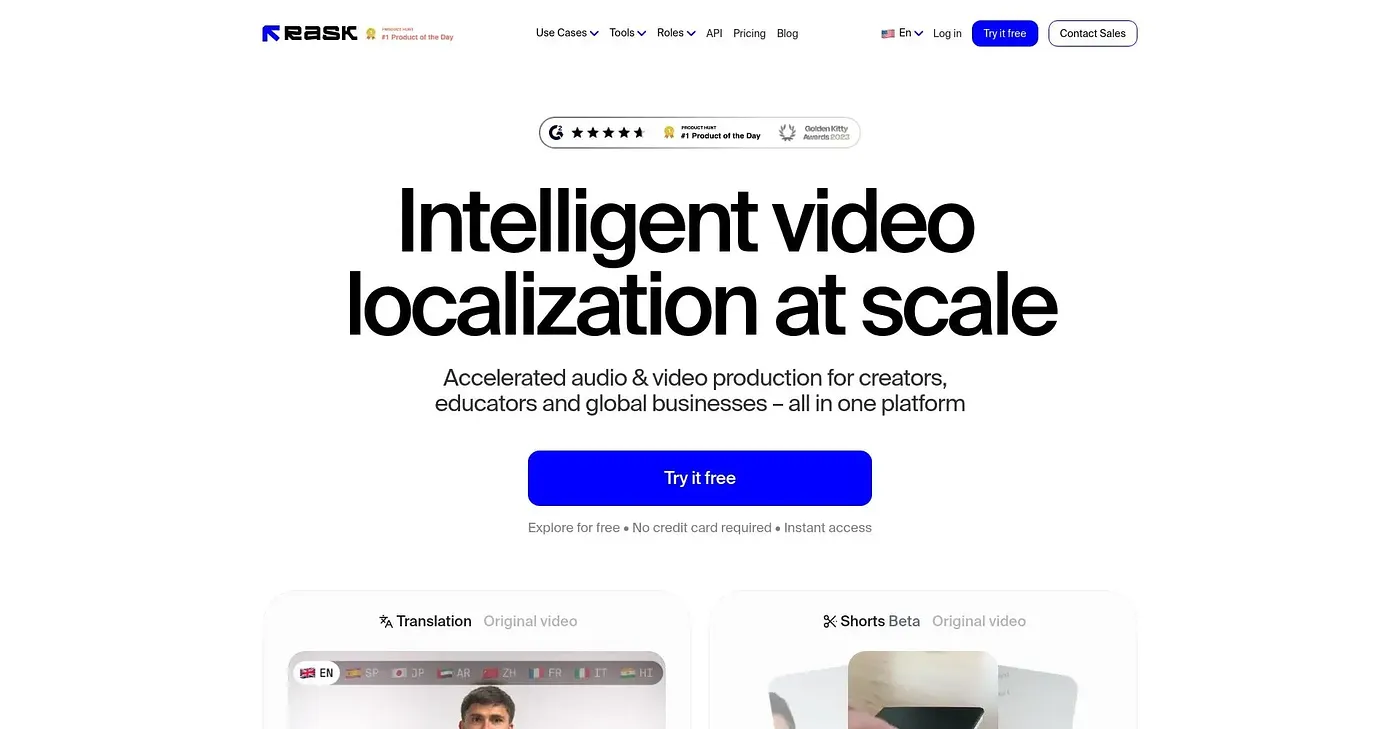
At a glance
4.0 out of 5
Scored by Alex after real useOur verdict
Rask is great for translating extensive multimedia content automatically. However, smaller teams might find it expensive and overkill.
✓What it does well
✕Where it falls short
Key features
Questions about Rask
What does Rask do?
Rask automatically translates audio and video content, and the reviewer says it is well suited to businesses translating large volumes of multimedia. It clones voices for natural-sounding audio in multiple languages, generates synthetic voices with usage rights and supports custom dictionaries and translation prompts for accuracy.
How much does Rask cost?
Rask's Creator plan costs $69 per month and includes auto translation and voice cloning in multiple languages. Creator Pro costs $89 per month and adds features such as multi-speaker support and advanced video editing. A limited free plan covers basic features and a low volume of content.
How many languages does Rask support?
The reviewer says Rask supports translations in over 135 languages, and it clones voices for natural-sounding audio in multiple languages. Voice prompting and custom dictionaries help keep translations accurate for the global enterprises Toolio names as its best fit.
Is Rask worth it for small teams?
Probably not, according to the reviewer, who says smaller teams might find Rask expensive and overkill. Its plans start at $69 per month, and Toolio says it is not for small teams with limited budgets. The free plan is limited to basic features and a low volume of content.
Does Rask have an API?
Yes. Rask runs on the web and offers an API that allows automated localization workflows. It holds a Toolio score of 4.0 out of 5, given by Alex after real use on 5 Oct 2026, and Toolio lists Colossyan, Filtix AI, Veo 4 AI and Fliz AI as alternatives.