
WizWrite
Works only on macOS, not cross-platform.
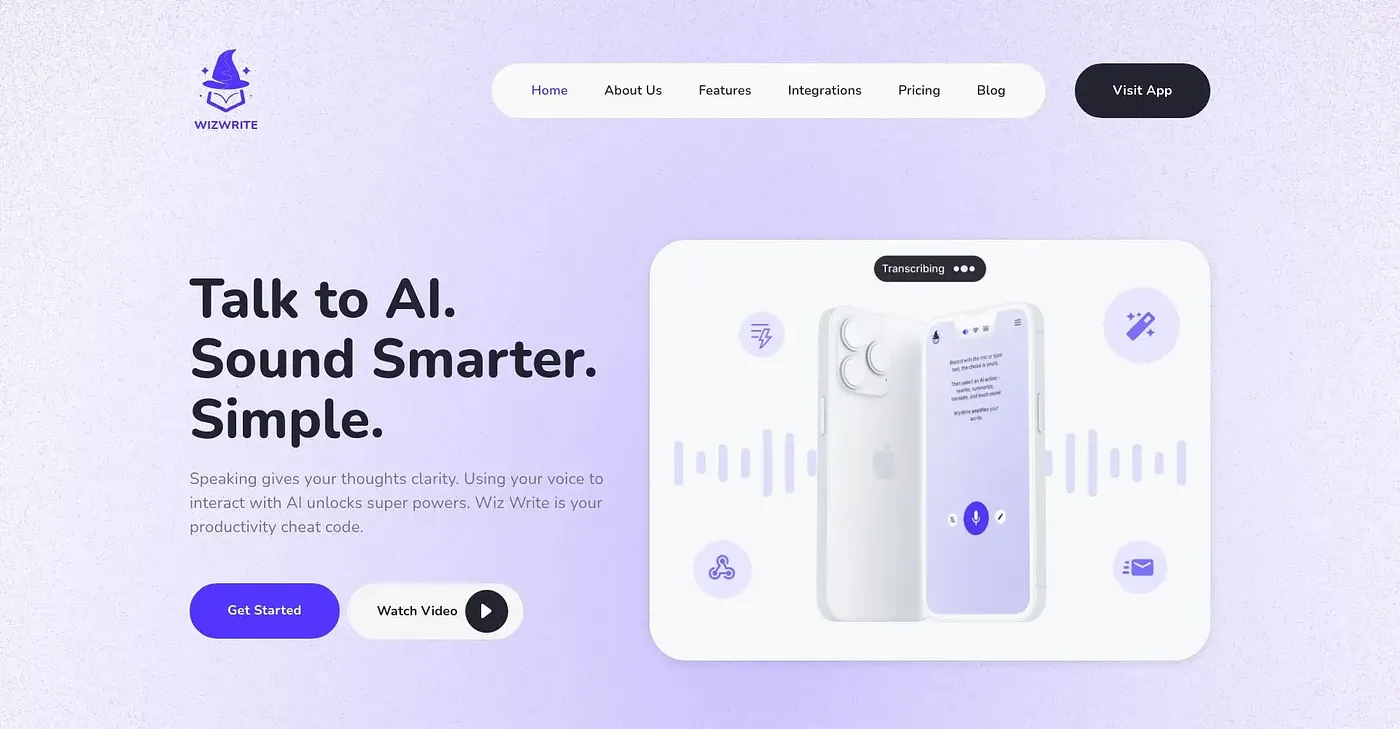
At a glance
3.9 out of 5
Scored by Alex after real useOur verdict
WizWrite converts your speech to text instantly but is limited to Macs and does not integrate with as many apps as some competitors. If you’re a Windows user or prefer more integration options, consider alternatives like Google Keep Voice Notes or Microsoft Narrator for Word.
✓What it does well
✕Where it falls short
Key features
Questions about WizWrite
What is WizWrite?
WizWrite is a speech-to-text app that converts speech to text instantly, without needing pauses. It runs as a native Mac app with hotkeys and menu bar access, recognizes multiple languages without manual setup, and lets users create custom AI actions for repetitive tasks using voice commands.
Does WizWrite work on Windows?
No. WizWrite is not available on Windows, which the reviewer lists as a key shortcoming. It runs as a native Mac app and on iPhone and iPad. The reviewer suggests Windows users consider alternatives such as Google Keep Voice Notes or Microsoft Narrator for Word.
How much does WizWrite cost?
WizWrite has no free tier. Basic costs $19 per month with Mac and iOS apps, privacy mode, on-device transcription and up to five custom AI actions. Premium costs $39 per month and adds 50 custom AI actions and webhook integrations, while Team costs $119 per month with three seats included.
Does WizWrite work offline?
Yes. WizWrite's privacy mode transcribes offline with no internet connection, and transcriptions stay private rather than being uploaded to the cloud during use. On-device transcription and privacy mode are included from the Basic plan upward.
What are the limits of WizWrite?
The reviewer notes WizWrite offers fewer webhook integrations than competitors such as Zapier, and it does not integrate with as many apps as some rivals. Teams also pay a higher cost per user than individual plans. WizWrite holds a Toolio score of 3.9 out of 5.