
MangoFlow Chrome Extension
A one-click AI sidebar for quick tasks while browsing, in eight languages.
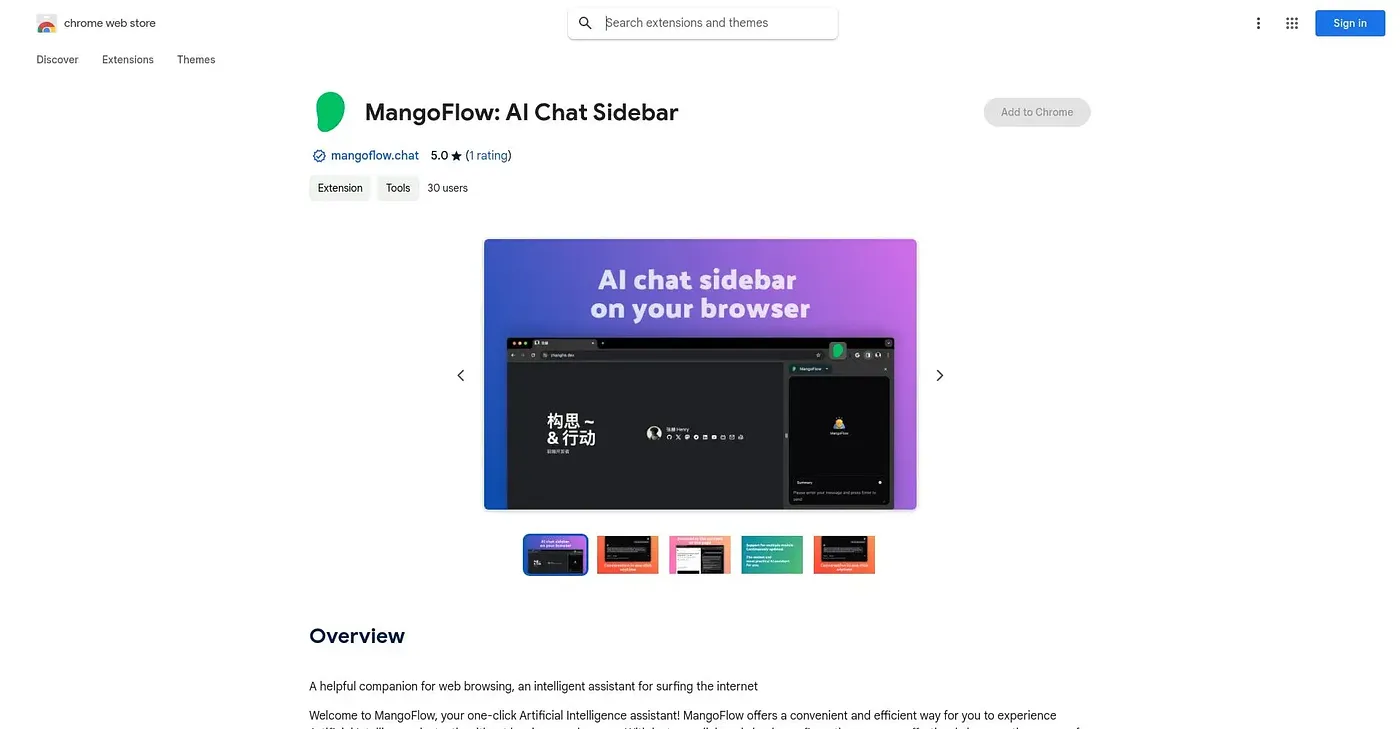
At a glance
3.9 out of 5
Scored by Alex after real useOur verdict
MangoFlow adds a one-click AI assistant to your browser with minimal setup, positioned as a general-purpose companion for browsing tasks. Exactly which specific tasks it handles isn't detailed beyond that general pitch, so what you get may depend on trying it yourself. It supports eight languages and has just one rating so far.
✓What it does well
✕Where it falls short
Key features
Questions about MangoFlow Chrome Extension
What is MangoFlow Chrome Extension?
MangoFlow is a one-click AI sidebar for quick tasks while browsing, running as an assistant inside Chrome rather than as a separate app. The reviewer notes it is positioned as a general-purpose browsing companion, and which specific tasks it handles is not detailed beyond that pitch.
Is MangoFlow free?
MangoFlow is free, with a Free plan at $0, and Toolio found no paid plan on the Chrome Web Store in September 2026. The extension is under 1MB in size, so it adds minimal overhead to the browser.
What languages does MangoFlow support?
MangoFlow is available in eight languages, including Chinese, Japanese, Korean and Arabic. The reviewer lists this multilingual interface among its strengths, alongside one-click activation and a lightweight footprint that adds minimal overhead to the browser.
What are the limitations of MangoFlow?
The reviewer says MangoFlow's feature scope is vague, and it has only one rating so far. It is limited to Chrome, with no listed version for other browsers, and Toolio says it is not for people wanting clearly defined AI capabilities.
How does Toolio rate MangoFlow?
Alex scored MangoFlow 3.9 out of 5 on 5 Oct 2026 after real use. It is best for casual users wanting quick AI access. Toolio lists Monic AI, Iris AI, DePhrase AI Chrome Extension and Paperguide as alternatives.