
Cmdj
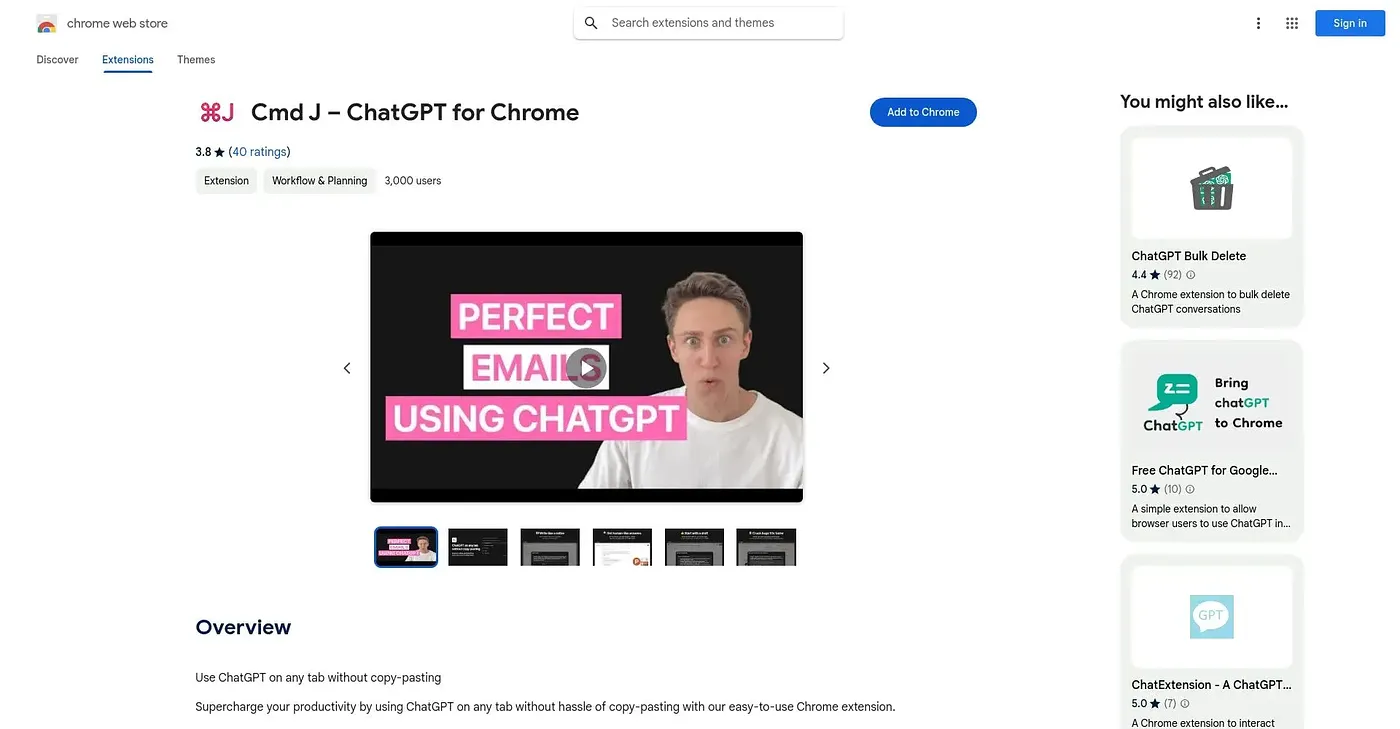
Cmd J AI Assistant speeds up writing, coding and searching but lacks advanced customization options.
At a glance
Starts at
Free trial available
Listed as free on the vendor's site.
Free tier
Yes, limited
Platforms
Web, macOS, Windows
Best for
Writers and developers
Not for
Typing Speed Trainers
4.0 out of 5
Scored by Alex after real useOur verdict
Cmd J assists with quick drafting and code explanations. It’s great for writers and coders who need instant help. Researchers might find it limiting without deeper search capabilities.
✓What it does well
Instant SuggestionsCmd J provides quick content suggestions and code explanations directly in your browser.
No Dashboard NeededNo setup or management required; use the shortcut to get instant responses.
Context-SensitiveResponds based on specific prompts, offering relevant information quickly.
✕Where it falls short
Limited CustomizationDoesn’t offer advanced customization options or deep personalization settings.
No Advanced SearchLacks the depth and complexity of full-scale search engines, focusing on quick responses instead.
Free Version RestrictionsThe free version has usage limits which can hinder more intensive workflows.
Key features
Popup InterfaceActivates with a simple shortcut, displaying compact response boxes directly in your browser.
ChatGPT-Powered AIBacked by ChatGPT for natural language processing and quick responses.
Code ExplanationCan explain code snippets, helping with debugging and syntax understanding.
Code Snippets LibraryHolds a collection of code snippets for quick reuse.