
Mesha
Admin dashboard, basic finance tracking.
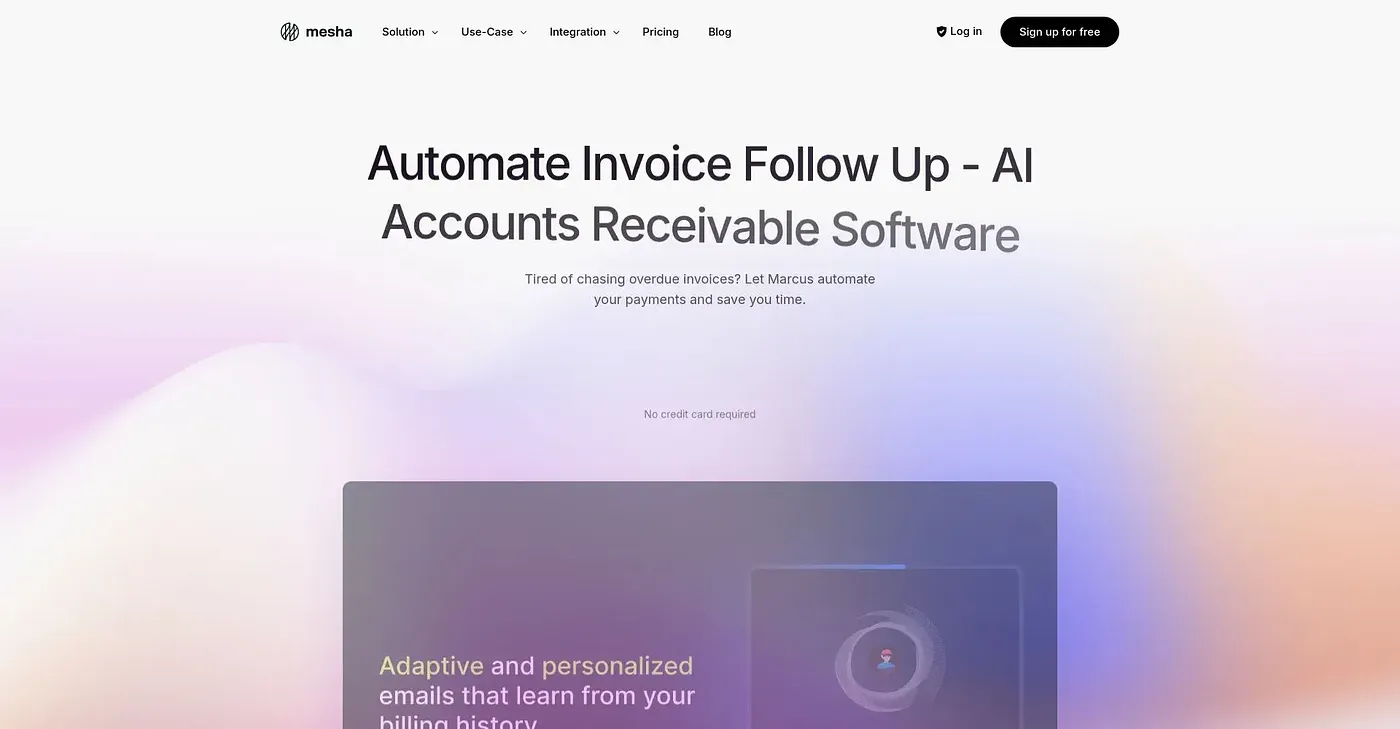
At a glance
3.9 out of 5
Scored by Alex after real useOur verdict
BunnySteps.Admin offers a straightforward admin dashboard for tracking finances and legal records. Ideal for small teams but lacks advanced features for larger operations or complex financial management tasks.
✓What it does well
✕Where it falls short
Key features
Questions about Mesha
What is Mesha used for?
Mesha is a web-based admin dashboard for basic finance tracking. It tracks income, expenses and basic budgets, and it gives a safe place to store legal documents and contracts. The reviewer describes it as a straightforward dashboard for finances and legal records, with easy setup and navigation.
Is Mesha free?
Yes. Mesha is listed as free on the vendor's site, with a free plan at $0 and no paid plan listed. The vendor says the basic plan is included with full features, and Toolio re-checks this pricing quarterly.
Does Mesha have a mobile app?
No. Mesha runs in a web browser only, and the reviewer lists the lack of a mobile app among its shortcomings. Anyone who wants to check finances or legal records from a phone app will find access limited to the browser.
What are the limitations of Mesha?
The reviewer notes that Mesha has limited reporting, with no advanced data visualization or detailed financial reports. Budget tracking is basic and lacks detailed analysis tools, and there are no tools for managing projects or tasks. It lacks the advanced features larger operations would need.
Who is Mesha best for?
Toolio lists Mesha as best for small businesses with simple needs, and the reviewer calls it ideal for small teams. It is not for large enterprises with complex financial needs. Alex scored it 3.9 out of 5 on 3 Oct 2026, after real use.