
MuseMind Chrome Extension
Generates one-click, tone-matched replies for Twitter, LinkedIn, Facebook, and Gmail.
At a glance
3.9 out of 5
Scored by Alex after real useOur verdict
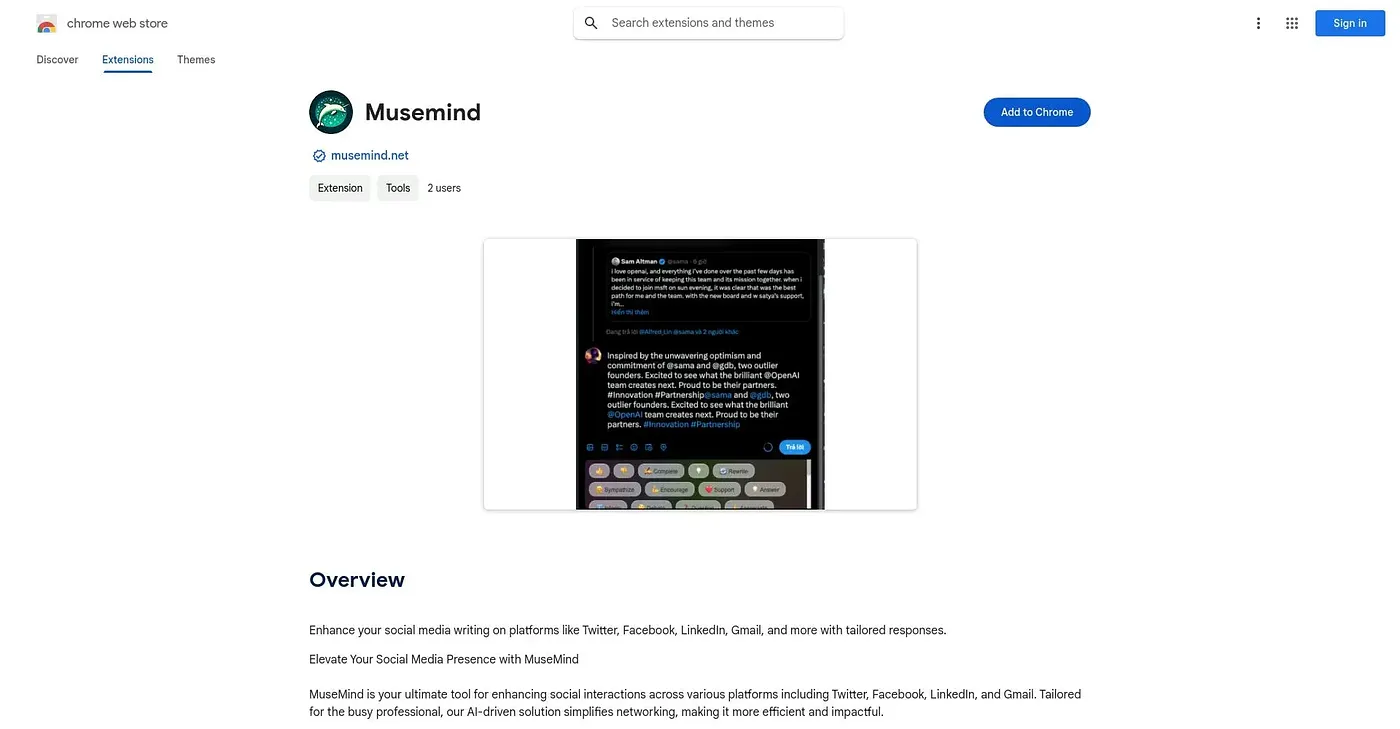
MuseMind drafts one-click replies for Twitter, Facebook, LinkedIn, and Gmail, letting you pick a tone like Like, Dislike, or Support before it generates a comment, and regenerate the result until it fits. It's built for professionals who want to keep up a networking presence without writing every reply from scratch. It offers in-app purchases beyond the free base extension and has no ratings yet.
✓What it does well
✕Where it falls short
Key features
Questions about MuseMind Chrome Extension
What does MuseMind Chrome Extension do?
MuseMind Chrome Extension drafts one-click replies for Twitter, Facebook, LinkedIn and Gmail. A user picks a tone such as Like, Dislike or Support before it generates a comment, then can regenerate the reply until it fits. It is built for professionals keeping up a networking presence.
Is MuseMind Chrome Extension free?
The base extension is free, and Toolio found no paid plan on the Chrome Web Store in September 2026. The reviewer notes that some functionality requires an in-app purchase, which is why Toolio lists it as not for people wanting fully free social reply tools.
Which sites does MuseMind Chrome Extension work on?
MuseMind Chrome Extension runs in Chrome and integrates with Twitter, LinkedIn, Facebook, Gmail and Product Hunt. The reviewer counts this multi-platform support among its strengths, since replies across several sites can come from one tool instead of being written from scratch each time.
Should MuseMind Chrome Extension replies be checked before posting?
The reviewer recommends a quick manual review, since automated tone-matched replies can miss nuance. MuseMind Chrome Extension also has no ratings yet, so there is no outside track record, and Alex scored it 3.9 out of 5 after real use.
What are some alternatives to MuseMind Chrome Extension?
Toolio lists Sociable AI Chrome Extension, which finds trending social posts worth replying to and automates brand persona responses. Other alternatives include Linkedin Genie AI and Mastodon, a decentralized social media platform not controlled by corporations.