
Mysterian AI for Gmail Chrome Extension
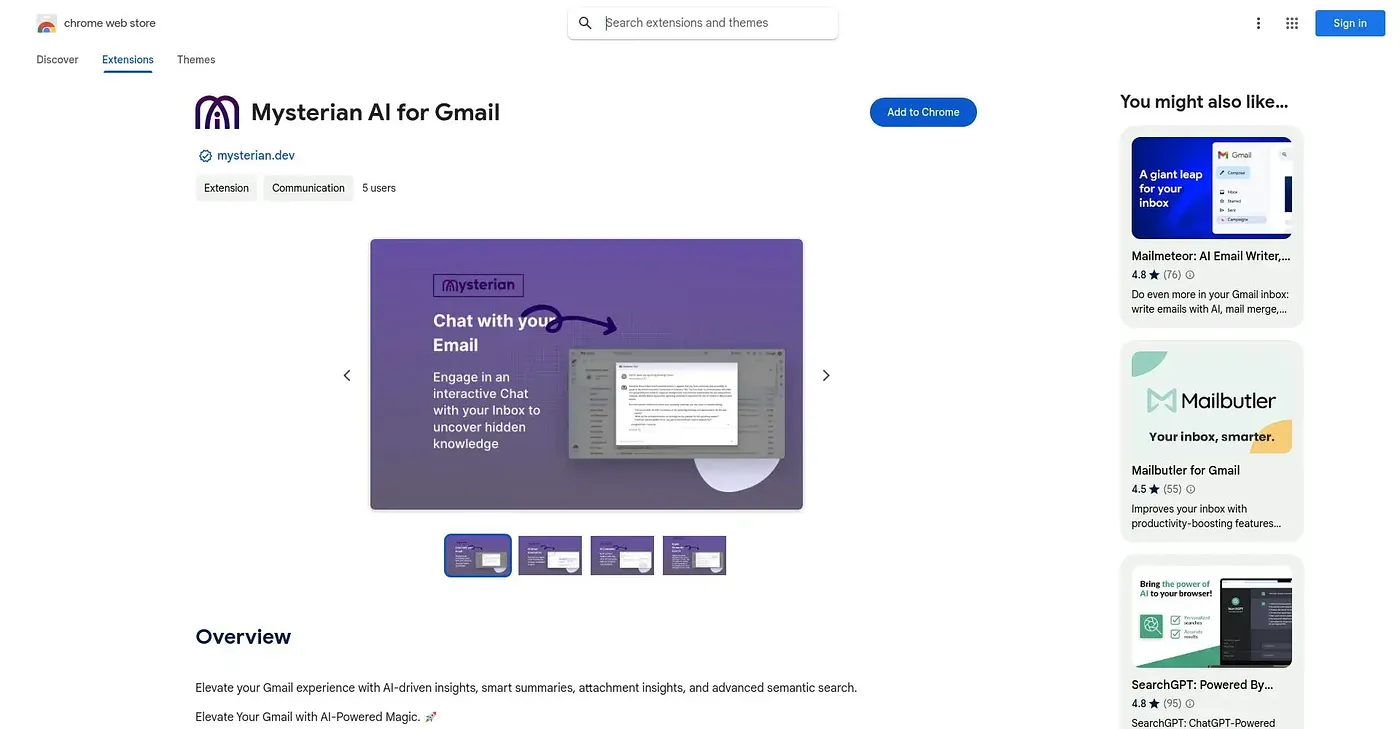
Summarizes long Gmail threads and drafts context-aware replies from inside your inbox.
At a glance
3.9 out of 5
Scored by Alex after real useOur verdict
Mysterian sits inside Gmail and turns semantic search, thread summaries, and one-click AI replies into features you reach without leaving your inbox. You can also chat directly with your mail history to surface older context instead of scrolling back through threads. Multi-inbox management is still listed as coming soon, so if you already juggle several Gmail accounts you'll be waiting for that piece, and the extension only runs in Chrome.
✓What it does well
✕Where it falls short
Key features
Questions about Mysterian AI for Gmail Chrome Extension
What does Mysterian AI for Gmail Chrome Extension do?
Mysterian AI for Gmail Chrome Extension works inside Gmail, summarizing long threads and drafting context-aware replies without leaving the inbox. It also offers semantic search that matches by concept rather than exact keywords, and an inbox chat feature that answers questions about older email history instead of requiring a scroll back through threads.
Is Mysterian AI for Gmail Chrome Extension free?
Yes, Mysterian AI for Gmail Chrome Extension is listed as free at $0. Toolio found no paid plan on the Chrome Web Store in September 2026, so thread summaries, semantic search and one-click replies come without a listed price.
Can Mysterian AI for Gmail Chrome Extension manage multiple Gmail accounts?
Not yet. Managing several Gmail accounts is listed as a coming-soon feature, so the extension handles a single inbox for now. The reviewer flags this as a shortcoming, and Toolio marks the tool as not for anyone needing multi-inbox support today.
Does Mysterian AI for Gmail Chrome Extension work with Outlook or other browsers?
No. The extension runs only in Chrome, with no listed version for other browsers, and it works only within Gmail. The reviewer notes it offers nothing for Outlook or other webmail providers, so it suits heavy Gmail users rather than anyone on a different email service.
How does Toolio rate Mysterian AI for Gmail Chrome Extension?
Alex scored Mysterian AI for Gmail Chrome Extension 3.9 out of 5 after real use. The reviewer praises semantic search, thread summaries and one-click AI replies that are reachable without leaving the inbox, while counting the Chrome-only support and the missing multi-inbox management against it.