
Open OS AI Browser Extension
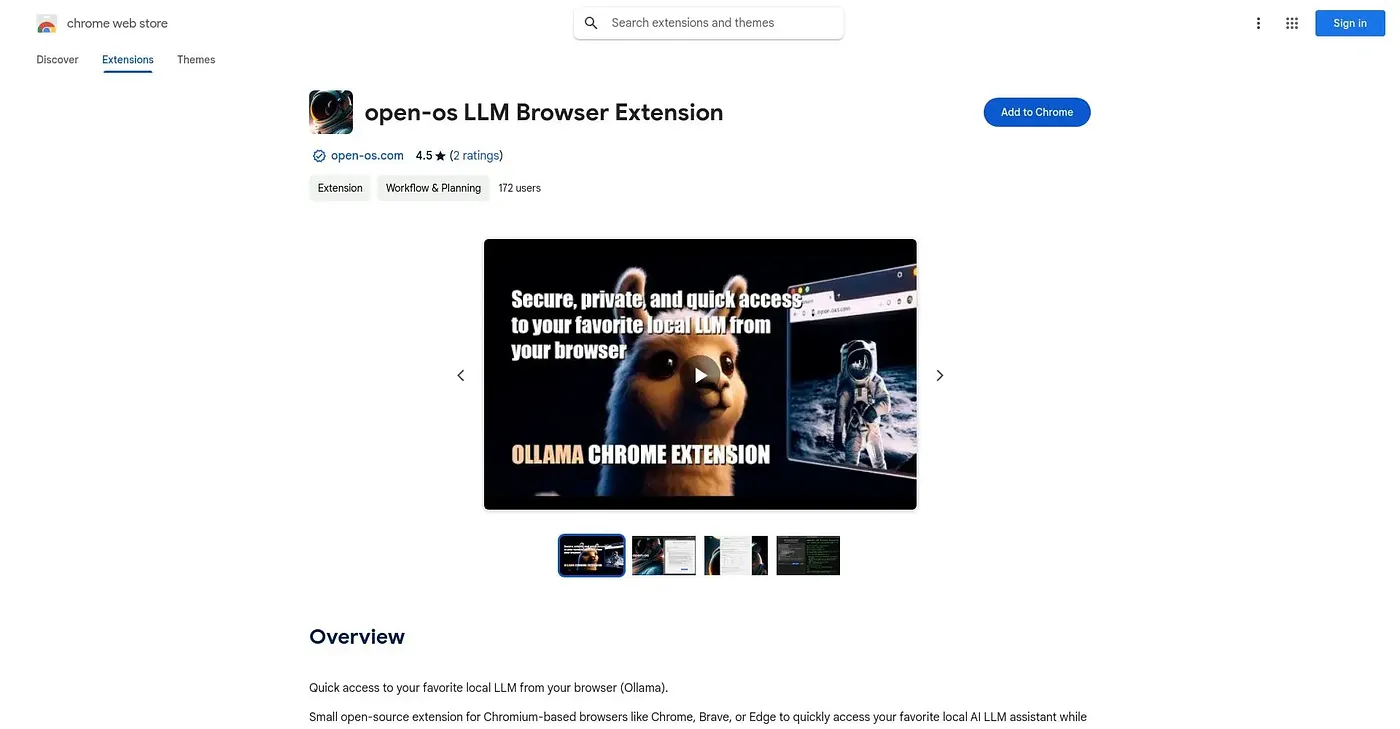
Puts a chat interface for your local Ollama models, from Llama to Mistral, right in the browser.
At a glance
4.3 out of 5
Scored by Alex after real useOur verdict
This is a lightweight front end for Ollama: it connects to any local or remote Ollama server and lets you chat with whichever model you've pulled, from Llama 3 to DeepSeek, with streaming responses and full Markdown. Extras like six built-in themes and an experimental persona injection feature add some personality on top of a fairly plain chat window. There's no telemetry and no account required, but you still need Ollama itself installed and a model downloaded before the extension does anything at all.
✓What it does well
✕Where it falls short
Key features
Questions about Open OS AI Browser Extension
What is Open OS AI Browser Extension?
Open OS AI Browser Extension is a Chrome extension that puts a chat interface for Ollama models in the browser. It connects to a local or remote Ollama server and lets users chat with any model they have pulled, from Llama 3 to DeepSeek, with streaming responses and full Markdown support.
Do you need Ollama to use Open OS AI Browser Extension?
Yes, Open OS AI Browser Extension requires Ollama to be installed and a model downloaded before it does anything at all. It only talks to local or self-hosted Ollama models and cannot connect to hosted services like ChatGPT or Claude. Toolio lists anyone without Ollama already installed as a poor fit.
Does Open OS AI Browser Extension collect any data?
Open OS AI Browser Extension has no telemetry and needs no account or sign-up. It runs without external servers, keeping conversations local by design. Toolio names privacy-minded users who already run local Ollama models as its best audience.
How much does Open OS AI Browser Extension cost?
Open OS AI Browser Extension is free, priced at $0, and no paid plan was found on the Chrome Web Store in September 2026. Ollama itself must be installed separately. Toolio gives the extension a score of 4.3 out of 5 after real use by Alex.
What are the downsides of Open OS AI Browser Extension?
The reviewer notes that Open OS AI Browser Extension is built by a single independent developer and has only three ratings so far. Its chat window is fairly plain, with six built-in themes and an experimental persona injection mode adding some personality. It also cannot use cloud models.