
Numbr Chrome Extension
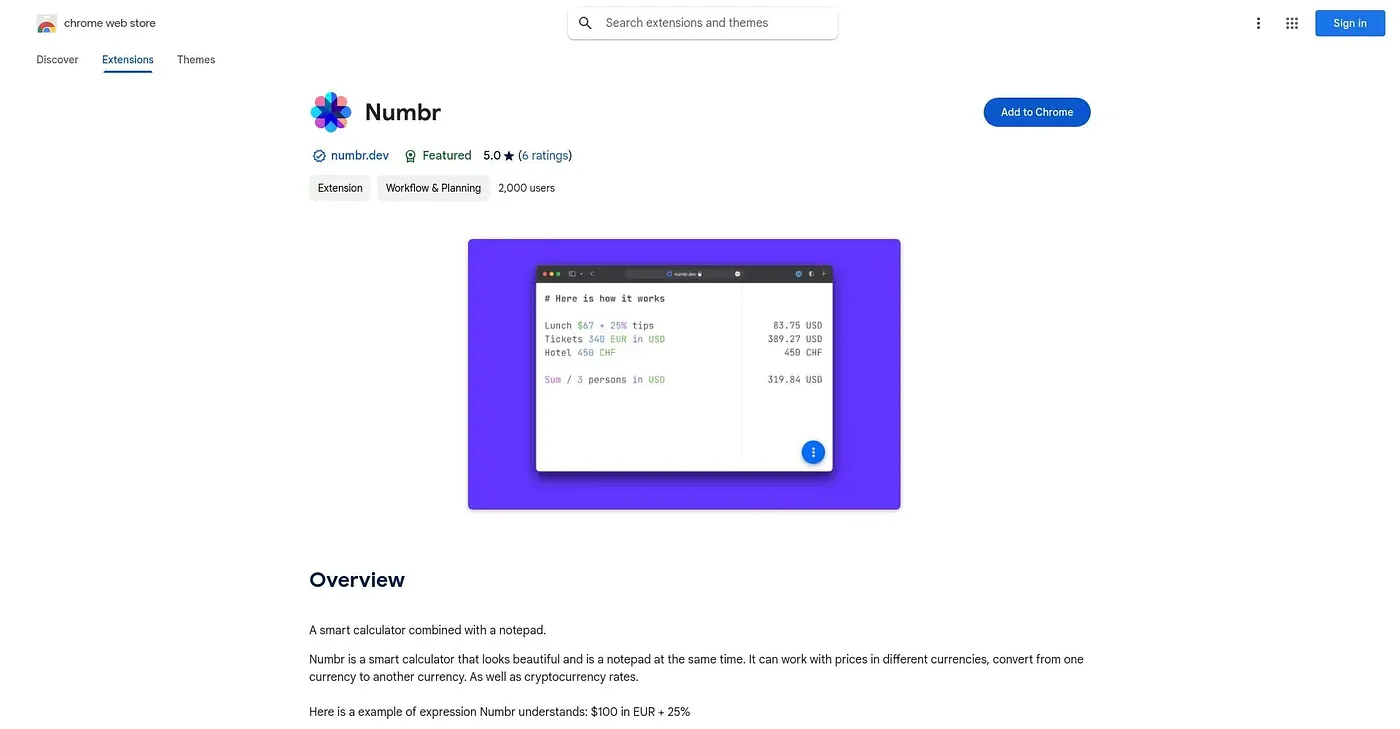
Merges a calculator and a notepad so you can crunch numbers and jot notes side by side.
At a glance
3.9 out of 5
Scored by Alex after real useOur verdict
Numbr combines an advanced calculator with an integrated notepad, so calculations and notes live in the same window, with themes and layout options to personalize the workspace. It's built for switching between number-crunching and jotting thoughts without opening two tools. Some users find the combined interface cluttered, and it lacks the depth of a dedicated calculator or note-taking app, so specialists in either may miss features.
✓What it does well
✕Where it falls short
Key features
Questions about Numbr Chrome Extension
What does Numbr Chrome Extension do?
Numbr Chrome Extension combines an advanced calculator with an integrated notepad, so calculations and notes sit in the same window. Notes can be categorized and highlighted for easier reference, and themes, font sizes and layout can be adjusted to personal preference.
Is Numbr Chrome Extension free?
Numbr Chrome Extension is listed as free, with a free tier and no paid plan listed. The vendor's site is offline, though, so no current price could be found to confirm it. It runs only as a Chrome extension.
What are the downsides of Numbr Chrome Extension?
Some users find the combined interface of Numbr Chrome Extension cluttered and a little clunky. It also lacks the depth of a dedicated calculator or note-taking app, so specialists in either may miss features, and it only works in Chrome with no other platform version.
Who is Numbr Chrome Extension best for?
Toolio lists Numbr Chrome Extension as best for people who calculate and take notes at the same time, since it saves opening two separate tools. It is not for anyone who wants a dedicated calculator or note app. Toolio scores it 3.9 out of 5.
What are some alternatives to Numbr Chrome Extension?
Toolio lists InfoCodex Document Summarizer Chrome Extension, Sankofa Chrome Extension and Trellis as alternatives. InfoCodex splits long documents into chapters and summarizes each one, while Sankofa turns browsing history into a searchable, question-answering archive.