
One Paragraph Chrome Extension
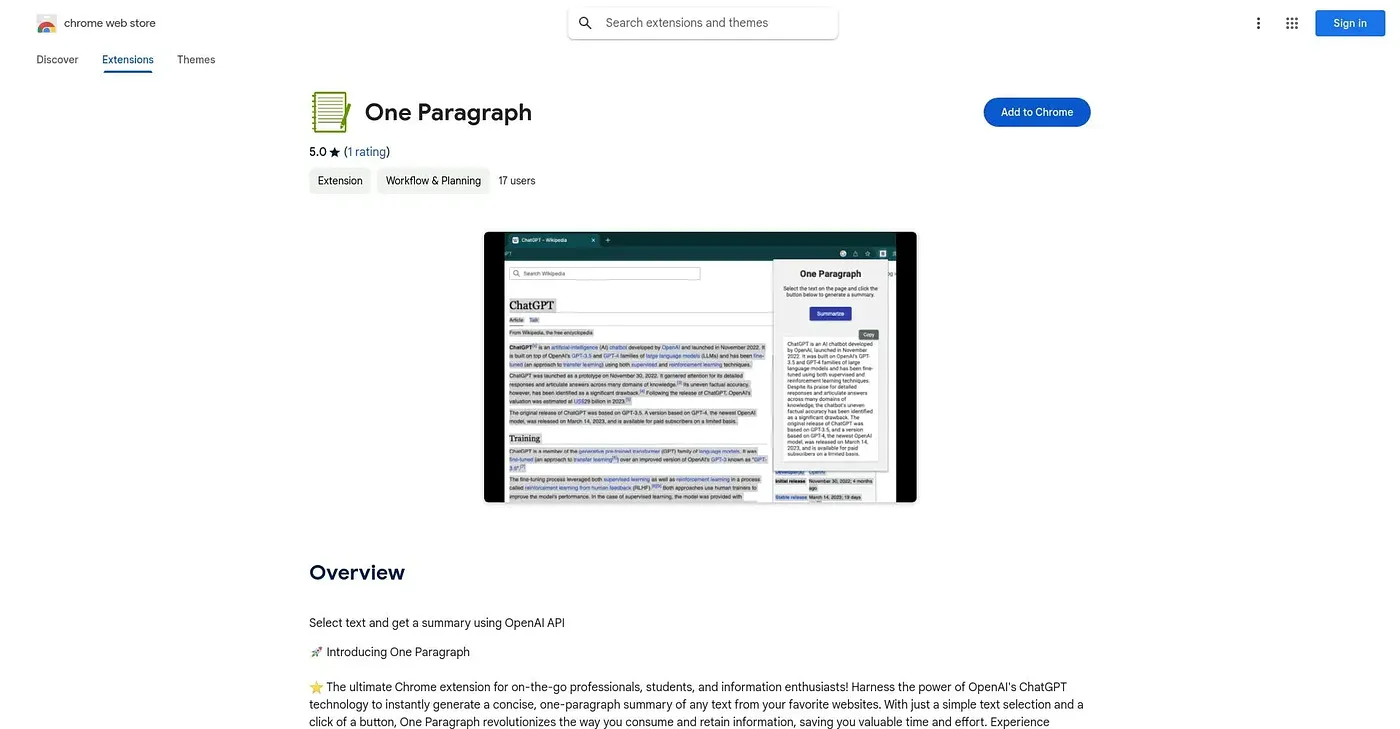
Summarizes any selected text into one paragraph using your own OpenAI API key.
At a glance
Starts at
Free
No paid plan found on the Chrome Web Store, September 2026.
Free tier
Yes
Platforms
Chrome, API
Best for
Readers wanting quick one-paragraph article summaries
Not for
Anyone without their own OpenAI API key
3.9 out of 5
Scored by Alex after real useOur verdict
One Paragraph condenses any selected text - articles, research papers, blog posts - into a single summary paragraph using ChatGPT technology. Getting it running means signing up for your own OpenAI account and pasting an API key into the extension's settings, so the actual summarization cost lands on you rather than the extension. It's a very small, single-purpose tool with just one public rating, built for a quick read rather than in-depth analysis.
✓What it does well
One-click summarizationSelecting text and clicking a button returns a one-paragraph summary.
Works across sitesIt pulls text from articles, research papers, or blog posts on any site you visit.
Lightweight extensionAt about 17KB, it's a very small, focused add-on.
✕Where it falls short
Needs your own API keyIt requires you to supply your own paid OpenAI API key rather than a built-in subscription.
Costs accrue on your accountSummarization costs are billed through your personal OpenAI account, not covered by the free extension.
Thin track recordIt has only one public rating, not much evidence yet of consistent output quality.
Key features
Text selection summarizingYou select text on any page and generate a one-paragraph summary.
OpenAI API integrationIt runs on your own OpenAI API key entered in the extension's settings.
Works on articles & papersIt handles articles, research papers, and blog posts alike.
Minimal footprintThe extension stays small, at roughly 17KB installed.