
OpenGPTs Chrome Extension
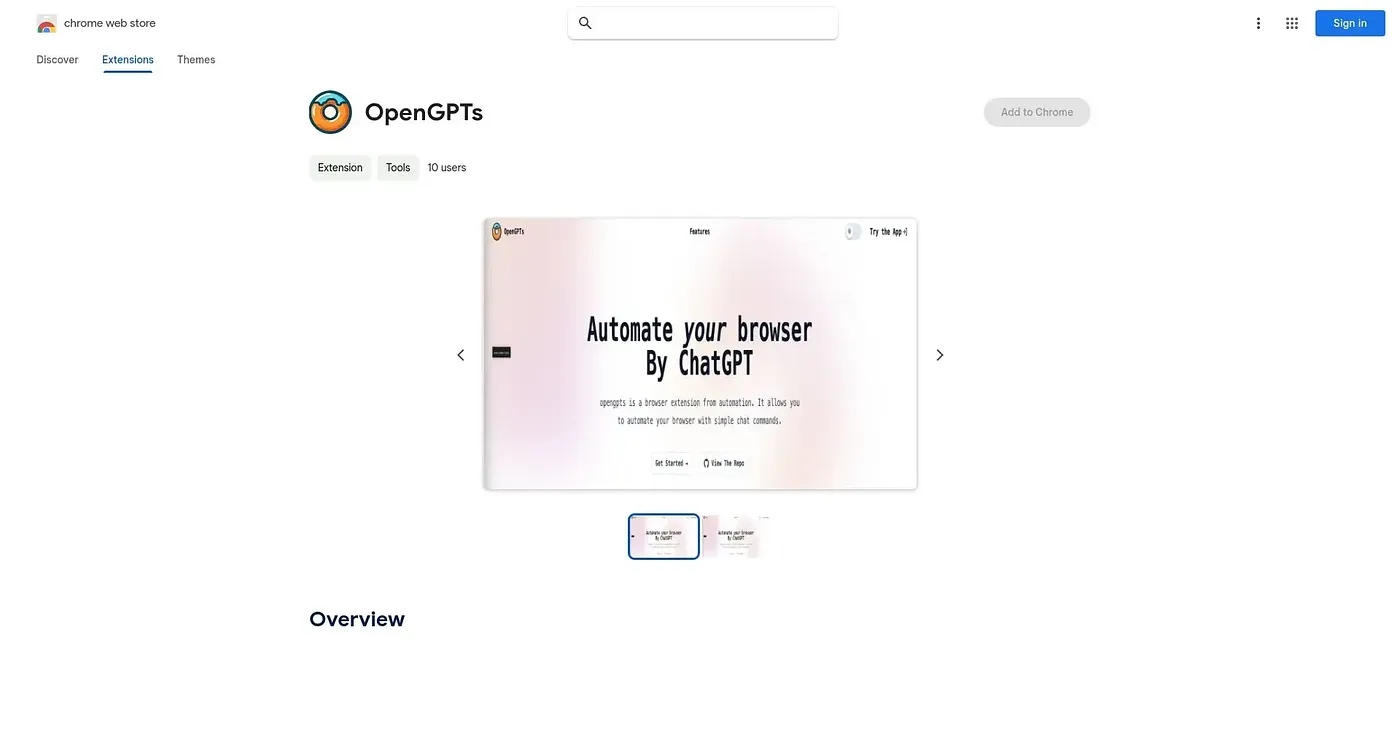
Adds a sidebar AI chat that can summarize selected text, read screenshots, and search the web for answers.
At a glance
Starts at
Free
No paid plan found on the Chrome Web Store, September 2026.
Free tier
Yes
Platforms
Chrome
Best for
Power users wanting several GPTs open side by side
Not for
Anyone wary of an open-source extension's web permissions
3.9 out of 5
Scored by Alex after real useOur verdict
OpenGPTs bundles a sidebar chat, instant screenshot analysis, one-click text summarization, and simultaneous conversations with multiple GPTs into one open-source Chrome extension. Internet-enhanced answers reduce reliance on the model's own memory, and a web-automation feature is still listed as coming soon rather than shipped. Being open-source, its code is inspectable on GitHub, though as with any extension that requests webpage access, you're trusting its stated policy against collecting browsing history.
✓What it does well
Sidebar AI chatA persistent side panel answers questions while you keep browsing.
Screenshot analysisIt can capture and analyze any screen content on demand.
Multi-GPT conversationsYou can converse with several GPTs at once for different perspectives on one question.
✕Where it falls short
Web automation not shippedThe web operator feature for automating site navigation is still listed as coming soon, not available now.
Requires webpage permissionsIt requires broad webpage access permissions to work, which some users may hesitate to grant.
Small independent projectIt's an open-source side project rather than a funded product, so support depends on one developer's time.
Key features
Side panel chatAn AI chat panel stays open in the sidebar while you browse.
Screenshot analysisIt captures and analyzes screen content on request.
Text summarizationSelected text on any page can be summarized instantly.
Internet-enhanced answersIt combines GPT with internet search to ground answers in current information.